
Pinned

2d •
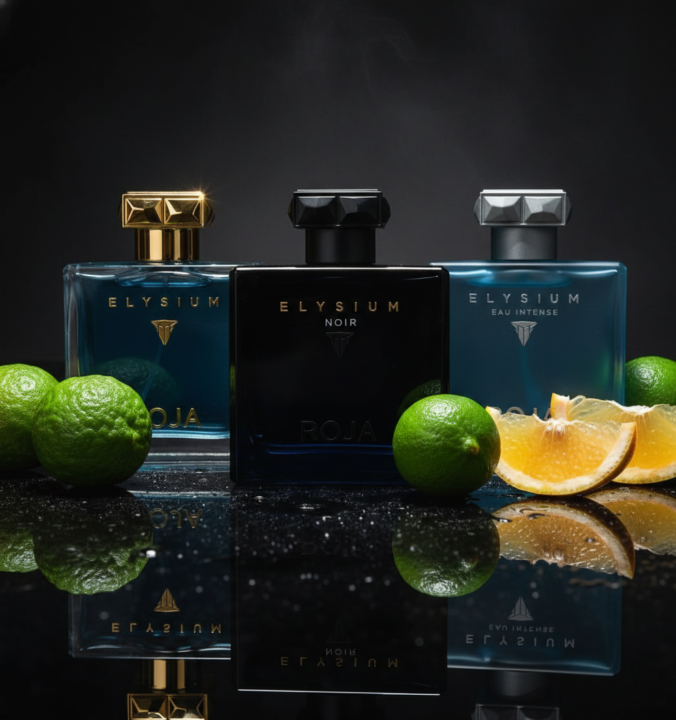
Roja Elysiums for Every Occasion — Now on Sale! UP To 52%OFF
🧊 Elysium Eau Intense 49%OFF https://get.aspr.app/SH1bfD Icy fresh power, ultra-clean and sporty. 🌊 Elysium 52%OFF https://get.aspr.app/SH1NqL Bright citrus freshness with smooth, confident elegance. 🖤 Elysium Noir 43%OFF https://get.aspr.app/SH1bfE Darker, richer Elysium with a seductive edge.
Pinned

⭐
3d •
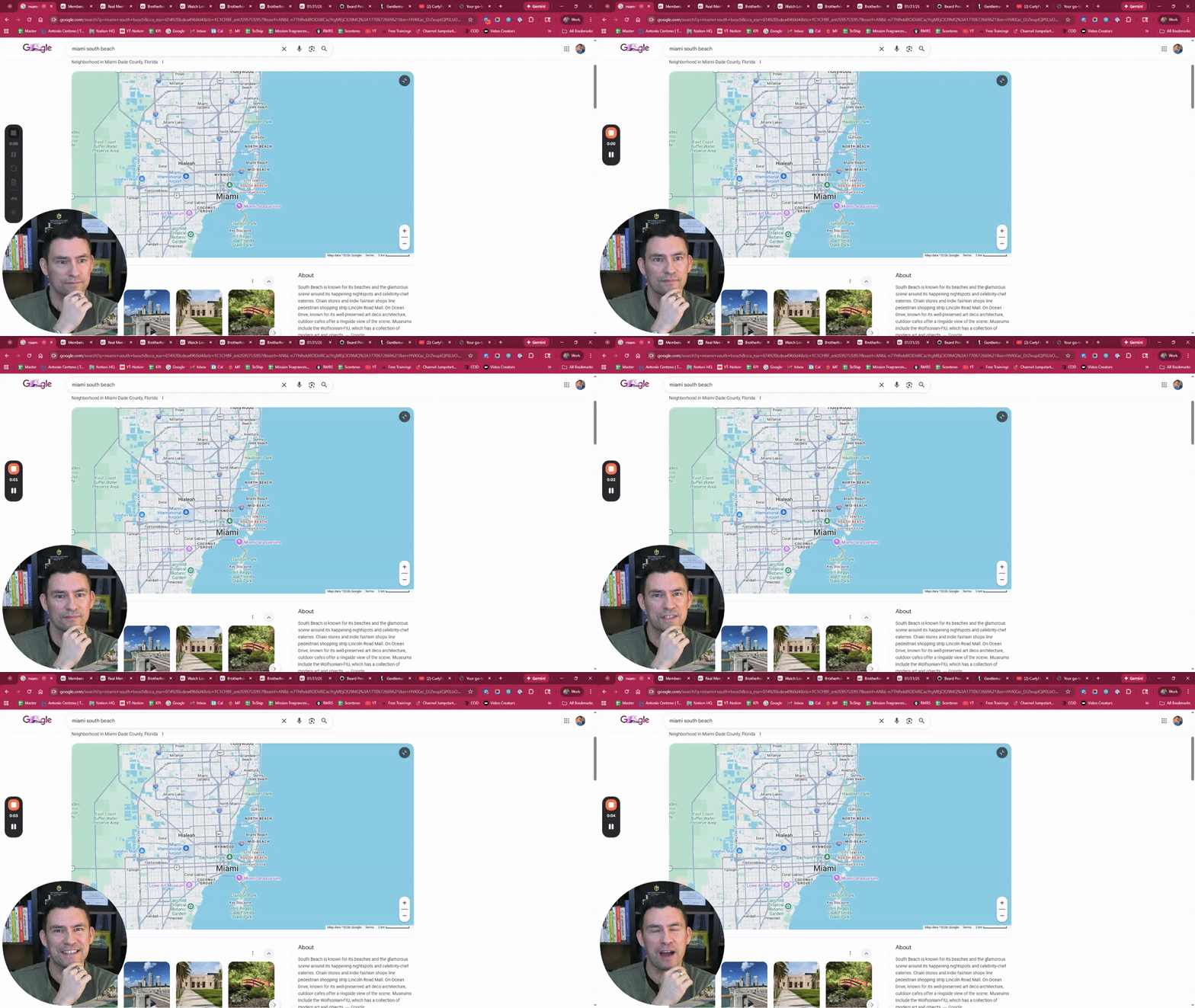
96 Hours In Miami...What To Do? Future LIVE Guests?
Need your help! Watch the video below & let me know your thoughts in the comments! https://www.loom.com/share/f3b58ee6406848aa973ee14e16c997a6
Pinned
⭐
4d •
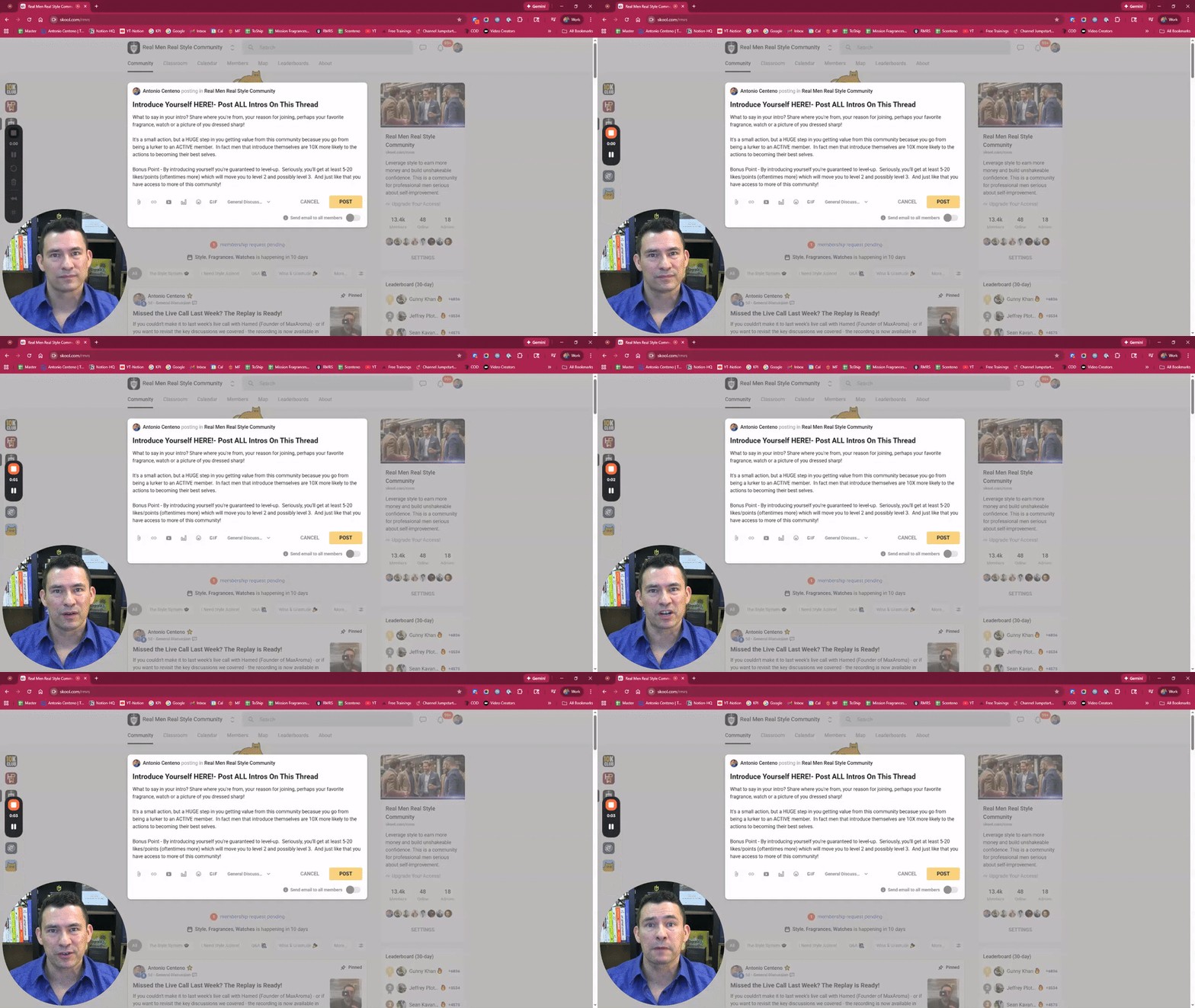
Introduce Yourself HERE!- Post ALL Intros On This Thread
What to say in your intro? Share where you're from, your reason for joining, perhaps your favorite fragrance, watch or a picture of you dressed sharp! It's a small action, but a HUGE step in you getting value from this community becasue you go from being a lurker to an ACTIVE member. In fact men that introduce themselves are 10X more likely to the actions to becoming their best selves. Bonus Point - By introducing yourself you're guaranteed to level-up. Seriously, you'll get at least 5-20 likes/points (oftentimes more) which will move you to level 2 and possibly level 3. And just like that you have access to more of this community!

3d •
i feel called out… 😹
i hate to admit that i’ve kind of been this guy (albeit it’s an exaggerated skit), but hey, you need to put your brothers into elite ball knowledge right? you need them to smell GOOD and stand out >:) and it’s better than gatekeeping am i right? side effect and althair in the summer is diabolical though https://m.youtube.com/shorts/2G9oXsR0wwg

3m •
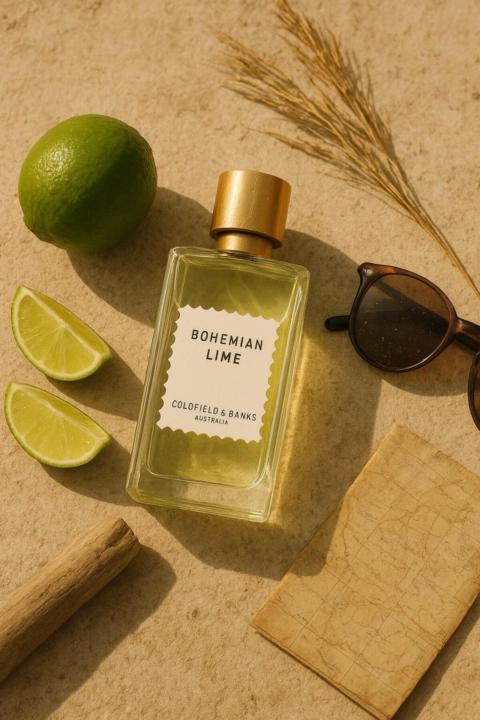
Feeling those summery vibes - Bohemian Lime Goldfield and Banks
As we've had a sunny and warm stretch here where I live, I've been noticing I've been reaching more towards my spring and summer fragrances. It could be I'm just preparing for a holiday somewhere. Warmer soon. It's funny because All Summer Long I stare longingly at my boozy dark winter scents🤷🏼 This is one I'm a really big fan of as it has a potent and somewhat unique opening and dominant citrus note, lime of course. This gives it a slightly different texture. The typical Mandarin bergamot grapefruit combo. It's sweet in the way that key lime pie might be sweet while still sharply blasting with lime zest. Underneath I get a slightly soapy and possibly some white florals. This gives it a different balance than citrus smoky oakmoss that I also enjoy. It also makes it more tart and even waxy than juicy or fernlike. Notes: Finger Lime, Vetiver and Bergemot with coriander( likely the soapiness I am getting) cedar and Australian Sandalwood. If you like citrus scents like I do but to have something slightly different than the typical fruity chypre DNA check this one out. It's a tad pricey, so I would seek out a sampler decant first or see if you can find it deeply discounted.
0
0
1-30 of 39,521

skool.com/bos
#1 Fragrance Community 🏆
Our mission is to help YOU leverage the power of scent to become the man you know yourself to be.
Leaderboard (30-day)
1

🔥
+7934
2

🔥
+7890
3

🔥
+7562
4

🔥
+6240
5

🔥
+6233
Powered by