Activity
Mon
Wed
Fri
Sun
May
Jun
Jul
Aug
Sep
Oct
Nov
Dec
Jan
Feb
Mar
Apr
What is this?
Less
More
Memberships
Ads For Coaches
8.5k members • Free
Resolve School
270 members • Free
The 5- Hour YouTuber Community
1k members • Free
Meta Mind Music | MASTERY
11 members • Free
Meta Mind Music
720 members • Free
9 contributions to Resolve School
23d •
Holy Shit - This worked! How to copy attributes & a bit of fussion
I'm placing this here more for me to remember how to do this. But I thought this might help someone else. And hey, if you got a better way of doing this, help out a bud. The Goal - to make a bunch of shorts that have a text message floating off the phone. To easy right? Well... maybe not. Things I learned: Resolve is NOT Photoshop! How to add text in fusion (Easy Peasy) and how to copy attributes.. I had no idea you could do that! Can you say exited? 😄


1 like • 6d
Finally started to understand the nodes system with color grading, but fusion still makes my brain hurt a little. There's just something about it that still hasn't quite clicked.
7d •
Colour Grading For Stills????
I didn''t see this coming..... https://www.blackmagicdesign.com/products/davinciresolve/photo

2 likes • 6d
I'm so glad I chose Blackmagic over Adobe. Every new full update makes me sure of that

25d •
Zooming in on a video before editing??
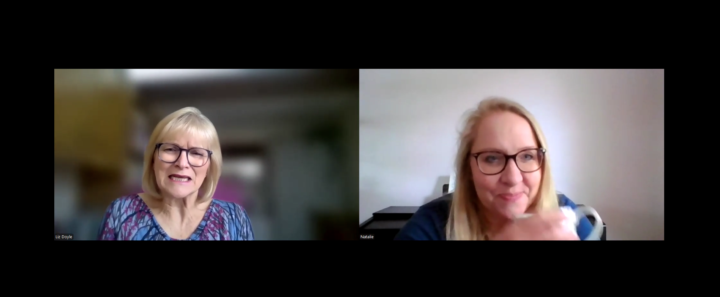
Hi. I'm really new to all this so forgive me if this is a basic question. I am co-ordinating a Christian women's conference in a few weeks. It wil be in person, about 150 attendees. Instead of speakers, we are having interviews and one of the ladies cannot make it on the day so she has been interviewed online and that recording has been sent to me to edit. I didn't realise they would both be on screen and so I need to cut the video down by about half (its currently 11 mins and I need it to be 6. Then I also want to put only the interviewee (the author on the right) on screen but keep the audio for the whole video. Can that be done? Is it a real faff? should I be thinking about it differently? Thanks!
2 likes • 7d
I used to produce a podcast that recorded over zoom, and what I did was add a background on video track 1, then the whole video on track 2, then duplicate it above. Then, crop each of those tracks to only show that person, then arrange all of those full clips, maybe add a frame or border to each, and then combining all into a new compound clip

17d •
🛑 STOP GUESSING: LET’S FIX YOUR VIDEOS STORY
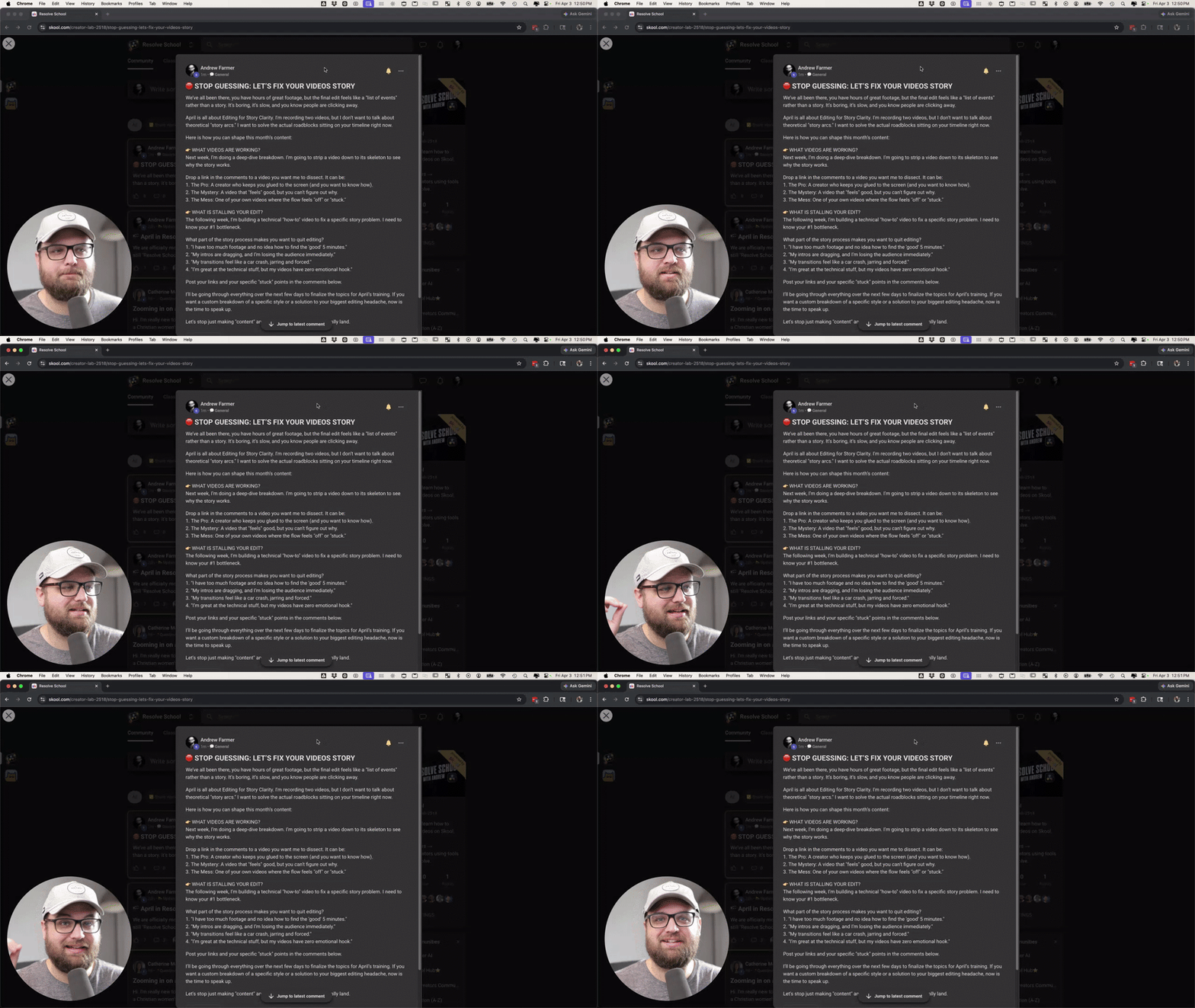
We’ve all been there, you have hours of great footage, but the final edit feels like a "list of events" rather than a story. It’s boring, it’s slow, and you know people are clicking away. April is all about Editing for Story Clarity. I'm recording two videos, but I don’t want to talk about theoretical "story arcs." I want to solve the actual roadblocks sitting on your timeline right now. Here is how you can shape this month’s content: 👉 WHAT VIDEOS ARE WORKING? Next week, I’m doing a deep-dive breakdown. I’m going to strip a video down to its skeleton to see why the story works. Drop a link in the comments to a video you want me to dissect. It can be: 1. The Pro: A creator who keeps you glued to the screen (and you want to know how). 2. The Mystery: A video that "feels" good, but you can't figure out why. 3. The Mess: One of your own videos where the flow feels "off" or "stuck." 👉 WHAT IS STALLING YOUR EDIT? The following week, I’m building a technical "how-to" video to fix a specific story problem. I need to know your #1 bottleneck. What part of the story process makes you want to quit editing? 1. "I have too much footage and no idea how to find the 'good' 5 minutes." 2. "My intros are dragging, and I’m losing the audience immediately." 3. "My transitions feel like a car crash, jarring and forced." 4. "I’m great at the technical stuff, but my videos have zero emotional hook." Post your links and your specific "stuck" points in the comments below. I’ll be going through everything over the next few days to finalize the topics for April’s training. If you want a custom breakdown of a specific style or a solution to your biggest editing headache, now is the time to speak up. Let's stop just making "content" and start making stories that actually land.
0 likes • 7d
I think my biggest issues right now are: graphics and animations (and coming up with good ideas for them), finding a good narrative or story with whatever footage I’m given, and tbh, just having the time to do that extra stuff.
Mar 12 •
🔥 FUSION EXPLAINED (IN PLAIN ENGLISH)
If Fusion has ever felt confusing, this is one of the best beginner explanations I’ve seen. Casey Feris does a great job breaking down what Fusion actually is and how it works without making it feel complicated. He walks through the basics of nodes, how things connect together, and how Fusion fits into your normal editing workflow inside Resolve. If you’ve opened the Fusion page before and immediately thought “nope… not today”, this is a really good place to start. He also shows a few simple examples so you can see how things like effects, masks, and merges actually work together. Once you understand that basic structure, Fusion starts to make a lot more sense. This is a great foundational video if you want to eventually get into: - Motion graphics - Visual effects - Masks and compositing - Building graphics inside Resolve Give it a watch and let me know in the comments: Have you used Fusion much yet, or does it still feel pretty confusing? And if you watch the video, tell me if anything finally clicked for you.
1 like • 26d
I over complicated the nodes system so much, and only recently has it started to make sense. A lot of Casey’s and Daniel Batal’s content helped it to finally “click”
1-9 of 9

@victor-avellino-5065
Multi-instrumentalist, vocalist, composer, songwriter, arranger, and just trying to figure out the rest.
Active 4h ago
Joined Feb 25, 2026