Activity
Mon
Wed
Fri
Sun
May
Jun
Jul
Aug
Sep
Oct
Nov
Dec
Jan
Feb
Mar
Apr
What is this?
Less
More
Memberships
WordPress Odyssey (Free)
664 members • Free
Resolve School
270 members • Free
WP AI Success Hub
19 members • $27/month
AI Ranking (FREE)
6.6k members • Free
AI Ranking
504 members • $27/month
23 contributions to Resolve School

6d •
Colour Grading For Stills????
I didn''t see this coming..... https://www.blackmagicdesign.com/products/davinciresolve/photo

23d •
Holy Shit - This worked! How to copy attributes & a bit of fussion
I'm placing this here more for me to remember how to do this. But I thought this might help someone else. And hey, if you got a better way of doing this, help out a bud. The Goal - to make a bunch of shorts that have a text message floating off the phone. To easy right? Well... maybe not. Things I learned: Resolve is NOT Photoshop! How to add text in fusion (Easy Peasy) and how to copy attributes.. I had no idea you could do that! Can you say exited? 😄

1 like • 16d
@David Mason You need to change your view to portrait mode then you'll get the expand button. See the video, hope this helps. Way too many tricks in resolve.

17d •
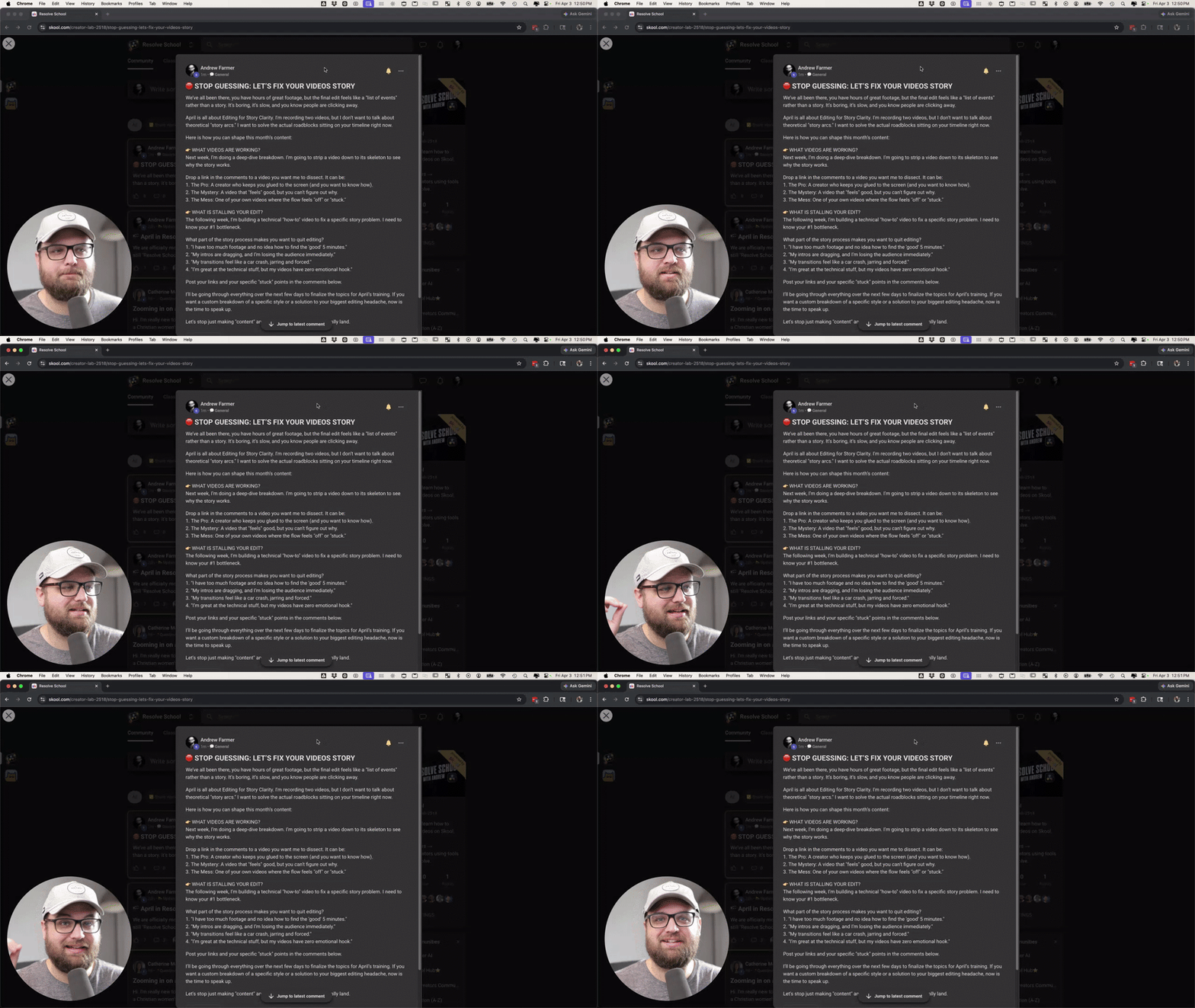
🛑 STOP GUESSING: LET’S FIX YOUR VIDEOS STORY
We’ve all been there, you have hours of great footage, but the final edit feels like a "list of events" rather than a story. It’s boring, it’s slow, and you know people are clicking away. April is all about Editing for Story Clarity. I'm recording two videos, but I don’t want to talk about theoretical "story arcs." I want to solve the actual roadblocks sitting on your timeline right now. Here is how you can shape this month’s content: 👉 WHAT VIDEOS ARE WORKING? Next week, I’m doing a deep-dive breakdown. I’m going to strip a video down to its skeleton to see why the story works. Drop a link in the comments to a video you want me to dissect. It can be: 1. The Pro: A creator who keeps you glued to the screen (and you want to know how). 2. The Mystery: A video that "feels" good, but you can't figure out why. 3. The Mess: One of your own videos where the flow feels "off" or "stuck." 👉 WHAT IS STALLING YOUR EDIT? The following week, I’m building a technical "how-to" video to fix a specific story problem. I need to know your #1 bottleneck. What part of the story process makes you want to quit editing? 1. "I have too much footage and no idea how to find the 'good' 5 minutes." 2. "My intros are dragging, and I’m losing the audience immediately." 3. "My transitions feel like a car crash, jarring and forced." 4. "I’m great at the technical stuff, but my videos have zero emotional hook." Post your links and your specific "stuck" points in the comments below. I’ll be going through everything over the next few days to finalize the topics for April’s training. If you want a custom breakdown of a specific style or a solution to your biggest editing headache, now is the time to speak up. Let's stop just making "content" and start making stories that actually land.
1 like • 16d
Let start with a short YT - trying this out to see if I can get some traction. Have been posting to YT, IG,FB https://youtube.com/shorts/lguzIxe8VfA
1 like • 16d
My latest YT full length video - Travel | Hiking https://youtu.be/t9vzuCG9fHA
18d •
Fussion - Issues with tracking
I'm learning lots This week I spent the last several days learning Fusion, but I'm still not accomplishing what I want. ***** Goal ****** To change out the iPhone wall paper on the desk with the image of the elephant. Problem is that when I use inteligent tracking it doesn't work as well as I'd like. I've added a few more points to the tracker, but no joy. I really didn't want to go full manual mode, so I'm wondering if anyone has a few pointers to help me out?

1 like • 18d
thanks @Andrew Farmer I'll give both of those a look 👍🙏
18d •
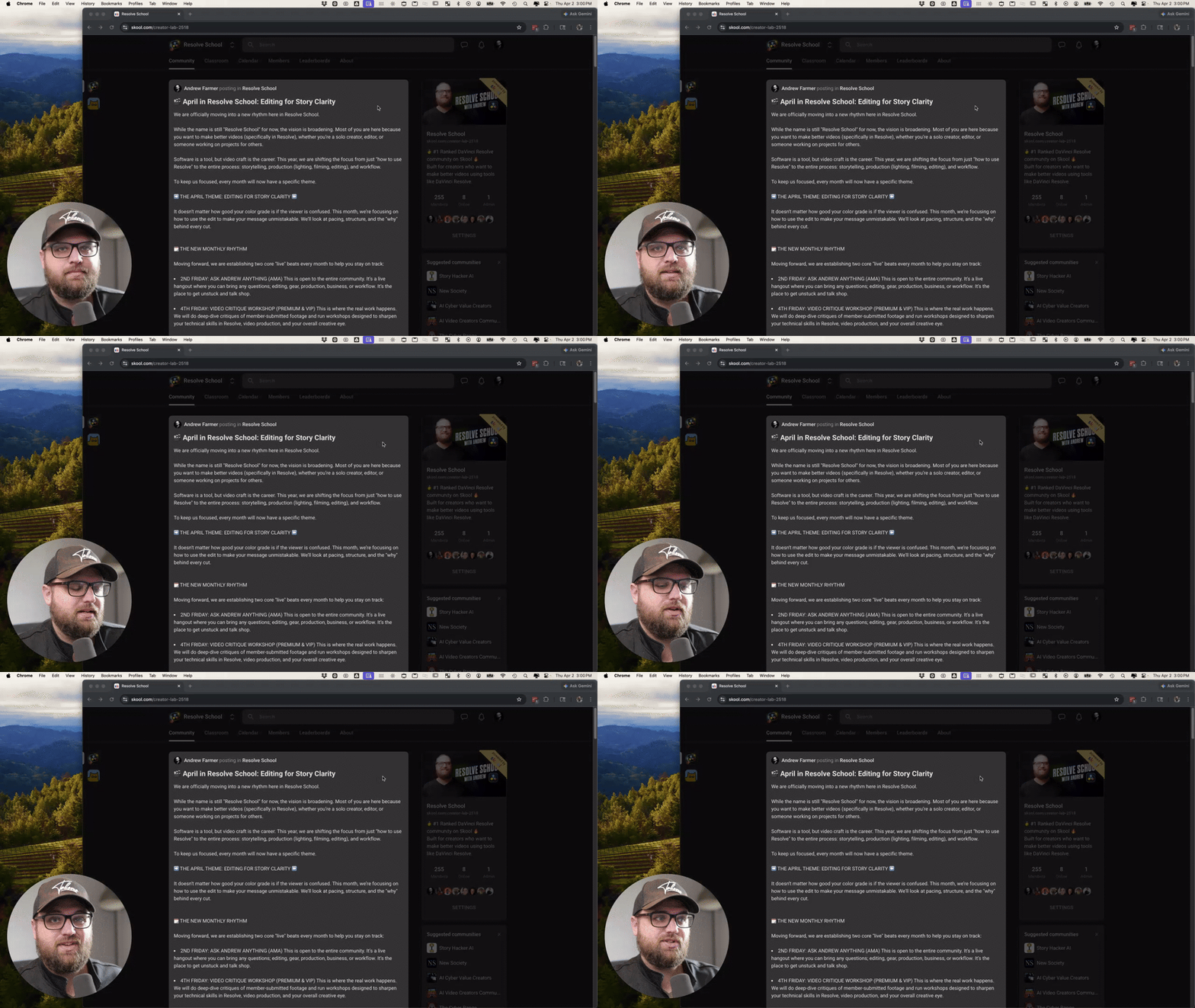
🎬 April in Resolve School: Editing for Story Clarity
We are officially moving into a new rhythm here in Resolve School. While the name is still "Resolve School" for now, the vision is broadening. Most of you are here because you want to make better videos (specifically in Resolve), whether you’re a solo creator, editor, or someone working on projects for others. Software is a tool, but video craft is the career. This year, we are shifting the focus from just "how to use Resolve" to the entire process: storytelling, production (lighting, filming, editing), and workflow. To keep us focused, every month will now have a specific theme. ➡️ THE APRIL THEME: EDITING FOR STORY CLARITY ⬅️ It doesn't matter how good your color grade is if the viewer is confused. This month, we’re focusing on how to use the edit to make your message unmistakable. We’ll look at pacing, structure, and the "why" behind every cut. 🗓️ THE NEW MONTHLY RHYTHM Moving forward, we are establishing two core "live" beats every month to help you stay on track: - 2ND FRIDAY: ASK ANDREW ANYTHING (AMA) This is open to the entire community. It’s a live hangout where you can bring any questions; editing, gear, production, business, or workflow. It’s the place to get unstuck and talk shop. - 4TH FRIDAY: VIDEO CRITIQUE WORKSHOP (PREMIUM & VIP) This is where the real work happens. We will do deep-dive critiques of member-submitted footage and run workshops designed to sharpen your technical skills in Resolve, video production, and your overall creative eye. 👉 WHAT’S COMING THIS WEEK I am committing to releasing two core teaching videos every month for you: a Video Breakdown (analyzing why a video works) and a Skill Training (a practical "how-to" system). Tomorrow, I’ll be posting a specific thread about these videos. I want you involved in the process, so I’ll be explaining exactly how you can help shape the content and get your own questions answered in those videos. MY INTENTION FOR THIS COMMUNITY
2 likes • 18d
drooling with anticipation! Food for thought I'm looking at travel videos, instructional videos and YT shorts, IG & FB reels and Etsy.
1-10 of 23
@bob-wild-5704
Old guy with too many hobbies on a perpetual learning curve.
Live as if you were to die tomorrow. Learn as if you were to live forever.
Active 23h ago
Joined Jan 20, 2026
Vancouver Island