

6d •
Resolve 21 Is Here (Beta) 👀
Just dropping this in here for you guys, Resolve 21 is officially out in beta, and there’s actually a lot in this update. I grabbed two solid videos that break everything down so you can skim through the features and see what actually matters without wasting time digging through release notes. A few things that stood out to me right away: - AI IntelliSearch → being able to search clips by what’s in them (objects, faces, dialogue) is a big workflow shift - AI Cine Focus → finally a blur tool that actually looks natural and handles edges well - Speech Generator → built-in text-to-speech with custom voice options, more useful than I expected for small fixes - Magic Mask caching → not having to re-track masks every time is a legit quality of life win - New Photo Page → full photo workflow inside Resolve, feels like they’re pushing toward replacing Lightroom There’s also a bunch of smaller quality-of-life stuff that honestly adds up more than the headline features. Quick heads up, though, this is beta. Expect bugs, and don’t throw it on a critical project without backing things up first. Go check out the videos and see what stands out to you. Curious what you guys actually think is useful vs just new and shiny 👇

6d •
Colour Grading For Stills????
I didn''t see this coming..... https://www.blackmagicdesign.com/products/davinciresolve/photo

17d •
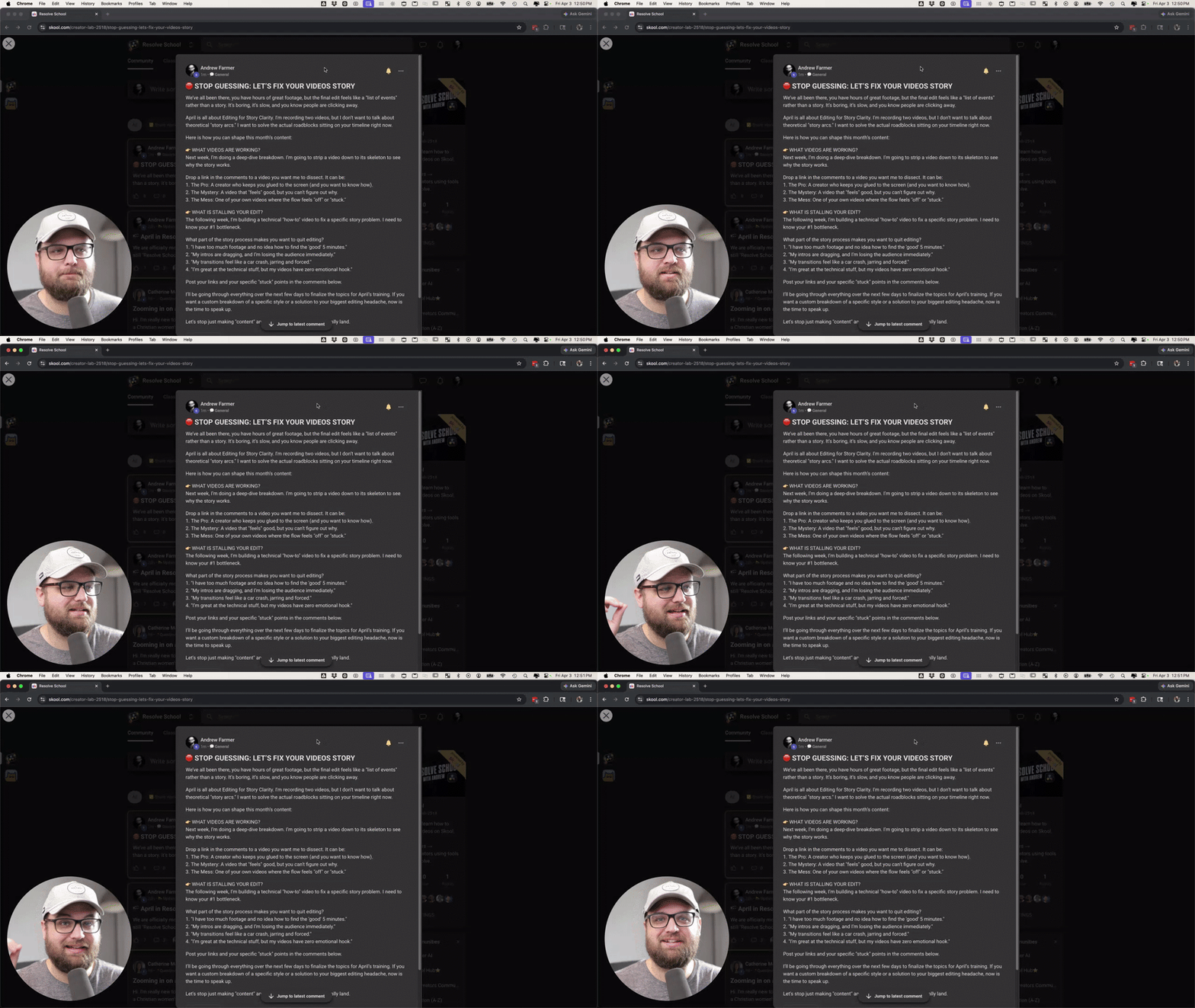
🛑 STOP GUESSING: LET’S FIX YOUR VIDEOS STORY
We’ve all been there, you have hours of great footage, but the final edit feels like a "list of events" rather than a story. It’s boring, it’s slow, and you know people are clicking away. April is all about Editing for Story Clarity. I'm recording two videos, but I don’t want to talk about theoretical "story arcs." I want to solve the actual roadblocks sitting on your timeline right now. Here is how you can shape this month’s content: 👉 WHAT VIDEOS ARE WORKING? Next week, I’m doing a deep-dive breakdown. I’m going to strip a video down to its skeleton to see why the story works. Drop a link in the comments to a video you want me to dissect. It can be: 1. The Pro: A creator who keeps you glued to the screen (and you want to know how). 2. The Mystery: A video that "feels" good, but you can't figure out why. 3. The Mess: One of your own videos where the flow feels "off" or "stuck." 👉 WHAT IS STALLING YOUR EDIT? The following week, I’m building a technical "how-to" video to fix a specific story problem. I need to know your #1 bottleneck. What part of the story process makes you want to quit editing? 1. "I have too much footage and no idea how to find the 'good' 5 minutes." 2. "My intros are dragging, and I’m losing the audience immediately." 3. "My transitions feel like a car crash, jarring and forced." 4. "I’m great at the technical stuff, but my videos have zero emotional hook." Post your links and your specific "stuck" points in the comments below. I’ll be going through everything over the next few days to finalize the topics for April’s training. If you want a custom breakdown of a specific style or a solution to your biggest editing headache, now is the time to speak up. Let's stop just making "content" and start making stories that actually land.
10d •
Ask Andrew Anything 🎥 (Replay + What We Covered)
First AMA is in the books. Small group this time, but honestly this is exactly how these get good, more real conversation, less noise. This format is open to everyone, so bring whatever you’re working through next time. WHAT WE TALKED ABOUT: - Screen replacements and why they’re harder than they look - Color grading struggles, especially getting consistent results - Plugins vs learning the tools inside Resolve - Building simple workflows and “recipes” for repeatable edits - The reality of learning creative tools, you don’t ever fully “arrive” - How production (what you shoot) affects what you can do in post - Growing on YouTube with simple, searchable videos BIG TAKEAWAY: Most of the struggle isn’t tools, it’s knowing what to do and having a repeatable way to do it. That’s what we’re building here. NEXT AMA: Bring your questions, editing, lighting, workflow, anything. If you can’t make it live, drop your question below and I’ll cover it on the call.

16d •
🔥 THE HOT SEAT: SUBMIT YOUR VIDEO FOR APRIL’S CRITIQUE
The fastest way to stop making the same mistakes is to have another pair of professional eyes on your timeline. This is where the real growth happens in Resolve School. I am officially opening the floor for submissions for our Video Critique Workshop on the 4th Friday of this month. This workshop and the resulting replays are exclusive to Premium and VIP members. Standard members do not have access to this session or the recordings. If you are in the Premium or VIP tiers, this is your chance to get a custom "fix" for your current project. REPLAY ACCESS & THE ARCHIVE 1. PREMIUM MEMBERS: You get full access to the live workshop and the replay until next month's Video Critique Workshop. 2. VIP MEMBERS: You get full access to the live workshop plus lifetime access to the entire archive of every previous workshop and critique session we’ve ever done. WHAT TO SUBMIT While our monthly theme is Story Clarity, this session is a full-stop review. It is not limited to the theme. You can submit: 1. A rough cut where the pacing feels "off." 2. A color grade you just can’t get right. 3. A specific 60-second sequence you want me to look at. 4. Anything technical or creative that has you stuck. The workshop portion of the call will touch on Story Clarity systems, but the critique portion is 100% focused on your specific projects. HOW TO GET ON THE LIST 1. DROP A LINK in the comments below (YouTube, Google Drive, or Frame.io). 2. GIVE CONTEXT: Tell me what the video is for and one specific thing you want me to look at. 3. KEEP IT SHORT: Please keep clips or sections of a video under 2 minutes so we can do a deep dive into the details. DEADLINE TO SUBMIT: Wednesday, April 22nd @ 11:59 PM (PT). Watching someone else's work get dissected is often where you’ll find the solution to your own editing headaches. Get your links in early so I have time to prep the feedback. Let’s make these videos better. — Andrew
6
0
1-30 of 46
powered by
skool.com/creator-lab-2518
🥇#1 Ranked DaVinci Resolve community on Skool 🔥
Built for beginners → intermediate creators using DaVinci Resolve.
Suggested communities
Powered by