

25d •
✂️ How I Turn Long Videos Into Shorts
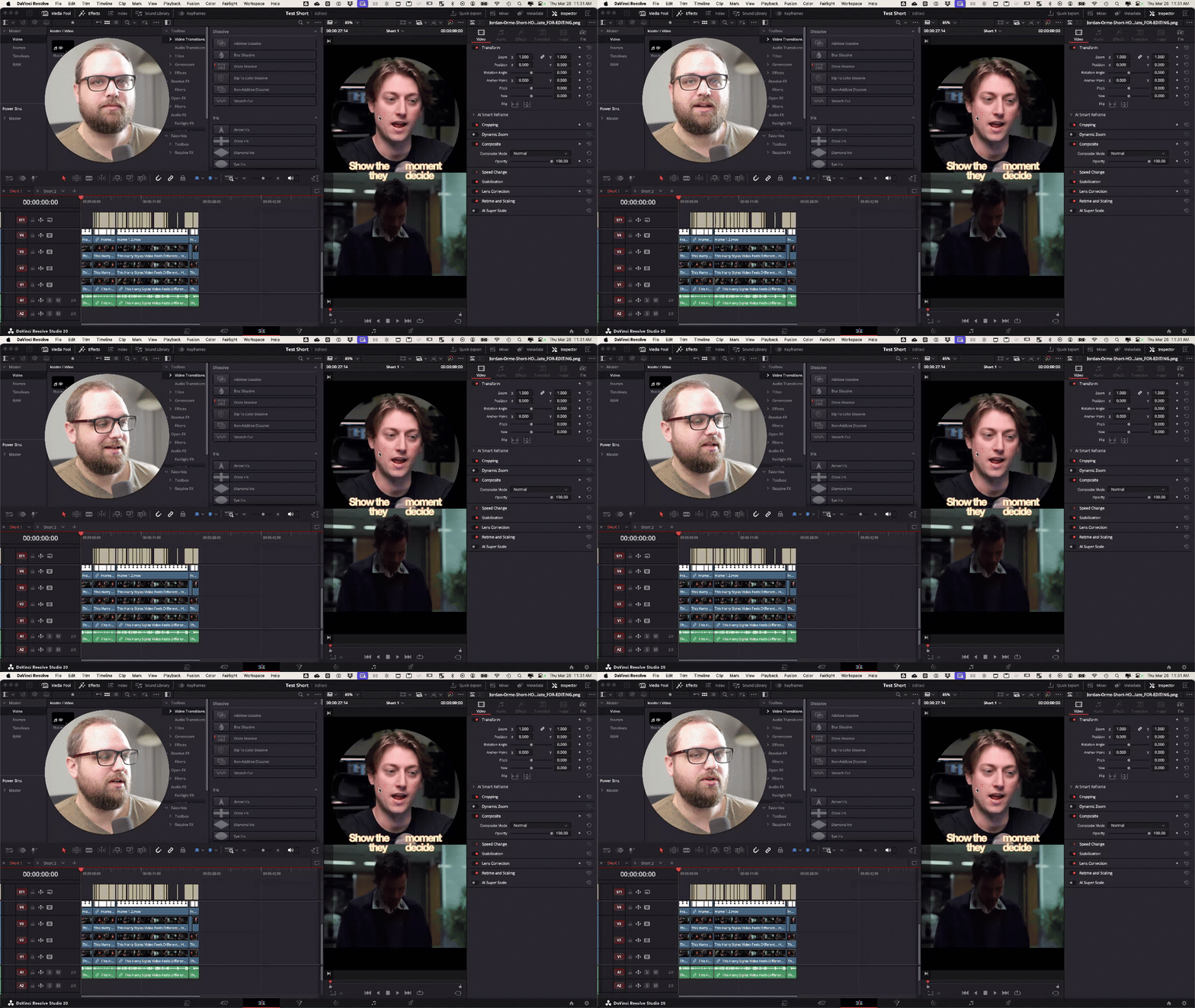
Quick one for you guys, I don’t usually talk about Shorts much, but I was working on a few for Jordan Orme this week and figured I’d just show you exactly how I approached it. This is me actually doing it in Resolve, not just letting AI handle everything. I do use transcripts + ChatGPT to help find good moments, but the edit itself is still very intentional. Nothing fancy, just the real process I’m using right now If you’re making Shorts or thinking about it, watch it and let me know what part you get stuck on, or what your current process looks like.

23d •
Holy Shit - This worked! How to copy attributes & a bit of fussion
I'm placing this here more for me to remember how to do this. But I thought this might help someone else. And hey, if you got a better way of doing this, help out a bud. The Goal - to make a bunch of shorts that have a text message floating off the phone. To easy right? Well... maybe not. Things I learned: Resolve is NOT Photoshop! How to add text in fusion (Easy Peasy) and how to copy attributes.. I had no idea you could do that! Can you say exited? 😄

24d •
FRIDAY WINS 🎉
Let’s run it back. What did you actually get done this week? Not what you planned… what actually happened. Could be anything: - Finished a video - Learned something new in editing - Posted consistently - Took on a client project - Fixed something that’s been slowing you down - Even just sat down and did the work when you didn’t feel like it Small wins count. Honestly, those are usually the ones that matter most. If you’ve been stuck or this week didn’t go how you wanted, that’s fine too, just share one thing you did move forward. Drop your win below 👇 And if you want, share the video or project you worked on, I’ll jump in and take a look. Let’s stack some momentum going into next week.

Mar 18 •
🎬 Editing Breakdown: What I’d Fix In This Intro
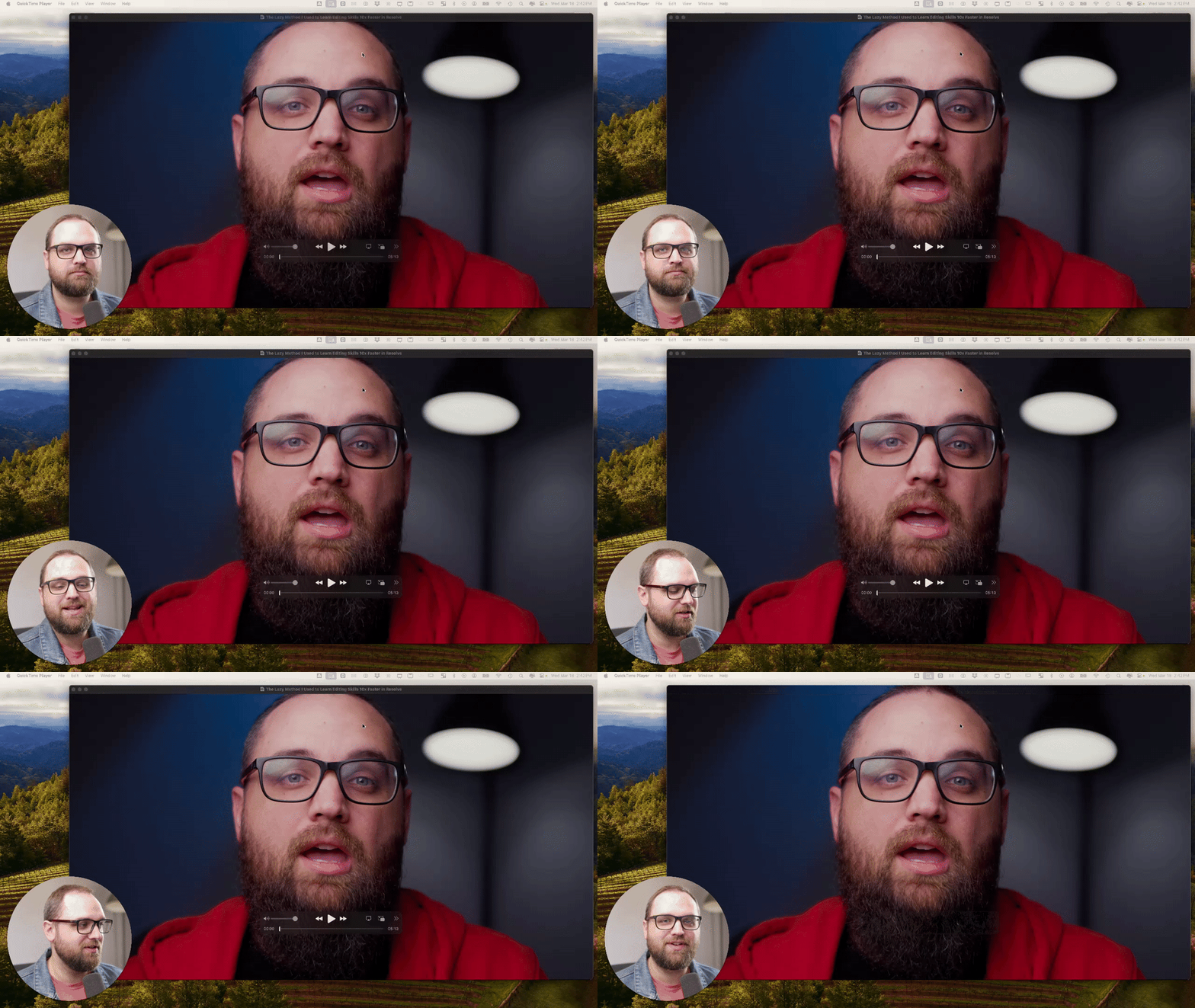
I’m going to start to do more breakdowns inside the community. The goal of these posts isn’t just learning the software. But it’s learning how to make better videos overall. That includes editing, storytelling, pacing, lighting, and the full video process. In this simple breakdown, I walk through an intro from one of my recent videos and talk about: - pacing - structure - editing choices - what I’d improve next time Drop your critiques in the comments below 👇
Mar 20 •
FRIDAY WINS 🏆 & VIDEO FEEDBACK 🎬
Let’s hear what went well this week. Big or small, it all counts. Anything related to your video work. Some ideas: - Finished a video - Landed a client - Upgraded gear - Tried something new - Improved something you’ve been working on Drop your win below. Always good to see what people are building. VIDEO FEEDBACK 🎬 Trying something new here. If you’re working on a real video and want feedback, send me a DM with a link. I’m going to pick one or two submissions and do a full breakdown for the community. So if you submit, just know this won’t be a private critique, it’ll be something I walk through and share so everyone can learn from it. You can send: - A rough cut - A finished video - A short section you’re unsure about If there’s something specific you want me to focus on, let me know when you send it.

1-15 of 15
powered by
skool.com/creator-lab-2518
🥇#1 Ranked DaVinci Resolve community on Skool 🔥
Built for beginners → intermediate creators using DaVinci Resolve.
Suggested communities
Powered by