
Pinned

Jul '25 •
WELCOME TO RESOLVE SCHOOL 👋
Glad you’re here. This is a space for creators who want to actually get comfortable and fast inside DaVinci Resolve.The goal is simple: give you a clear workflow so you can stop guessing, edit faster, and finish your videos with confidence. START HERE The Classroom is where everything lives. Start with the Resolve Foundations Library. This is not meant to be watched in order. Find the specific workflow or problem you’re dealing with, apply it, and move on. The goal isn’t to learn everything. It’s to get what you need, use it immediately, and keep editing. HOW THIS COMMUNITY WORKS We don’t do random tutorials or content dumps. Everything here is built around helping you use Resolve more effectively. Each month includes: • Core Trainings - Breakdowns and system-based lessons focused on real editing workflows • 1 Live Session (Premium & VIP) - Get your questions answered and see real edits being worked through WHAT YOU’LL GET OUT OF THIS If you stick with it, you’ll: - Build a clear editing workflow inside Resolve - Stop jumping between random tutorials - Edit faster and with more confidence - Actually finish your projects INTRODUCE YOURSELF Before you jump in, drop a quick intro below: 1. What kind of videos are you editing? 2. What’s your experience level with Resolve? 3. What’s one thing you want to improve right now? Keep it simple. Focus on progress, not perfection. I’ll see you in the feed.

Pinned
5d •
🎥 Launching Video Maker School (Cohort + Community)
Let’s say you’ve got a decent setup. You know your way around editing. You’ve watched the tutorials. But your videos still don’t look like others in your niche. Not bad, just not as clean, not as intentional, not quite at that level yet. And the frustrating part is you don’t really know what’s causing it. That’s exactly what I’m building Video Maker School around. WHAT THIS IS I’m putting together a 6-week cohort for educational creators who are serious about building authority or a business, but feel like their video quality isn’t there yet. No more random tips. No more tutorial rabbit holes. This is about: 👉 understanding what’s actually causing that gap 👉 fixing it step by step 👉 building a process you can rely on every time you record WHAT WE’LL DO Each week, we focus on what actually moves the needle: - lighting - framing and setup - color and image control - audio and on-camera presence - the small details that elevate everything Plus: - live sessions - real feedback on your footage - clear direction on what to fix THE GOAL By the end of the 6 weeks: 👉 you know what’s wrong with your videos 👉 you can fix it without guessing 👉 your content actually looks like the level you’re trying to build WANT IN? I’m keeping the first group small. If this sounds like you, join the waitlist here 👈
Pinned
6d •
Resolve 21 Is Here (Beta) 👀
Just dropping this in here for you guys, Resolve 21 is officially out in beta, and there’s actually a lot in this update. I grabbed two solid videos that break everything down so you can skim through the features and see what actually matters without wasting time digging through release notes. A few things that stood out to me right away: - AI IntelliSearch → being able to search clips by what’s in them (objects, faces, dialogue) is a big workflow shift - AI Cine Focus → finally a blur tool that actually looks natural and handles edges well - Speech Generator → built-in text-to-speech with custom voice options, more useful than I expected for small fixes - Magic Mask caching → not having to re-track masks every time is a legit quality of life win - New Photo Page → full photo workflow inside Resolve, feels like they’re pushing toward replacing Lightroom There’s also a bunch of smaller quality-of-life stuff that honestly adds up more than the headline features. Quick heads up, though, this is beta. Expect bugs, and don’t throw it on a critical project without backing things up first. Go check out the videos and see what stands out to you. Curious what you guys actually think is useful vs just new and shiny 👇

8h •
How to increase the rate speed of the video?
Hey guys, today I just bought DaVinci Resolve 20. I've been watching a lot of YouTube videos trying to turn a long video into a few short clips, and it was so frustrating that I almost felt like giving up. ----- Sorry for the side note! My question is: how do you speed up a video to export at twice the speed?
25d •
✂️ How I Turn Long Videos Into Shorts
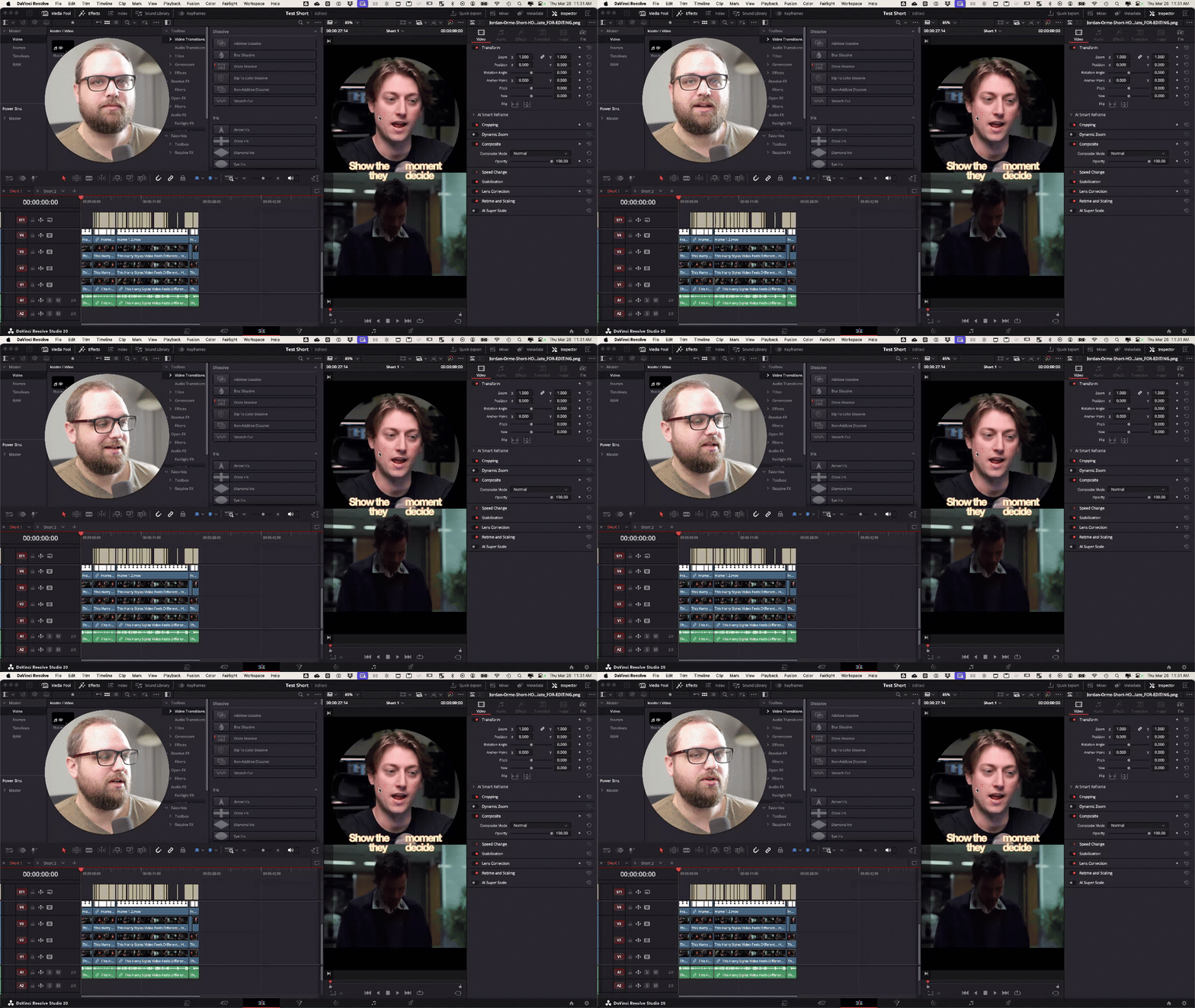
Quick one for you guys, I don’t usually talk about Shorts much, but I was working on a few for Jordan Orme this week and figured I’d just show you exactly how I approached it. This is me actually doing it in Resolve, not just letting AI handle everything. I do use transcripts + ChatGPT to help find good moments, but the edit itself is still very intentional. Nothing fancy, just the real process I’m using right now If you’re making Shorts or thinking about it, watch it and let me know what part you get stuck on, or what your current process looks like.
1-30 of 145
powered by
skool.com/creator-lab-2518
🥇#1 Ranked DaVinci Resolve community on Skool 🔥
Built for beginners → intermediate creators using DaVinci Resolve.
Suggested communities
Powered by