

8d •
🎥 Launching Video Maker School (Cohort + Community)
Let’s say you’ve got a decent setup. You know your way around editing. You’ve watched the tutorials. But your videos still don’t look like others in your niche. Not bad, just not as clean, not as intentional, not quite at that level yet. And the frustrating part is you don’t really know what’s causing it. That’s exactly what I’m building Video Maker School around. WHAT THIS IS I’m putting together a 6-week cohort for educational creators who are serious about building authority or a business, but feel like their video quality isn’t there yet. No more random tips. No more tutorial rabbit holes. This is about: 👉 understanding what’s actually causing that gap 👉 fixing it step by step 👉 building a process you can rely on every time you record WHAT WE’LL DO Each week, we focus on what actually moves the needle: - lighting - framing and setup - color and image control - audio and on-camera presence - the small details that elevate everything Plus: - live sessions - real feedback on your footage - clear direction on what to fix THE GOAL By the end of the 6 weeks: 👉 you know what’s wrong with your videos 👉 you can fix it without guessing 👉 your content actually looks like the level you’re trying to build WANT IN? I’m keeping the first group small. If this sounds like you, join the waitlist here 👈
21d •
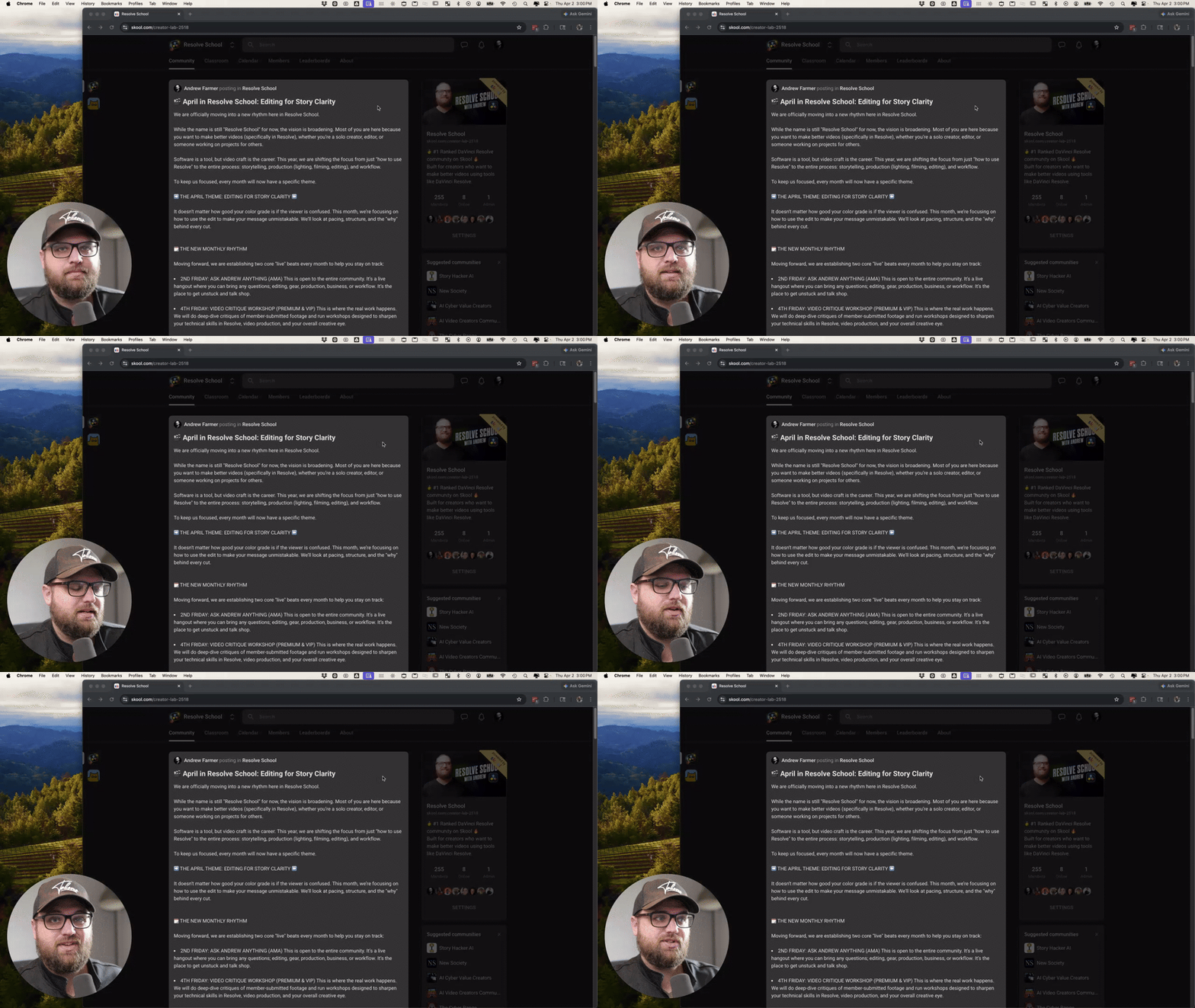
🎬 April in Resolve School: Editing for Story Clarity
We are officially moving into a new rhythm here in Resolve School. While the name is still "Resolve School" for now, the vision is broadening. Most of you are here because you want to make better videos (specifically in Resolve), whether you’re a solo creator, editor, or someone working on projects for others. Software is a tool, but video craft is the career. This year, we are shifting the focus from just "how to use Resolve" to the entire process: storytelling, production (lighting, filming, editing), and workflow. To keep us focused, every month will now have a specific theme. ➡️ THE APRIL THEME: EDITING FOR STORY CLARITY ⬅️ It doesn't matter how good your color grade is if the viewer is confused. This month, we’re focusing on how to use the edit to make your message unmistakable. We’ll look at pacing, structure, and the "why" behind every cut. 🗓️ THE NEW MONTHLY RHYTHM Moving forward, we are establishing two core "live" beats every month to help you stay on track: - 2ND FRIDAY: ASK ANDREW ANYTHING (AMA) This is open to the entire community. It’s a live hangout where you can bring any questions; editing, gear, production, business, or workflow. It’s the place to get unstuck and talk shop. - 4TH FRIDAY: VIDEO CRITIQUE WORKSHOP (PREMIUM & VIP) This is where the real work happens. We will do deep-dive critiques of member-submitted footage and run workshops designed to sharpen your technical skills in Resolve, video production, and your overall creative eye. 👉 WHAT’S COMING THIS WEEK I am committing to releasing two core teaching videos every month for you: a Video Breakdown (analyzing why a video works) and a Skill Training (a practical "how-to" system). Tomorrow, I’ll be posting a specific thread about these videos. I want you involved in the process, so I’ll be explaining exactly how you can help shape the content and get your own questions answered in those videos. MY INTENTION FOR THIS COMMUNITY
Mar 16 •
📅 Mar 16th - MONDAY CHECK-IN 👋
Hey everyone, happy Monday. Just wanted to check in and say welcome to the new members who joined recently. Glad you're here. @Sikho Qangani @Jessa Stebbins @Fernando Nogueira @David Hubbard @Parker Humpherys @Mohammed Jaafar @Ariunbileg Alirz @James Rai @Sonia Ramsey If you're new here (or even if you're not), this community is basically a place for creators who want to get better at editing, learn DaVinci Resolve, and improve the videos they're making. A lot of the value here comes from people actually sharing what they’re working on and asking questions. So if you’ve been lurking for a bit, this is a good week to jump in. A few simple things you could post: • A video you’re currently editing • A timeline or workflow question • Something you’re stuck on in Resolve • A small win from a project you finished • A clip you want feedback on Even small posts usually lead to good conversations and learning. And if you’re brand new, feel free to introduce yourself and share: • What kind of videos you make • What you're currently trying to improve Looking forward to seeing what everyone’s working on this week. 👊

30d •
📅 Mar 23 - MONDAY CHECK-IN (on a Tuesday 😅)
Sorry, I missed this yesterday. I was traveling. If you just joined last week, welcome, glad you’re here. @Casey Faris @Ha Tuan @Periklis Fattal @Christoph Kaul @Jan Syrotiuk @Elacabado Elquelocritica @Prime Diddy @Anson La @Tyshaun Carter @Sidney Speaks @Bruno Deza @Dave Clements @Enrique Noboa @Nelly Sophia @Oliver Sokolský @Mohammad Termanyni @Sumanth K @Psy Fpv @Itad Dlaim @Phillip Broadbent @Markus Lach @Jack Zickert This space works best when you actually use it. Post what you’re working on, ask questions, share where you’re stuck. A lot of the real progress comes from that, not just watching. VIDEO FEEDBACK / CRITIQUES I posted about this on Friday and want to remind you, I'm trying something new. If you’ve got a video you want feedback on, DM it to me. I’ll pick 1–2 and record a full breakdown, then post it for the group. Not private feedback, this will be public, so everyone can learn from it. Usually, way more valuable seeing the thought process behind what works and what doesn’t. RESOLVE ROOM LIVE – FRIDAY (1 PM EST) We’ve got Resolve Room Live this Friday. This is where we go deeper, break things down, answer questions, and actually workshop stuff together. It’s for Premium and VIP members, so if you’ve been thinking about upgrading, this is where you’ll get the most hands-on value.

Mar 9 •
📅 Mar 9th - Happy Monday everyone 👋
Let’s kick off the week with a couple quick wins from the community. @Victor Luigi shared that he recently edited two 10+ minute funnel videos for a Meta ads campaign, and one of them has already brought in 2 autobookings. That’s a real business result. He also shared a before/after of a recent grade and said it’s one of his best yet. Great reminder that progress usually comes from practicing the fundamentals and refining your eye. Also, welcome to all the new members over the past 2 weeks! @Samuel Mateo @Victor Luigi @Shawn Sirigomez @David Mason @Jenny Butterworth @David Matamala @Gabriel Pomerleau @Shafi Khan @Karl Bro @Harold Morgan @Minh Lê Nhựt @Zubair Ahmed @Hamza Isam @Dave Mltvrse @Rivaldo Marani @Andrew Dolotov @Darek Trice @Afzaal Ahmad @Silviu Tudor @Mary Thacker @Samuel Motta @Jesse Gaskins @Dean Vitale @Pablo Chavez @Khalid A @Ota Werks @Productive Guy @Alisia Moore @Andrej Marjanovic @Musab Cahid Dür @Kareem Watson @Raj R @Dylan Patai @Oliver Beier @David Trevino

1-24 of 24
powered by
skool.com/creator-lab-2518
🥇#1 Ranked DaVinci Resolve community on Skool 🔥
Built for beginners → intermediate creators using DaVinci Resolve.
Suggested communities
Powered by