Activity
Mon
Wed
Fri
Sun
May
Jun
Jul
Aug
Sep
Oct
Nov
Dec
Jan
Feb
Mar
Apr
What is this?
Less
More
Memberships
AI for LinkedIn - evyAI.com
1.7k members • Free
11 contributions to AI for LinkedIn - evyAI.com

29d •
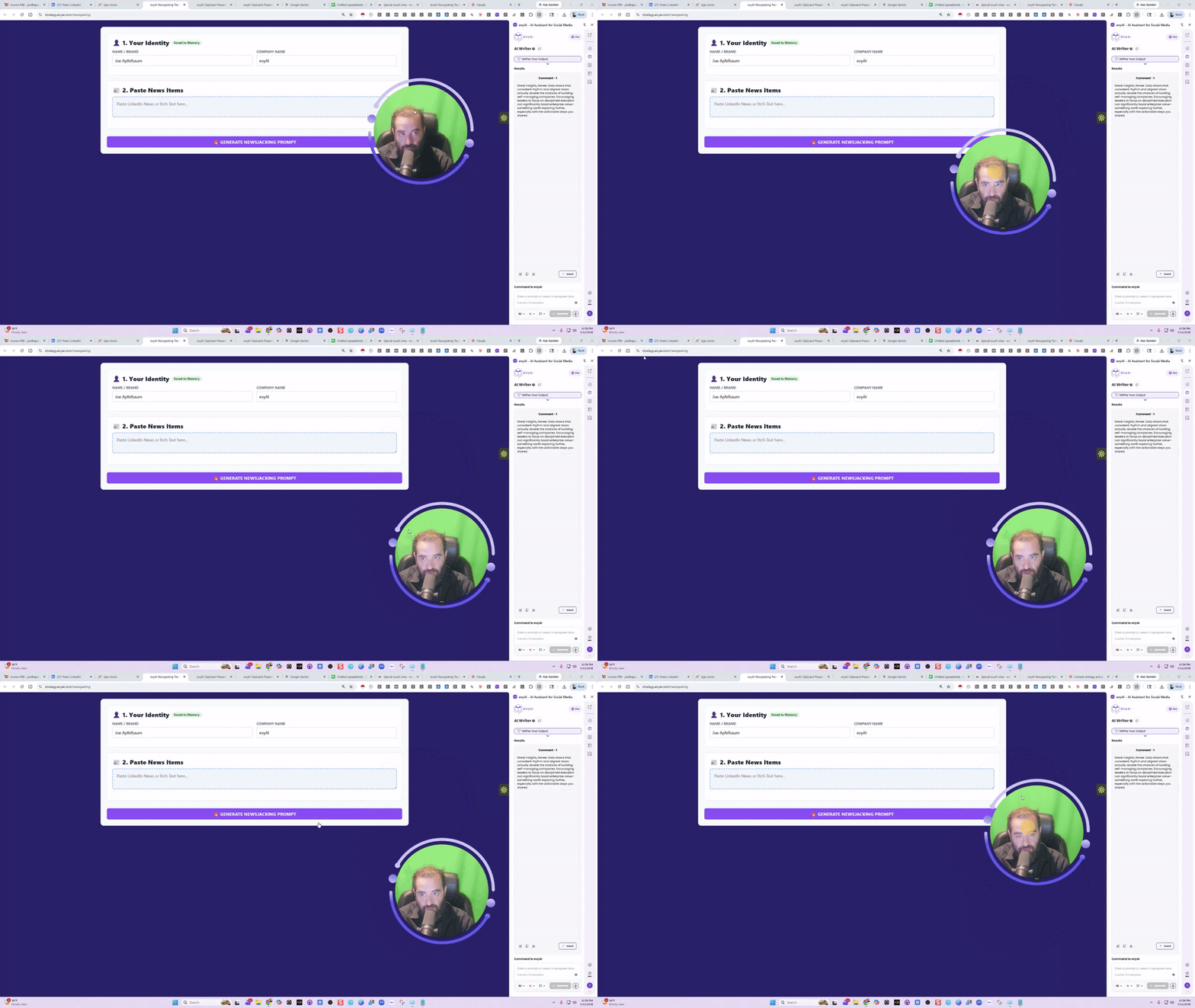
Newsjacking Prompt Generator Tutorial
How to do the News Jacking Strategy that we taught in the Linkedin Influencer Summit. To make it easy, you can now copy and paste from any news source and boom, you have an AEO prompt generated for you in seconds! Let me know what you think of this. @Arleen Torgersen and @Aayan Jamal Bukhari did this together in office hours while I was driving from NYC. I optimized both the clipboard preserver and this new News Jacking Prompt Generator! You dont want to miss office hours! Thoughts? @Rick Kloete @Barbara Harrington @Evan Mestman @Juan Jose Fernandez @Fernando Colmenares @Ash Chaudhry @Tami Joy @Jane Lehman @B Randall Willis @Bobby Christy @Joe Sabatino @Sam Rathling
2 likes • 28d
@Charlene Rinker This one includes the actual news in it

28d •
How Do I Link Restream to OBS
Hi Everyone, Does anyone know how to link restream to OBS so I can live stream into LinkedIn from my phone easily? Would appreciate any instructions for the non-technical. @Joe Apfelbaum @Aayan Jamal Bukhari
3 likes • 28d
If you want to stream from your phone, just open restream from your phone directly, OBS is usually for a computer @Wendy Byford
Mar 9 •
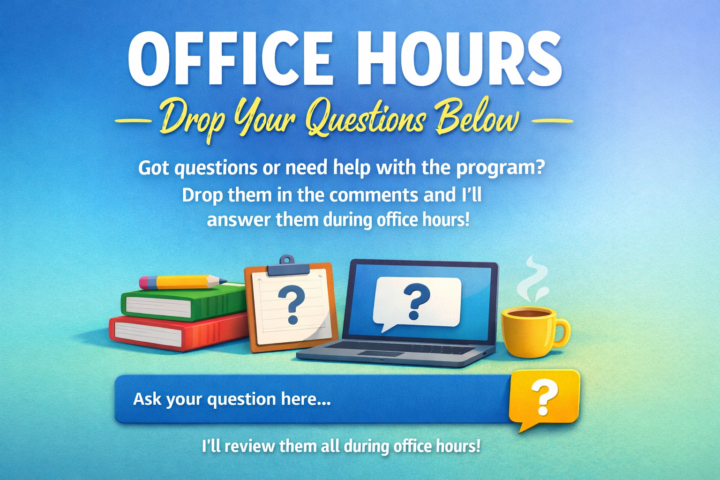
Office Hours – Drop Your Questions Below
Hey everyone, we're hosting daily office hours to help with anything related to evyai. If you have a question, challenge, or something you're stuck on, drop it in the comments below and we'll go through it during office hours. This way, I can prepare better answers and make sure we cover what’s most important to you. Looking forward to helping you all move forward. Join us through this link for success: https://us02web.zoom.us/j/87364347086?pwd=zrdz9fWRn1BMWbHxmP7S4lpcV7yf18.1
Mar 7 •
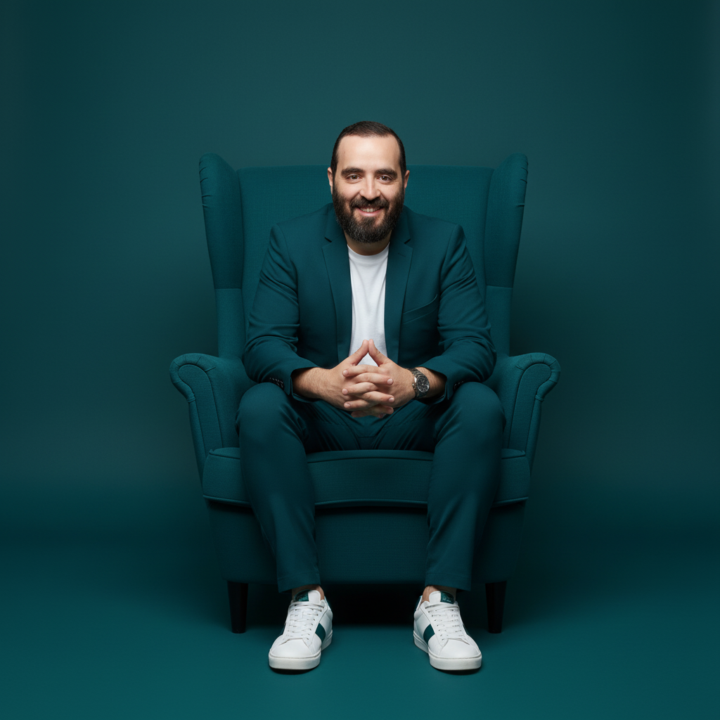
Try this IMAGE PROMPT with evyAI and see how it comes out.
Convert this image so that the man is sitting in the center of a high-back armchair in a minimal, monochromatic studio setting. Replace the current background with a seamless wall and floor in a single solid color, either deep teal, slate blue, or forest green. Dress him in a matching jacket and pants in the same color, paired with a simple white T-shirt underneath. Keep his sneakers clean and white with subtle accents matching the outfit. Retain his wristwatch as an accessory. His posture should be upright and composed, with both feet flat on the ground and his hands gently clasped in his lap. The chair should match the overall color scheme to create a seamless monochrome effect. Lighting should be soft, even, and studio-style, with minimal shadows. The final image should be ultra-high-resolution, sleek, modern, and minimalist, in the style of high-fashion portrait photography. See less
1 like • Mar 9
love this one
0 likes • Mar 9
@Marlene Sidon Amazing

Feb 27 •
Beckers Healthcare conference looking for AI speaker- Sharing
I thought one of our members would be great for this. TodayScott Becker sent the following messages at 9:35 AM View Scott’s profile Scott Becker 9:35 AM - - - Please register and join us on this exciting webinar on April 6th! We are also looking for an AI speaker or sponsor that can add to the discussion on AI enterprise solutions and one more speaker or sponsor to discuss what CFOs should be most focused on now. Please contact Lauren Eskenazi for more details.Register no charge here. https://lnkd.in/esYxFpZt - - - Click or press enter to display in the image preview
2 likes • Feb 27
Hey Marlene, I'll share this to my linkedin as well 😊
1-10 of 11
Active 9d ago
Joined Feb 18, 2026
Powered by