Activity
Mon
Wed
Fri
Sun
Jul
Aug
Sep
Oct
Nov
Dec
Jan
Feb
Mar
Apr
May
Jun
What is this?
Less
More
Memberships
dayNumber_
87 members • Free
Data Governance Circle
596 members • Free
The AI Advantage
125.5k members • Free
Engaged Thought Leaders - 🤝
228 members • $997/m
AI for LinkedIn - evyAI.com
1.8k members • Free
300 contributions to AI for LinkedIn - evyAI.com

1d •
Celebrating special moments
My daughter got married last night, and I wanted to share a little of that joy with all of you. I hope you're celebrating your own wins, big and small, and that there's lots of good news coming your way too. Thank you for being part of my community and part of the journey!

0 likes • 6h
Congrats @Faigie Kerenviser !!! so happy for you

2d •
I logged onto LinkedIn and teared up...thanks to you guys
Hello All...I joined last Friday and decided to dive right in by sharing a LinkedIn post requesting support on Monday. I logged off for a few hours and came back to DOZENS of comments and likes on my post. But wait, it gets better... ...then I came back today, and there were DOZENS across DOZENS of my posts going back months. I sat there and cried for a few minutes. I don't fight my tears, so I let them roll down my face without questioning them. Once the ride came to a complete stop, I got curious and realized something...BIG! Like really f'ing big. I've been lone-wolfing this entrepreneur journey A LOT and showing up as the one who is there for others and always telling myself, "BE STRONG"...and while I AM strong, this community in my FIRST post has shown me how incredible it can feel to be supported and loved on. I am pretty sure I can speak for you, reading this post: You are here to add value to the world in the way only you can... me too. And being among others doing their THANG is damn fun. See you all around...I am almost caught up on all my onboarding emails... signing off at 1:08 AM.
1 like • 2d
happy to have you @Luisa Molano

🔥
3d •
🔥TODAY 6/16 is Evan's Accountability Mastermind/Posting Party 5pm ET💥
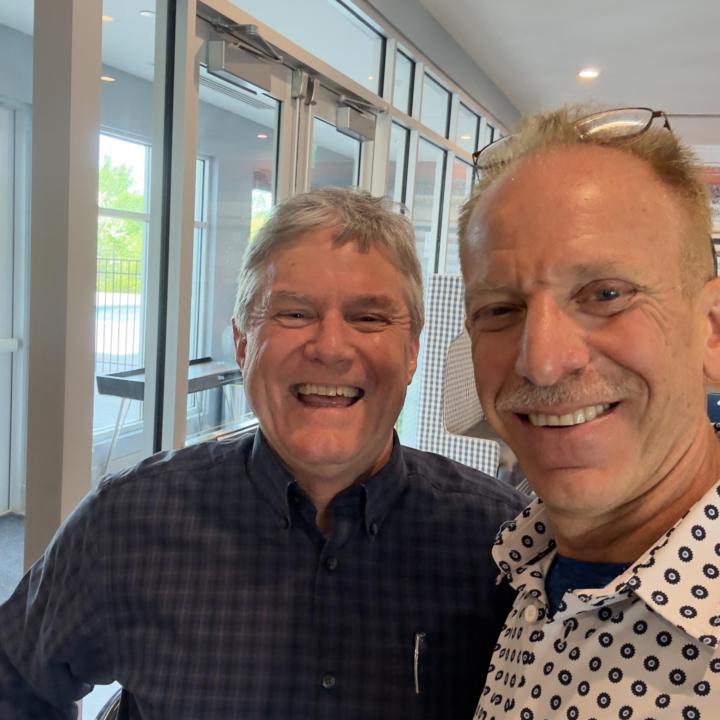
Please plan on joining us TODAY Tues. 6/16/26 with @Evan Mestman @Rick Kloete & Team! MARK Your calendar to join us today & every Tuesday afternoon for fun, learning, & accountability! https://www.skool.com/evyai/calendar?eid=08ec0b304e7349caa5a5253776feea26&eoid=1781643600 Join us every Tuesday at 5 PM ET | 4 PM CST for our: 𝗟𝗶𝗻𝗸𝗲𝗱𝗜𝗻 𝗔𝗰𝗰𝗼𝘂𝗻𝘁𝗮𝗯𝗶𝗹𝗶𝘁𝘆/𝗣𝗼𝘀𝘁𝗶𝗻𝗴 𝗣𝗮𝗿𝘁𝘆! 𝐙𝐨𝐨𝐦 𝐋𝐢𝐧𝐤 𝐭𝐨 𝐣𝐨𝐢𝐧 𝐡𝐞𝐫𝐞: https://us06web.zoom.us/j/6894237473 ROLL Call, who's planning on Joining us today❓ Post URL Cleaner: https://strategy.evyai.com/post-url-cleaner choose the clean URL😊‼️. VERY IMPORTANT as it changed. Bulk Link Opener 4: https://strategy.evyai.com/bulklinkopener4 (Scroll up from the bottom…works well) We’d love to see you. PLEASE: Bring a Friend! Be ready to share your: 1. Wins! 2. Challenges or Questions (always welcome)! 3. What would you like to be held accountable for in the coming week This is a casual, friendly space where you can: ✅ Meet other professionals who want to grow their presence ✅ Post your content and support others ✅ Engage authentically with meaningful comments ✅ Build real connections, not just likes It’s not about algorithms...it’s about conversations, community, and showing up for each other. Whether you’re a seasoned LinkedIn pro or just starting to share your voice, you’re welcome to join us. Bring your post, your positive energy, and your willingness to engage! Let’s lift each other up and make LinkedIn a little more human. And…. 📝 𝗛𝗼𝘄 𝘁𝗼 𝗣𝗮𝗿𝘁𝗶𝗰𝗶𝗽𝗮𝘁𝗲:
13 likes • 3d
Luisa made her first post with evyAI! Let's show some love to it! https://www.linkedin.com/posts/activity-7472430182121975808-GJRo/

5d •
New Feature! For all users of evyAI - Webhooks, Hubspot, GHL
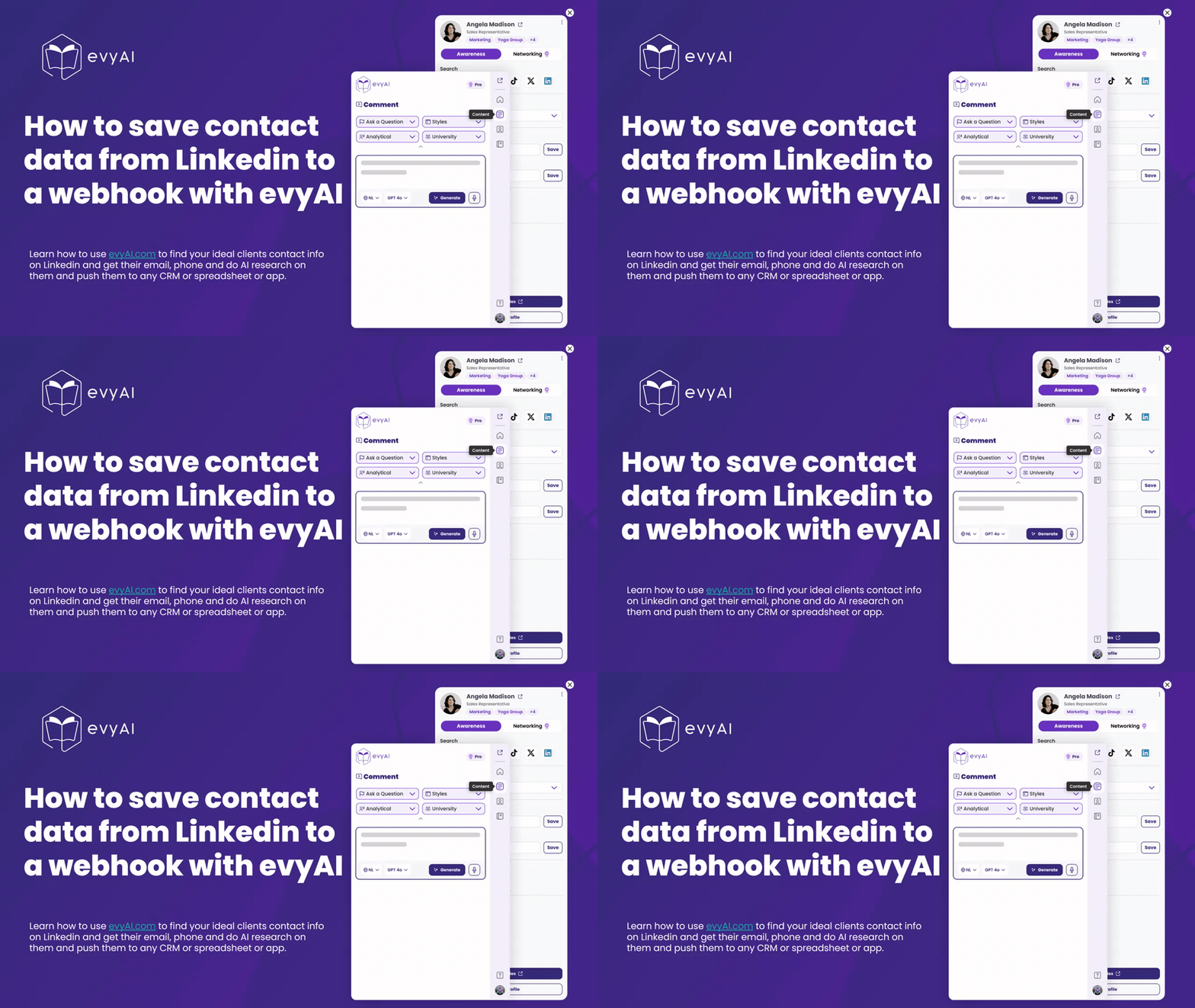
OMG, do we have a great treat for you.. if you want to push data from Linkedin to a spreadsheet watch this video. https://www.loom.com/share/6848b4c34e97435cacd79788bf8ac8c2 you will love what we put together there. 🚀 NEW evyAI FEATURE: Send LinkedIn Contact Data ANYWHERE with Webhooks BOOM! This one is a game changer. 💥 You're on LinkedIn. You find someone you want to do business with. In a few clicks, evyAI can grab their name, headline, email, phone, company, and profile link... and send it straight into ANY app you use. Spreadsheet? ✅ HubSpot? ✅ GoHighLevel? ✅ Zoho, Pipedrive, Zapier, Make, n8n? ✅ ✅ ✅ No copy/paste. No manual data entry. Just push a button and the contact flies out of LinkedIn and lands wherever you need it. 🐆💨 Here's the magic 👇 1️⃣ Open someone's profile on LinkedIn (with the evyAI Chrome extension) 2️⃣ Pull their Contact Info or let an AI Agent research them across the web 3️⃣ Drop it into Notes → hit "Enrich from Notes" and evyAI fills in the contact data 4️⃣ Push it to a Webhook → and that data instantly shows up in your spreadsheet or CRM ⚙️ How to set up your webhook (takes 2 minutes): - In evyAI go to Settings → Integrations → Connect - Name your webhook + paste in your webhook URL - Save ✅ - Need a URL? Head to make.com → Scenarios → Create a New Scenario → Webhooks → Custom Webhook → copy the URL → paste it into evyAI. Map your fields once, and you're done forever. The best part? This works with Make.com, Zapier, n8n, any LLM, and basically any programming language. If it can receive data, evyAI can send to it. Remember the philosophy: Automate your TECH, not your relationships. 🙌 Let the robots handle the data plumbing so YOU can focus on the human conversations that actually grow your business. Try it out and drop a comment 👇 — how are YOU going to use webhooks with evyAI? I want to hear it! Not on evyAI yet? Get started FREE 👉 evyAI.com
1 like • 4d
This is nuts!!

7d •
✨ Join Our Friday Posting Party, Today, 11 am ET, June 12, 2026 ✨
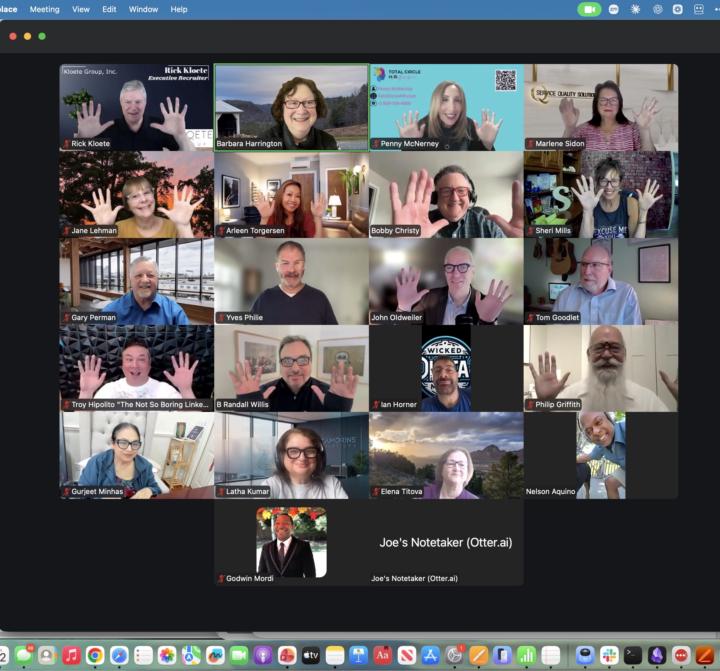
Happy Friday!!! Happy FriYAH!!! Looking to grow your network and boost your LinkedIn visibility? Join us every Friday at 11 AM Eastern | 10 AM Central for our LinkedIn Posting Party! Zoom link: https://us02web.zoom.us/j/86496908047?pwd=YdcqEYahueFUWdGa1q9Aadrxa2GwEE.1 Be ready with your 15 second Elevator Pitch! Or can you do it in 9 words? This is a casual, friendly space where you can: ✅ Meet other professionals who want to grow their presence ✅ Post your content and support others ✅ Engage authentically with meaningful comments ✅ Build real connections — not just likes It’s not about algorithms - it’s about conversations, community, and showing up for each other. Whether you’re a seasoned LinkedIn pro or just starting to share your voice, you’re welcome to join us. Bring your post, your positive energy, and your willingness to engage! Let’s lift each other up and make LinkedIn a little more human. And…. 📝 𝗛𝗼𝘄 𝘁𝗼 𝗣𝗮𝗿𝘁𝗶𝗰𝗶𝗽𝗮𝘁𝗲: - 👍 𝗟𝗜𝗞𝗘 this post as soon as you see it - 💬 Share your LinkedIn Post in the comments for review - ❤️ 𝗟𝗜𝗞𝗘 every comment you engage with - ✂️ Remove UTM tracking links (delete anything after ? in your links) - 🔄 No new post? Share a previous one - IMPORTANT RESOURCES: POST URL CLEANER: Use this tool to help you clean up the URL so you post a clean url without UTMs https://evyai.com/url-cleaner/ BULK LINK OPENER Bulk Link Opener 4: https://strategy.evyai.com/bulklinkopener4 We added keyboard shortcuts to it! ITS COOL. We’d love to see you there. Zoom link: https://us02web.zoom.us/j/86496908047?pwd=YdcqEYahueFUWdGa1q9Aadrxa2GwEE.1
10 likes • 7d
Mark did his firts post with evyAI! Let's give it some love: https://www.linkedin.com/feed/update/urn:li:activity:7471238922308718593/
1-10 of 300

Active 2h ago
Joined Aug 4, 2025
Powered by