Activity
Mon
Wed
Fri
Sun
Aug
Sep
Oct
Nov
Dec
Jan
Feb
Mar
Apr
May
Jun
Jul
What is this?
Less
More
Memberships
569 contributions to GHL Growth Garage

15h •
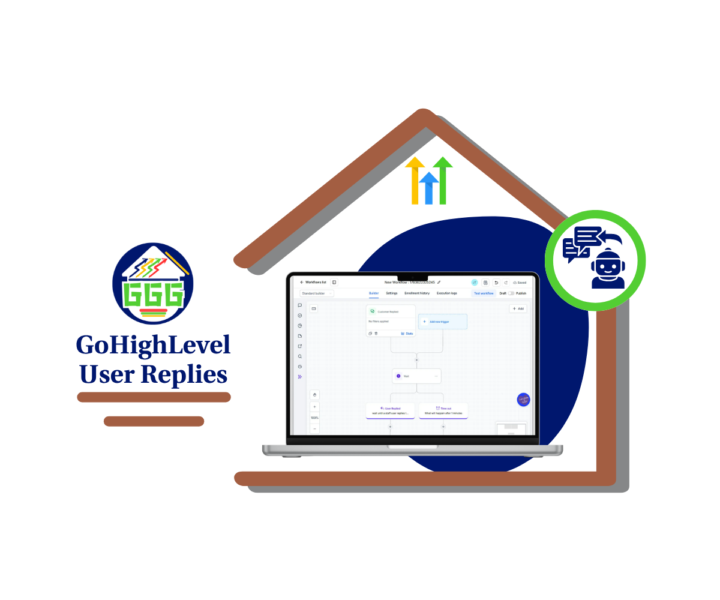
User Replies Just Got Smarter
GoHighLevel just made the Wait action more useful for sales and support teams. You can now pause a workflow until a team member replies to a conversation. That means GHL can track your team’s response activity, not just the contact’s reply. 👀 This is a solid update for anyone managing first-response times. Before, you had to rely on manual checks or extra workflow steps to see if someone replied. Now, you can use the new User Replied wait condition to keep things cleaner. Here’s where it gets useful. You can set a timeout. If a staff user replies before the timeout, the workflow continues like normal. If no one replies in time, the workflow can move into a backup path. That backup path could: - Send an internal alert. - Create an urgent task. - Notify a manager. - Reassign the conversation. - Tag the contact as a missed SLA. For sales teams, this helps stop hot leads from sitting too long. For support teams, it helps keep response standards clear. For agencies, it gives you a better way to build SLA workflows for clients without making the workflow builder look like a plate of spaghetti. 🍝 Start simple. Build one workflow that waits 15 minutes for a sales reply or 30 minutes for a support reply. Test both paths, then roll it into your real process. Small update. Real impact. Better response tracking inside GHL. 🔧 Check out all the details at GoHighLevel Growth Garage > https://gohighlevelgrowth.com/ghl-updates/gohighlevel-user-replies-build-smarter-sla-workflows/
0
0
2d •
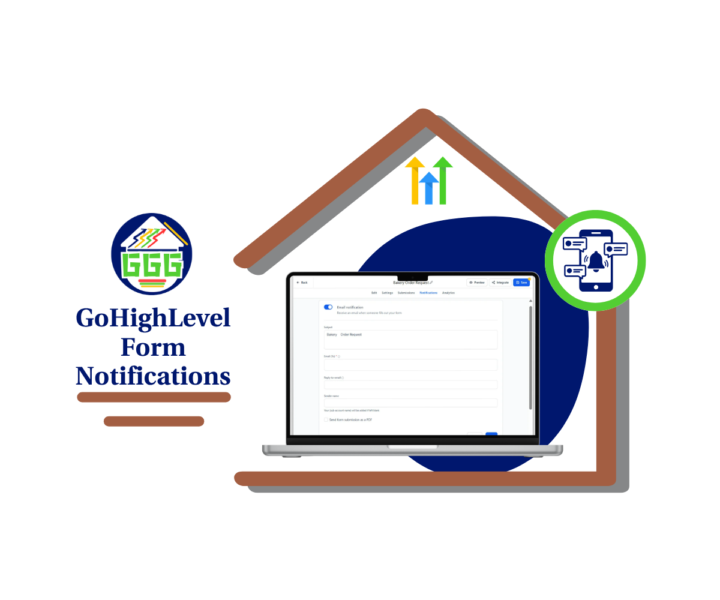
Form Notifications Just Got Easier
Small update. Big cleanup. 🙌 GoHighLevel has made form notifications easier to find inside the builder. Instead of looking for the old icon, users now have a dedicated Notifications tab inside Forms, Surveys, and Quizzes. That may not sound huge, but if you’ve ever trained a new team member inside GHL, you know why this matters. When a lead fills out a form, survey, or quiz, someone needs to know fast. If the notification setting is hard to find, it creates room for missed alerts, slow replies, and messy client follow-up. Nobody wants to explain that one. Now, the Notifications tab is clearly labeled at the top of the builder. You can open it, review the email notification settings, update the recipient, check the subject line, and save the setup without hunting around. GHL also improved builder tooltips. These now include clearer descriptions, better context, and Learn more links where supported. That means users can better understand settings while they work instead of stopping to search the Help Center. Why is this useful: - It makes form setup faster. - It helps new users learn the builder. - It reduces support questions. - It helps agencies train VAs and team members. - It lowers the chance of missed lead alerts. This is not a flashy update. It is a practical one. And practical updates are often the ones that save the most time. Before your next form, survey, or quiz goes live, open the Notifications tab and send a quick test submission. A few minutes now can save a missed lead later. ⚙️ Check out all the details at GoHighLevel Growth Garage > https://gohighlevelgrowth.com/ghl-updates/form-notifications-are-now-easier-to-find-in-gohighlevel/
0
0
2d •
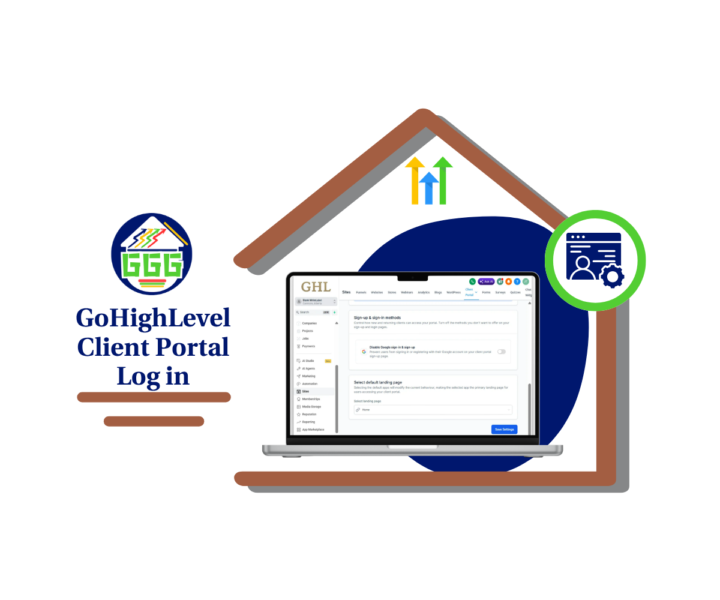
Control Google Login in GHL
GoHighLevel just made the Client Portal a little easier to manage, and this one is worth checking. You can now choose whether the “Sign in with Google” option appears on your Client Portal sign-up and login pages. That means sub-account admins have more control over how users access the portal. This is a solid update for agencies working with different types of clients. Some businesses want the fastest login process possible. For them, Google Sign-In may stay turned on. But other clients need more control. Think privacy-focused businesses, European-facing brands, legal services, healthcare-adjacent niches, finance, or any company that wants fewer third-party login options. In those cases, you can now turn Google Sign-In off from inside the Client Portal settings. No support ticket needed. No clunky workaround. Just go to the sub-account, open Sites, go to the Client Portal, open Settings, click App Permissions, and update the Sign-up & sign-in methods. Simple. Clean. Useful. 🔧 For agency owners, this is one more way to tighten up your client onboarding process. You can now make the Client Portal login setup match the client’s privacy needs, region, and user experience. Here’s the real win: you don’t have to treat every client the same. - A gym may want Google Sign-In turned on for quick access. A legal office may want it turned off for a cleaner, more controlled login flow. Same GHL feature. Different setup. Better client fit. 🙌 This is the kind of small update that helps agencies look more polished without adding extra work. Check out all the details at GoHighLevel Growth Garage > https://gohighlevelgrowth.com/ghl-updates/control-your-client-portal-login-options-in-gohighlevel/
0
0

2d •
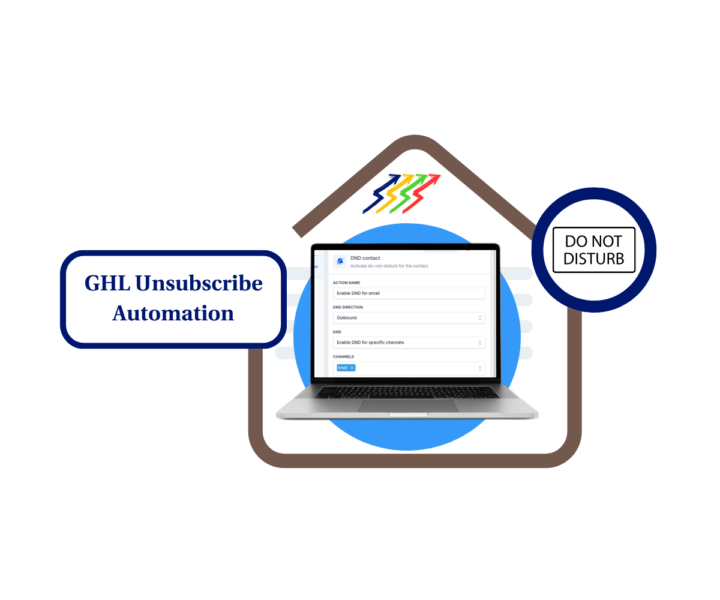
Stop email cleanup before it becomes a problem 📧
When a contact unsubscribes, the work should not stop there. A simple GHL workflow can handle the cleanup for you. It removes the contact from other workflows, turns on Email DND, and adds a note for your team. That means less manual work and cleaner records. ✅ Remove contacts from active workflows. 📧 Turn on Email DND automatically. 📝 Keep a clear note for your team. 📂 Keep your CRM clean and easy to manage. See the full step-by-step guide and learn how to build this unsubscribe automation in GoHighLevel.
0 likes • 2d
Great tip! Automating the unsubscribe process saves time and helps keep the CRM organized. Thanks for sharing! 👏
3d •
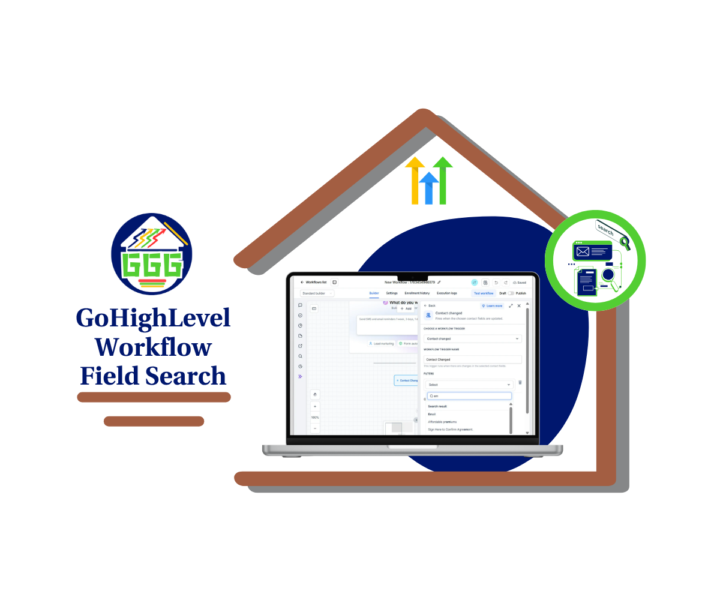
Faster Field Search in GHL
Small update. Real time saver. 👇 GoHighLevel improved workflow field search inside workflow trigger filters. Now, when you search for a field, the best match shows at the top of the results. That means you do not have to scroll through a long dropdown just to find the right standard field or custom field. This is especially useful if you build workflows for several clients. Some GHL accounts have a pile of custom fields for lead source, service type, appointment status, location, budget, and more. When those fields are hard to find, workflow setup gets slower than it should. With this update, the process is cleaner. Open a workflow trigger filter, such as Contact Changed. Click the Field dropdown. Type the field name you need. The best match should now appear at the top under Search Result. No setting to enable. No extra setup. Just a better field search experience inside the workflow builder. This helps agencies, VAs, and marketers build faster workflows with fewer wrong-field mistakes. It also makes workflow edits easier when you are cleaning up or improving client automations. It is not the flashiest GHL update, but it is one of those quality-of-life fixes that makes daily work smoother. And when you are building automations all week, smoother matters. ⚙️ Try it next time you edit a workflow trigger filter and search for a custom field. You should notice the difference right away. Check out all the details at GoHighLevel Growth Garage > https://gohighlevelgrowth.com/ghl-updates/workflow-field-search-just-got-faster-in-gohighlevel/
0
0
1-10 of 569

@jasmin-thuroganan-6886
✨ Clear GoHighLevel Guides
📝 Blogs, step-by-step guides
🚀 Helping businesses grow smarter 💼
💗 FOLLOW ME for practical tips & insights!
Active 13h ago
Joined Sep 18, 2024
Powered by