Activity
Mon
Wed
Fri
Sun
Aug
Sep
Oct
Nov
Dec
Jan
Feb
Mar
Apr
May
Jun
What is this?
Less
More
Owned by Paul
Memberships
Viral Coach Training Material
26.8k members • Free
Divinity Circle
8 members • $4/m
ZedBiz Business Builders
10 members • $29/m
Fulltime Freedom
6.3k members • Free
ZedBiz Business Creators
27 members • Free
GHL Growth Garage
977 members • Free
95 contributions to GHL Growth Garage

Mar 3 •
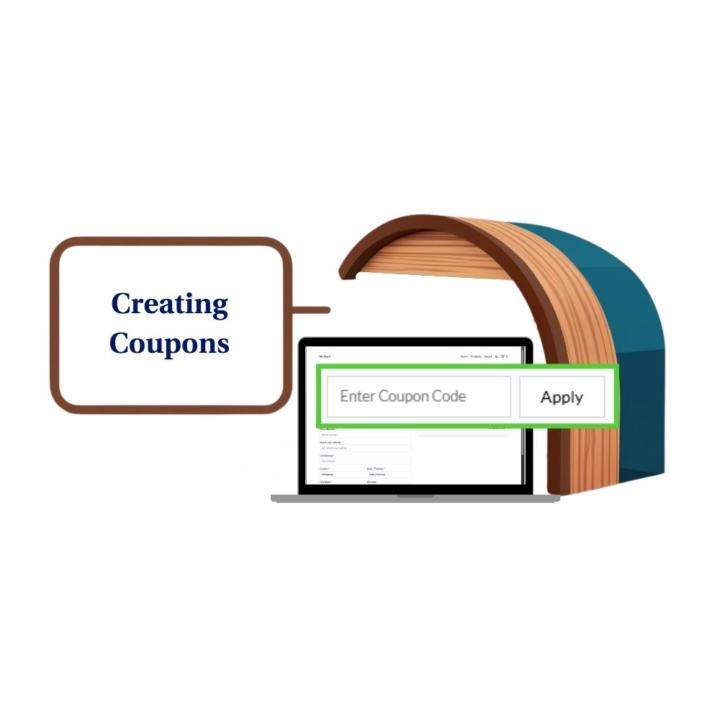
Create Coupons Fast in GHL ✅
If you’ve been meaning to run a promo inside GoHighLevel but keep putting it off because coupons feel “fiddly”… this is your sign to simplify it. 😄 This mini-guide is all about one thing: how to create coupons in GoHighLevel using a repeatable setup process you can use for every campaign and every client. No guesswork, no messy discount surprises, and no random codes that your team can’t recognize later. Here’s what this helps you avoid: You launch a discount and forget to set an end date, so the promo keeps running forever. You create a coupon but it doesn’t apply the way you expected because of restrictions or settings. Your team creates multiple “similar” coupons and nobody knows which one is the real one. In the guide, you’ll follow a clean step-by-step flow for creating a coupon, setting the discount type, locking in dates, choosing limits (if needed), and saving it with confidence. ✅ Then there’s one extra section I kept super focused: the coupon field on the order form. That’s the exact place your customer interacts with the coupon. If the order form includes that field, the customer can click it, enter the code, and apply it right there. Simple, predictable, and easy to support. If you’re running promos for clients, coupons are one of the easiest “quick wins” you can deploy when your setup is consistent. 🚀 Want the full mini-guide? Check the full blog post https://www.skool.com/ghl-growth-garage/classroom/10af1136?md=e2815afaa9aa4957985d658fafb5d123
Feb 11 •
CRM AI Features That Scale Agencies
Still running your agency like it’s 2018? Manually building workflows. Replying to every message yourself. Writing funnels from scratch. That’s not scalable. GoHighLevel’s CRM AI Features are changing the game for agencies that want leverage without adding payroll. Here’s what’s happening inside the platform right now: - Content AI generates emails, social posts, funnel copy, and even images in minutes. - Conversation AI handles two-way messaging without you hovering over the inbox. - Voice AI answers and routes calls so no opportunity slips through. - Website & Funnel AI builds pages and generates copy in minutes. - Reviews AI writes smart, on-brand responses instantly. - And now? You can create full workflows from a simple prompt. 🤯 Instead of dragging triggers and actions for an hour, you type what you want… and the system builds it. That’s not just automation. That’s intelligent automation. For agencies, this means: ⚡ Faster response times ⚡ Higher booking rates ⚡ Shorter onboarding time ⚡ Less manual admin ⚡ More scalable client systems You’re not just selling a CRM anymore. You’re delivering an AI-powered engine that works 24/7. And here’s the real advantage. Most agencies still aren’t using even half of these CRM AI Features. That means early adopters have an edge right now. 🚀 The tools are already inside GoHighLevel. The only question is — are you building smarter systems or just working harder? Read the full blog post here 👉 https://gohighlevelgrowth.com/ghl-marketing/crm-ai-features-in-gohighlevel-what-youre-probably-not-using-but-should-be/

Feb 10 •
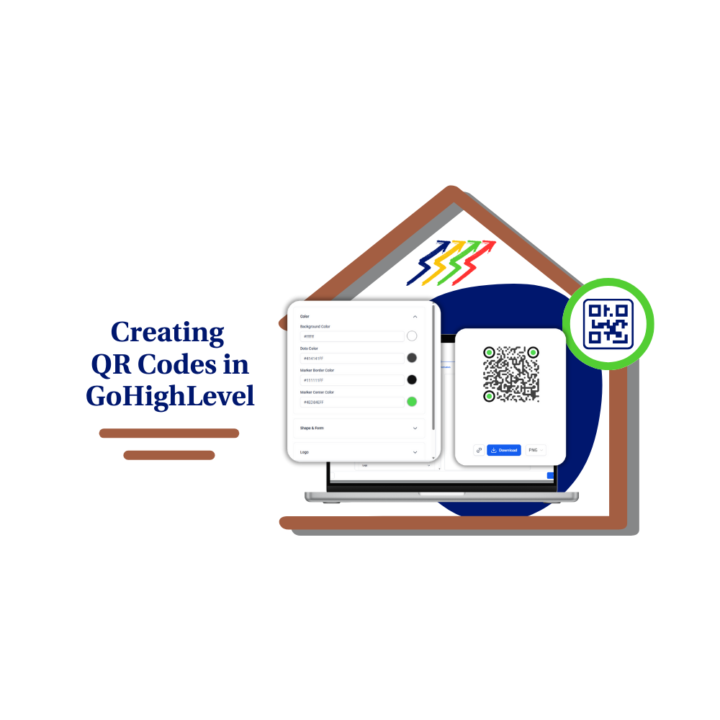
Create QR Code That Actually Converts
QR codes don’t fail because they’re outdated. They fail because most people use them without a plan. A scan that leads nowhere useful is just wasted attention. That’s why learning how to create QR code inside GoHighLevel is such a simple but powerful move for agencies and local businesses. When you create QR code the right way, you remove friction. People don’t have to remember a URL or take extra steps. They scan and act while interest is still high. That alone improves results with offline marketing. Here’s what changes when you create QR code inside GoHighLevel: - Scans can lead directly to forms, funnels, or booking pages - Contacts can be tagged automatically - Follow-up messages can fire instantly - Appointments can be booked without back-and-forth - Everything stays inside one system This mini-guide breaks down exactly how to create QR code step by step, where to find the feature, and how to use it in real situations. Think events, storefronts, business cards, menus, posters, and printed mailers. Anywhere someone pauses long enough to pull out their phone is an opportunity. You’ll also learn what to avoid. Common mistakes like sending scans to the wrong page, skipping mobile optimization, or forgetting to explain why someone should scan can quietly kill performance. If you’re already using GoHighLevel, this is one of those low-effort, high-upside wins. When you create QR code with a clear purpose and a clean destination, offline marketing stops being a guessing game and starts feeding your pipeline 📈 Simple setup. Real tracking. Actual follow-up. That’s the difference when you create QR code the right way. Read the more about creating QR codes in GoHighLevel in this post 👉https://www.skool.com/ghl-growth-garage/classroom/10af1136?md=3509708244cf415599a4e45e7b3f73e9
0
0
Feb 5 •
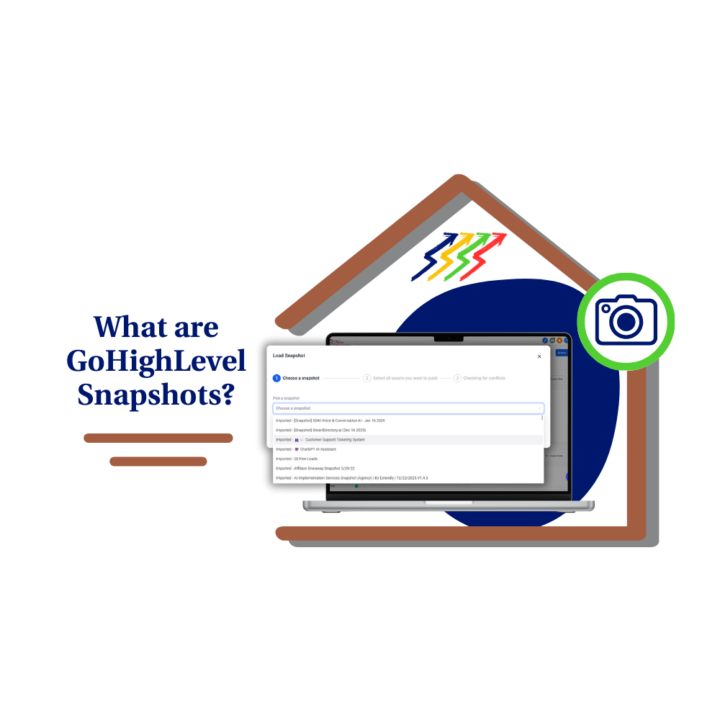
Marketing Snapshots Explained (Without the Confusion)
Let’s clear something up real quick. Marketing snapshots in GoHighLevel are not magic buttons, backups, or “done-for-you” accounts. They’re systems. And once you understand that, everything clicks 🔑 Most agencies struggle early on because they keep rebuilding the same funnels, workflows, and follow-up logic over and over. It’s slow. It’s frustrating. And it caps how many clients you can handle at once. Marketing snapshots solve that problem. A snapshot lets you package a proven setup — funnels, automations, pipelines, emails, and structure — and deploy it into new client accounts without starting from zero. You still customize and connect things, but the heavy lifting is already done. Used the right way, marketing snapshots help you: 🚀 Launch clients faster 🧱 Deliver consistent systems 👥 Delegate setup without fear 📈 Scale without chaos The key is understanding what snapshots include and what they don’t. They bring the structure and logic, but integrations, phone numbers, emails, and branding still need to be connected per account. Skip that step and things break. Nail it and onboarding becomes smooth and predictable. If you’re an agency, snapshots aren’t optional. They’re infrastructure. The moment you stop rebuilding and start deploying, your delivery process changes for good. If you’ve ever thought, “I swear I’ve built this before,” marketing snapshots are your way out 😎 Read the full post here 👉 https://www.skool.com/ghl-growth-garage/classroom/10af1136?md=26548388421a4ec7a2c1ec677c7db5fa
Feb 2 •
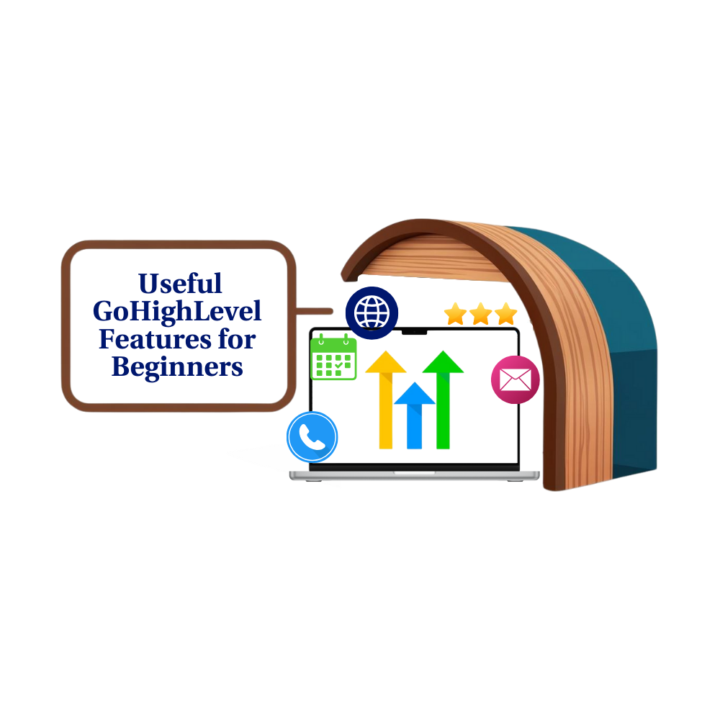
6 GoHighLevel Features Beginners Should Use First
If you’re just getting started with GoHighLevel, the biggest challenge usually isn’t the software. It’s knowing where to focus. GHL can do a lot, and trying to learn everything at once is the fastest way to feel stuck. This post breaks down the GoHighLevel features for beginners that actually matter early on. These are the tools that help you launch faster, respond to leads quickly, and stay organized without diving into advanced setups. Instead of overwhelming yourself, the goal is to stack small wins. The six features covered in this breakdown are designed to do exactly that. Here’s what beginners should focus on first: - Pre-built funnel and website templates to get pages live without design stress - Two-way SMS and the unified inbox to handle conversations in one place - Built-in appointment scheduling to turn interest into booked calls - Smart Lists to keep contacts organized automatically - Simple workflow automations for basic follow-up - Reputation and review requests to start building trust early Each of these features is beginner-friendly because it delivers value without requiring deep technical knowledge. You can set them up one at a time and see results quickly, which builds confidence and momentum. This approach works whether you’re a solo business owner or running a small agency. Agencies benefit from faster setups and quicker client wins. Solo users benefit from having everything in one system instead of juggling multiple tools. The key takeaway is simple. You don’t need to master GoHighLevel to get results. You just need to start with the right features in the right order. If you’re new here, pick one feature from this list and set it up today. Then come back and add the next one. That’s how real progress happens inside GoHighLevel. Detailed blog post here 👉 https://gohighlevelgrowth.com/ghl-marketing/6-most-useful-gohighlevel-features-for-beginners/
1-10 of 95

@paul-pilapil-6098
Master GoHighLevel with a little rock music 🎸 and zero headaches😎🔥.
Active 40d ago
Joined Sep 18, 2024
Powered by