Activity
Mon
Wed
Fri
Sun
Aug
Sep
Oct
Nov
Dec
Jan
Feb
Mar
Apr
May
Jun
Jul
What is this?
Less
More
Memberships
Viral Coach Training Material
26.8k members • Free
Divinity Circle
8 members • $4/m
Logiaweb
11.3k members • Free
AI Automation Mastery
2.5k members • $49/m
GHL Growth Garage
979 members • Free
Kourse (Free)
112.2k members • Free
Online Business Friends
103.1k members • Free
Agency Owners
20.3k members • Free
🔥Results Powered Mentoring🔥
2.3k members • Free
380 contributions to GHL Growth Garage

3d •
GHL Summer of AI for SMBs
SMBs do not need to use every AI tool at once. This blog shows a simple way to test business AI tools in GHL. The idea is to start with one offer, one campaign, and one lead reply flow. ⚙️ One clear offer. 📩 One simple campaign. 💬 Faster lead replies. 📅 More guided booking steps. Check the blogpost to see how Summer of AI can help small to medium businesses start using AI in GHL.

4d •
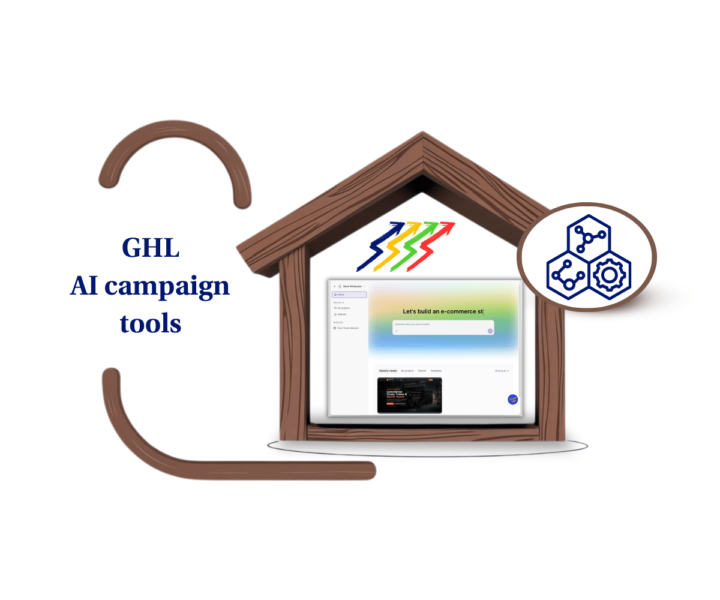
Campaigns Taking Too Long?📄
A good offer should not sit for weeks. This blog shows how small teams can use AI campaign tools in GHL to build emails and pages faster. The goal is simple: start with one offer, create a draft, then review before launch. ⚡ Faster email drafts. 📄 Simple landing page copy. ✅ Clear offer and CTA. 🧠 Human review before publishing. Check the blogpost to see how this works inside GHL.
7d •
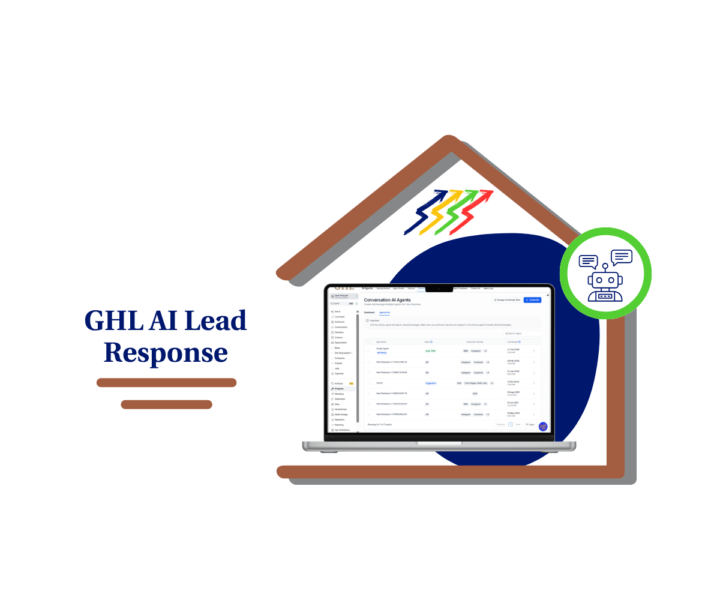
Slow lead replies cost bookings.
When leads ask a question, they usually want a fast answer. This blog shows how GHL Conversation AI helps small teams reply faster. It also explains how AI lead response can guide more people toward booking. ✅ Faster lead replies. 💬 Simple answers to common questions. 📅 Easier booking steps. 🤝 Human handoff when needed. Read the full blogpost to see how this setup works in GHL.
0
0
10d •
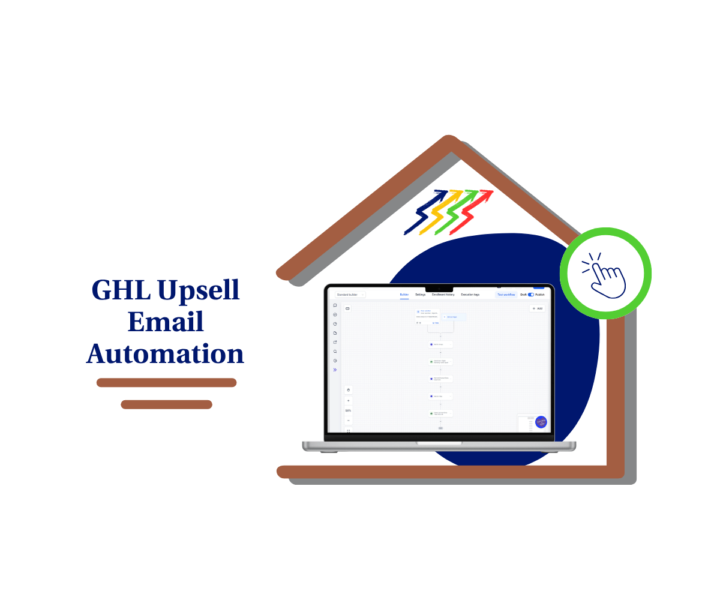
Every click can lead to another sale.📧
Many businesses stop after the first sale. A better approach is to follow up when a buyer shows real interest. This GoHighLevel mini-guide explains how to build a simple workflow that does the work for you. The setup is easy to follow and uses built-in workflow tools. 📧 Send a follow-up only after a buyer clicks your upsell link. ⏳ Add wait steps that match your sales process. 🎯 Keep every follow-up relevant and well timed. ⚙️ Build the workflow once and use it again. Read the full blog post and learn how to build this Upsell Email Automation in GoHighLevel.
0
0
12d •
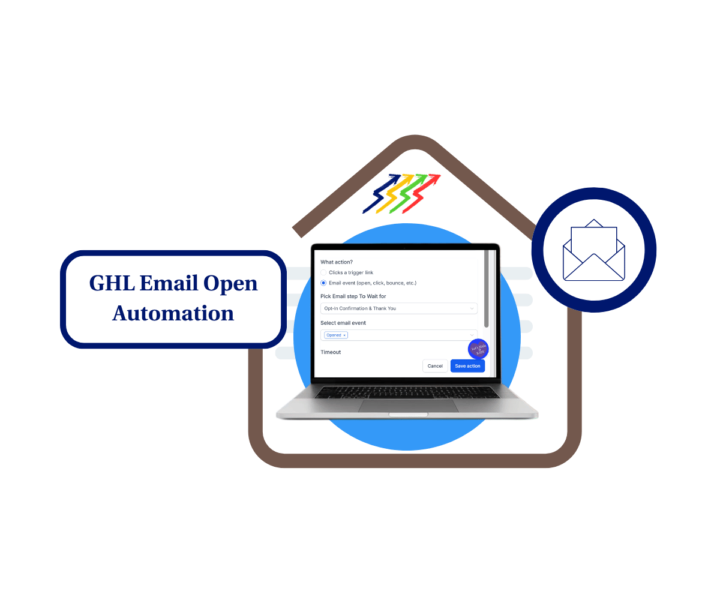
Stop guessing when to send the next email.📧
A simple GoHighLevel workflow can use email opens to guide the next step in a lead's journey. Instead of using fixed wait times, the system responds when a lead opens an email. This keeps follow-up messages timely and easy to manage. 📧 Send the next email after an open. 👀 Focus on leads who show interest. ⚡ Reduce manual follow-up work. 🎯 Build a lead flow based on real actions. Want to see how it works? Check out this mini-guide and learn how to build Email Open Automation in GHL step by step.
0
0
1-10 of 380

@mark-augustus-tagapulot-6120
💥Turn Clicks Into Clients w/ GoHighLevel🚀 •
📈 Funnel designer | Automation ninja 🤖 •
🎮 Gamer by night, Digital strategist by day 😎
Active 3d ago
Joined Sep 18, 2024
Philippines
Powered by