Activity
Mon
Wed
Fri
Sun
Aug
Sep
Oct
Nov
Dec
Jan
Feb
Mar
Apr
May
Jun
What is this?
Less
More
Memberships
Creative 3D Community
6.9k members • Free
22 contributions to Creative 3D Community

Mar 4 •
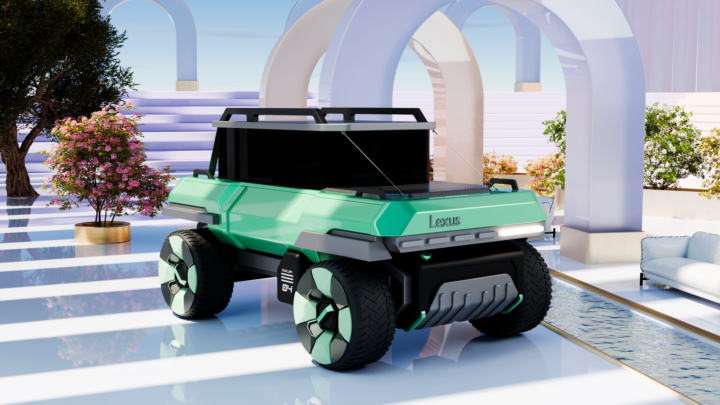
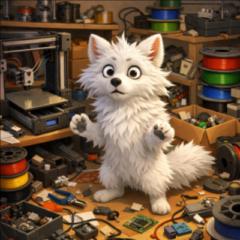
Car modeling 🚗
I found the idea on Pinterest, modeled by S. Korean artist, and I decided to model something similar in Plasticity 3D. Rendered in Blender as usual
1 like • Mar 18
When AI starts transporting coffins. Though that’s just a future scenario. Joking aside, it looks great.
0 likes • Feb 26
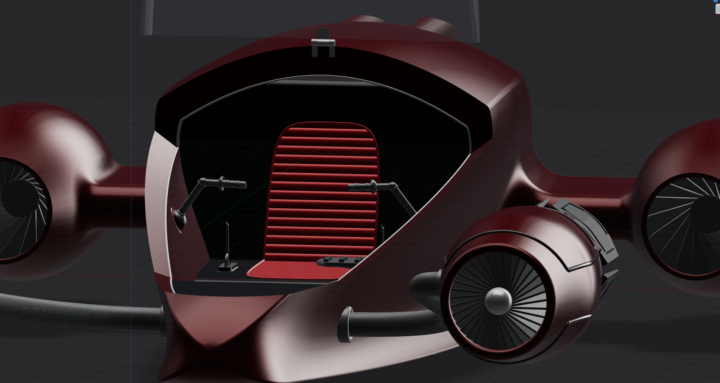
@William Bourque I just made it up off the top of my head, but based it on the podracers from Star Wars. I didn't use a reference image or anything like that, and it's not finished yet, so I'm planning to do a lot more with it. I'm also planning to put a mecha in it later. Since I still haven't gotten around to learning Blender, the whole thing is in Plasticity in renderer mode.

Feb 23 •
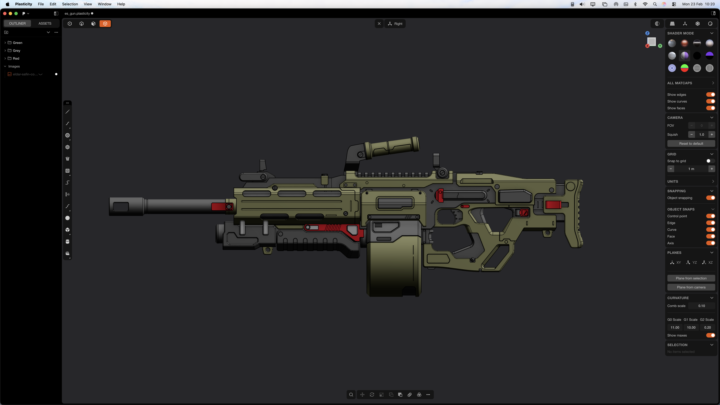
Machinegun Concept
I modelled this gun over the last 4 days or so. It's based on a piece of concept art by Eldar Safin (https://www.artstation.com/artwork/lxrOvJ). Mostly solid modelling but I was able to get into a nice workflow by just breaking it all down into separate components. Very enjoyable and a great workout for my plasticity skills.
1 like • Feb 23
very nice
Feb 20 •
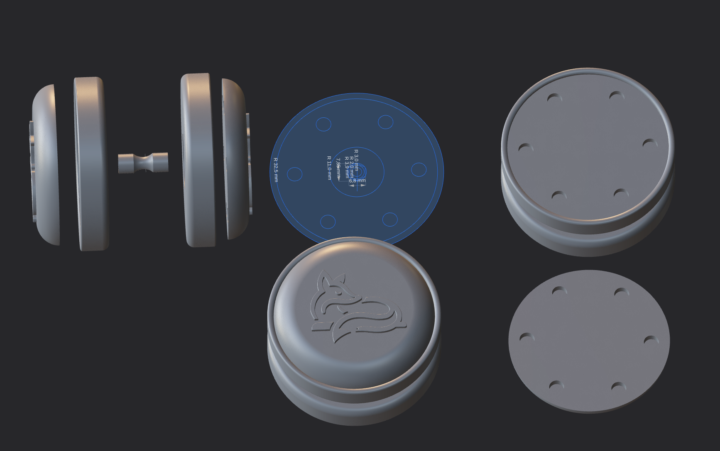
YoYo
Another toy for me and my cats. Unfortunately, I still need to figure out how the automatic return clutch works, as it is currently unusable and not functioning properly.
1 like • Feb 22
@Robert de Groot My mistake xD. I think it should be a centrifugal clutch. So that the yoyo comes back. I wanted it to have a freewheel, i.e. with ball bearings so that it can spin freely before you pull it back. However, since I only installed the ball bearings, nothing works, of course. I could remove them and insert another center piece so that it works like a really simple yoyo, but that wouldn't be my goal. Something like that in the Pic I would also need to use a longer screw because this one is much too short. However, since I haven't got the mechanism right yet, I haven't felt like cutting a screw to the right length. But that might actually solve the problem XD I would also have to grind the screw head to make it flatter or use one with a flat head instead.
Feb 20 •
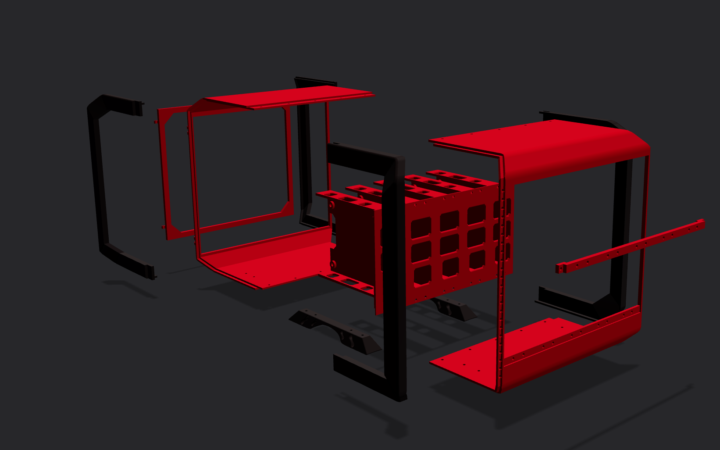
Raspberry PI Rack
To create some order, I designed a small enclosure for several Raspberry Pi's with space for a Netgear switch and to accommodate external hard drives at the back. The Plexiglas on the sides is still missing, but it is not yet fully equipped with Raspberry Pi's. Oh yes, it's cut into so many pieces because of the surface area of the 3D printer. The Orange Version was my first Version but without Space for the Netgear and 1 less Raspberry but with "hotswap" Feature.
0 likes • Feb 21
@Mw Siebert Thanks. ^^ But it could be better. I noticed certain mistakes too late, when I was already assembling the parts. You can see that on the sides. But since I didn't share it on printables or anything like that, and it was really just for me, I was satisfied with it, especially since it still serves its purpose.
0 likes • Feb 22
@Robert de Groot Yes, that's true. Well, with the orange model, you can see that the error isn't there yet. I had somehow been thinking about the cutting and assembly, that I had made a mistake somewhere in my mind. But that was a long time ago, and I just thought I'd post something now.
1-10 of 22