
Write something
Pinned
Jul '25 •
Latest and Greatest GHL Updates folks!
Jack here, rolling out the latest and greatest from the GoHighLevel world. I've been tuning in to the recent GHL Changelog, and let me tell you, there are some slick new upgrades that are gonna supercharge your systems! Here's the lowdown on what's new: Conversation AI Gets Smarter with Round Robin Calendars Your Conversation AI is leveling up! It can now book appointments directly with a contact's assigned user when using round-robin calendars. This means no more random assignments, just seamless continuity in your customer experience. To enable this, simply head to your calendar settings, edit a round-robin calendar, and toggle on "Always book with the contact’s assigned user." No changes needed inside Conversation AI! Stay in the Loop with Snapshot Notification Preferences Ever wish you knew exactly when your snapshot pushes were done? Now you can! Agency Admins can opt-in to receive email notifications once a snapshot push completes. These emails will even tell you how many pushes succeeded or failed, with a link to the full history. This means better communication and faster troubleshooting for your team. Find this in "My Snapshots" under the three-dot menu, then "Edit Snapshot" and the "Notification Preference" tab. Unleash Your Creativity with Smarter Visuals and Content AI Get ready to make your visuals pop and your copy shine! Ask AI now lets you generate and edit images directly. Just type a prompt, and boom—instant visuals. Need to tweak an existing image or refine your text? Ask AI handles it conversationally, remembering your session history for iterative improvements. This feature is a game-changer for social posts, email creatives, and websites, and it's available for accounts with AI Employee access. You'll find "Edit with Ask AI" under the AI button in Content AI-enabled areas like Social Planner. Smoother Webinar Creation with UX Improvements We've tightened up the webinar creation process to make it even easier. You'll now find required field validation, improved date, time, and timezone pickers, and enhanced tooltips to prevent errors. Plus, you can now edit the date and time when cloning webinars, making template reuse a breeze.

Pinned
Mar '25 •
Welcome to GHL Growth Garage !! 530+ and GROWING!💹
🚗🔥 Welcome to GHL Growth Garage! Start Here 🔧🚀 ** We Got a New YouTube Channel coming online! ** Hey everyone! Welcome to the GHL Growth Garage—the ultimate pit stop for growing your local business with GoHighLevel (GHL) and supercharging your results with AI & automation. 𝗛𝗘𝗥𝗘'𝗦 𝗪𝗛𝗔𝗧 𝗬𝗢𝗨 𝗡𝗘𝗘𝗗 𝗧𝗢 𝗞𝗡𝗢𝗪: 1. The Goal 🎯 We're here to help you simplify, automate, and scale your local business marketing using GoHighLevel (GHL) strategies, AI-powered workflows, and proven growth tactics. Our goal is clear—help you increase Revenue💲💲 , close more deals, and build a thriving business! 2. The Community 🤝 This is your new favorite hangout spot. Connect with other local business owners, marketing pros, and automation enthusiasts. Stay active, engage, and let's grow together! 3. The Classroom 📚 Dive into valuable resources, training, and mini-courses designed to accelerate your success. Get immediate access to our GHL Quick Start Training, AI Workflow Guides, and the OTTO SEO AI tips. Need more? Check out our premium training options at GoHighLevelGrowth.com. 4. The Calendar 📆 Don’t miss our live monthly workshops, Q&A sessions, and growth hacks shared by industry pros. Keep your eyes on the calendar and stay in the loop! 5. Free Tools & Resources 🛠️ Start immediately with our free guides and checklists designed to help you quickly identify marketing blind spots and unlock hidden revenue in your local business. 📌 𝗖𝗢𝗠𝗠𝗨𝗡𝗜𝗧𝗬 𝗥𝗨𝗟𝗘𝗦: - ✅ Stay Positive: Constructive and respectful conversations only. - ✅ Add Value: Share insights, ask meaningful questions, and help others. - 🚫 No Promotions: No self-promotions, ads, or unrelated links—let's keep it focused. - Now, let's fire up the engines and start growing! 🏁 — Marketing Jack & the GHL Growth Garage Team P.S. Need more GHL tips, strategies, and training? Visit us here. 📊 POLL: What's your #1 priority with GoHighLevel right now?
Poll
131 members have voted

16h •
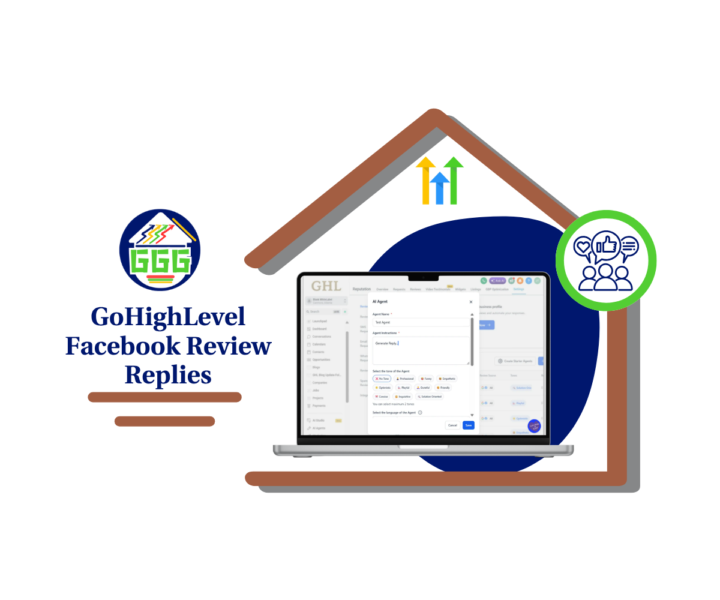
Facebook Reviews Now Have AI Replies
Alright, this one fixes a real problem. Facebook reviews usually get ignored because they live outside your normal workflow. Now, Facebook review replies are built into GoHighLevel Reviews AI, so you can respond from the same place you already manage Google reviews. 👍 You’ve got two options, and both are useful. Option 1 is Suggestive mode. You click AI Reply, GHL drafts the response, and you review and send it. This is perfect when you want speed but still want a human to approve every word. Option 2 is Auto Responses. You create a Reviews AI Agent, set your rules, and let it reply automatically to the reviews that match. This is where agencies and multi-location brands win, because response coverage goes up without adding more work. The smart way to roll it out is simple: Start with Suggestive mode first. Then move to Auto Responses for 4 and 5 star reviews only. Once you like the quality, expand your rules or add more pages. If you manage multiple clients, keep agents organized by naming them clearly per client or location. Set the tone and language so replies stay consistent, then do a quick weekly check to make sure everything still looks on-brand. If you try it, tell the group what you picked first: Suggestive or Auto Responses? And did you start with positive reviews only? 🚀 Check out all the details at GoHighLevel Growth Garage > https://gohighlevelgrowth.com/ghl-updates/facebook-review-replies-in-ghl-ai-suggest-auto-respond/
0
0
23h •
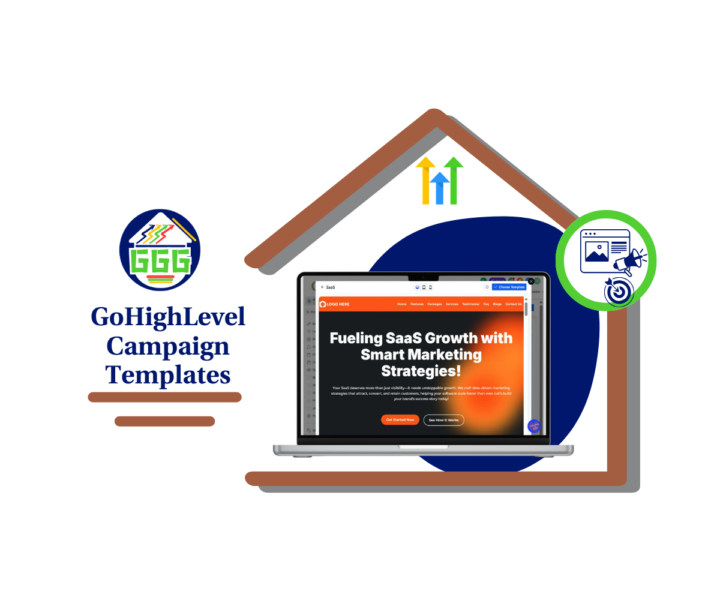
New Campaign Templates in GHL
If you build client campaigns in GoHighLevel, this update makes life easier. New campaign templates just dropped across the stuff you actually use: websites, emails, forms, surveys, social posts, and ads. Here’s why that matters. Most “slow launches” are not because you are lazy. It’s because you start from a blank screen, then you get stuck tweaking design instead of shipping. These campaign templates give you a solid starting point, so you can get a clean version live first, then improve it after leads start coming in. ✅ In our guide, we focus on the fastest win: installing a Website campaign template from the Template Library, opening it in the editor, making a few key edits, and publishing. That alone can cut your build time down fast. Quick tip: do not redesign. Just swap the basics: • Logo and brand colors • Headline and offer • Button text and button links • Contact info Then preview mobile and test every link once. 🚀 If you’re an agency, this is also a simple way to standardize fulfillment. Build one “master” version per niche, clone it for each new client, and only adjust the offer and location details. That’s how you deliver faster without lowering quality. If you’re a business owner, this is the shortcut to getting something professional online without overthinking it. Question for the group: which niche are you building for right now, and what campaign templates do you want GoHighLevel to release next? 👇 Check out all the details at GoHighLevel Growth Garage > https://gohighlevelgrowth.com/ghl-updates/new-campaign-templates-in-gohighlevel/
0
0

2d •
Smarter GHL Workflows with AI 🤖
If you’re still building giant If/Else trees inside your GoHighLevel workflows… you’re working too hard. The new Dynamic Custom Values update inside the AI Agent completely changes how you handle logic-based field updates. Instead of stacking 15–30 branches just to update one custom field, you can now let AI evaluate the context during execution and write the correct value automatically. Here’s what this means for you 👇 ✅ No more bulky workflow logic ✅ No more timezone formatting branches ✅ No more day-of-week ladders ✅ No more pipeline-stage condition stacks You add one AI Agent action. You select Update Custom Value. You either choose the field or let AI decide. That’s it. For agencies, this is massive. Cleaner workflows mean: • Faster builds • Fewer support issues • Easier snapshot scaling • Less maintenance across sub-accounts Dynamic Custom Values allow you to design intent instead of predicting every scenario. You tell the AI what outcome you want. It handles the variation. And yes… you can still use static values if you want full control. Or go full AI mode and let it decide both the field and the value based on context. This isn’t just a feature tweak. It’s a smarter foundation for automation inside GHL. If you manage multiple clients or sell white-label systems, this update can quietly save you hours every month. Have you tested Dynamic Custom Values yet? Full Post Here! Drop your use case below 👇 Let’s compare notes.

1-30 of 1,503

skool.com/ghl-growth-garage
GoHighLevel Updates, Guides, Tools, Training, Marketing Strategies and More!! 🔧🔨Free Business Snapshot!!
Leaderboard (30-day)
1

+1
2

+1
3

+1
4

+1
5

+1
Powered by