
Pinned

👑
4h •
The Clief Notes AI is live 📣
It’s live. Starting today, everyone in Clief Notes has access to the new Clief Notes AI. The easiest way to use it? Don’t overthink it. Ask it the question you would normally ask me. “Where should I start?” “What should I focus on next?” “Where did you talk about [topic]?” It’ll use what’s already inside Clief Notes to help answer you and point you toward the right lesson or resource when there’s something worth going deeper on. The goal isn’t to give you another AI tool to play with. It’s to make everything already inside this community easier to actually use. If you want Access to it Comment "READY" and we'll send you access to it!
Pinned
👑
Jul 1 •
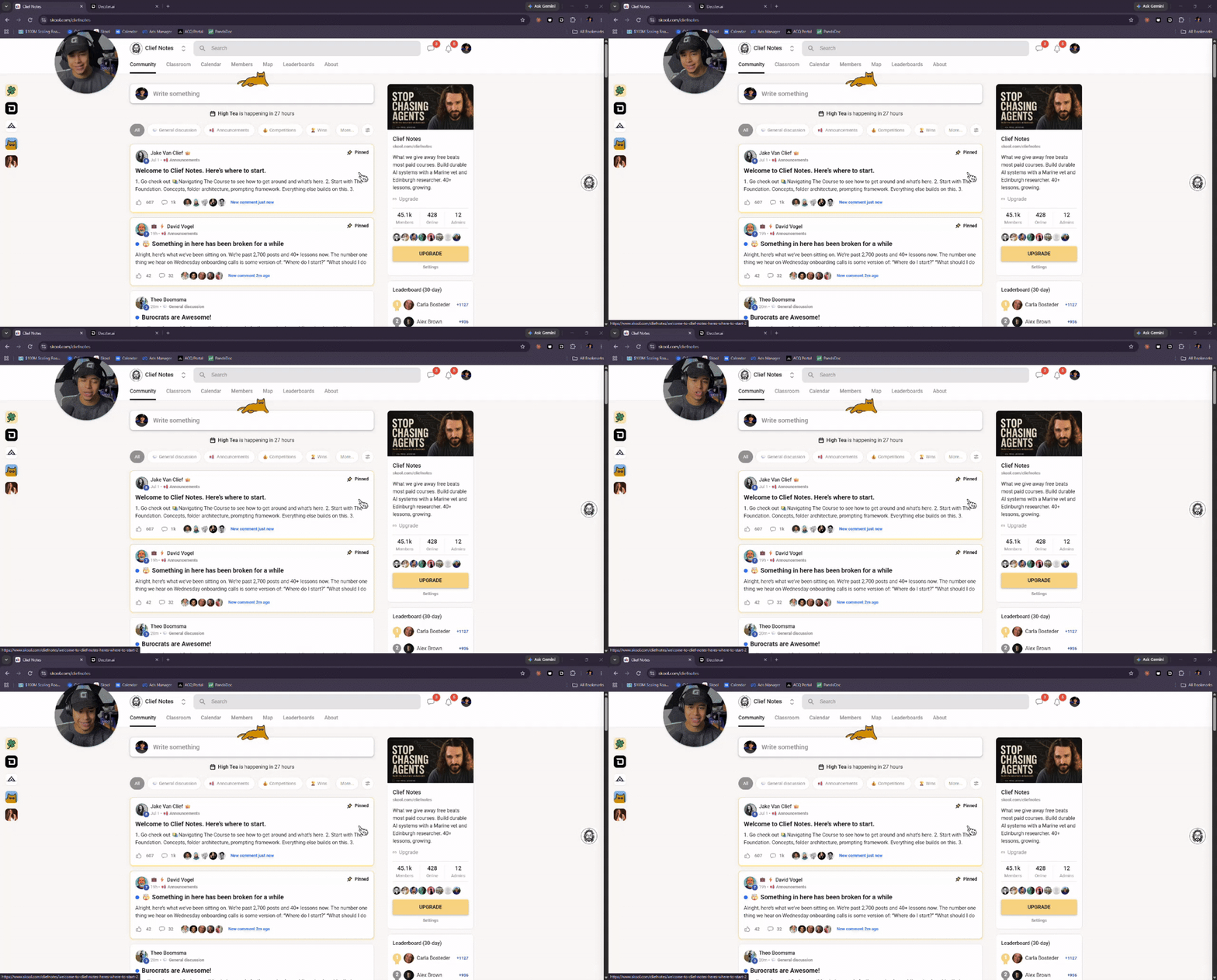
Welcome to Clief Notes. Here's where to start.
1. Go check out 📚Navigating The Course to see how to get around and what's here. 2. Start with The Foundation. Concepts, folder architecture, prompting framework. Everything else builds on this. 3. Check in at the bottom of each lesson. Polls, discussion posts, other members working through the same stuff. Use them. 4. When you're ready to build real things join in on our Biweekly competitions and win some real cash. ⭐ Competitions Mega Thread 5. If you are wanting to dive into the masterminds, grab all the past templates, artifacts and resources. Upgrade and head into the The Vault for Premium and The Drawing Room (VIP) for VIP 6. Post your work. Ask questions. Help others when you can. What are you here to build?
Pinned

1d •
🤯 Something in here has been broken for a while
Alright, here’s what we’ve been sitting on. We’re past 2,700 posts and 40+ lessons now. The number one thing we hear on Wednesday onboarding calls is some version of: “Where do I start?” “What should I do next?” “Did someone already answer this?” Fair. There’s a lot in here. So we’re bringing in an AI trained on the Clief Notes library. Every lesson. Every Afternoon Tea. Every High Tea drop. It actually knows what’s in here. 🧭 Tell it what you’re stuck on, and it points you toward the right lesson or drop. 🗺️ Tell it where you’re at, and it can help you figure out what to focus on instead of just telling everyone to “start at The Foundation.” 🔍 Ask it about something we’ve covered before, and it helps you find it without scrolling through months of content. And when we launch it, everyone gets access. More on that very soon.

10m •
Did you know you can leave a review?
If you have learned, grown, found encouragement, or gained something valuable from this community, I would encourage you to leave a thoughtful review for Clief Notes. Share a little about what you have learned, the progress you have made, or how the community has helped you. Jake and his team put so much into making this a genuinely valuable place, and the members make it even better by freely sharing their knowledge, ideas, and encouragement. An honest review is a simple way to thank them—and it may help someone else discover the support and direction they have been looking for. https://www.skool.com/cliefnotes/about Scroll down....

5h •
Having trouble accessing the Clief Notes Agent or extension? Read this first.
Quick reference in case you run into any issues getting set up or using the Clief Notes Agent + Roadmap. Go to Start Here → How to Access your Clief Notes Agent & Roadmap and follow the steps. **Browser Compatibility** The Clief Notes extension only works on Chromium-based browsers that support Chrome extensions. You can use: - Google Chrome - Microsoft Edge - Brave - Opera - Opera GX - Vivaldi - Arc Safari and Firefox are not currently supported. For the smoothest experience, we recommend using Google Chrome. **Troubleshooting Guide** - Don’t know your Skool @username? Go to your Skool profile → under your name, copy and paste your @handle. See the image for reference. - If you lost access in the extension: Most of the time, all you need to do is sign out and sign back in using the same email you originally used. - If you see the Creator Dashboard: If you ever get logged out or land on the Creator login, simply switch over to Student and log back in using the same email. - If the extension is gone: Log out and log back in with the same account. - Important: Use the same email every time. That is what keeps your profile, roadmap progress, quiz data, and AI personalization connected. If something goes wrong, you get stuck, or your question isn’t covered here, comment below and tag me or @Nazar Tymiv . We'll help you get sorted.
1-30 of 3,075

skool.com/cliefnotes
What we give away free beats most paid courses. Build durable AI systems with a Marine vet and Edinburgh researcher. 40+ lessons, growing.
Leaderboard (30-day)
1
+1114
2

+933
3

+675
4

+595
5

+554
Powered by