
Write something

8d •
Walk-Test LIVE: The Command Center is Almost Ready
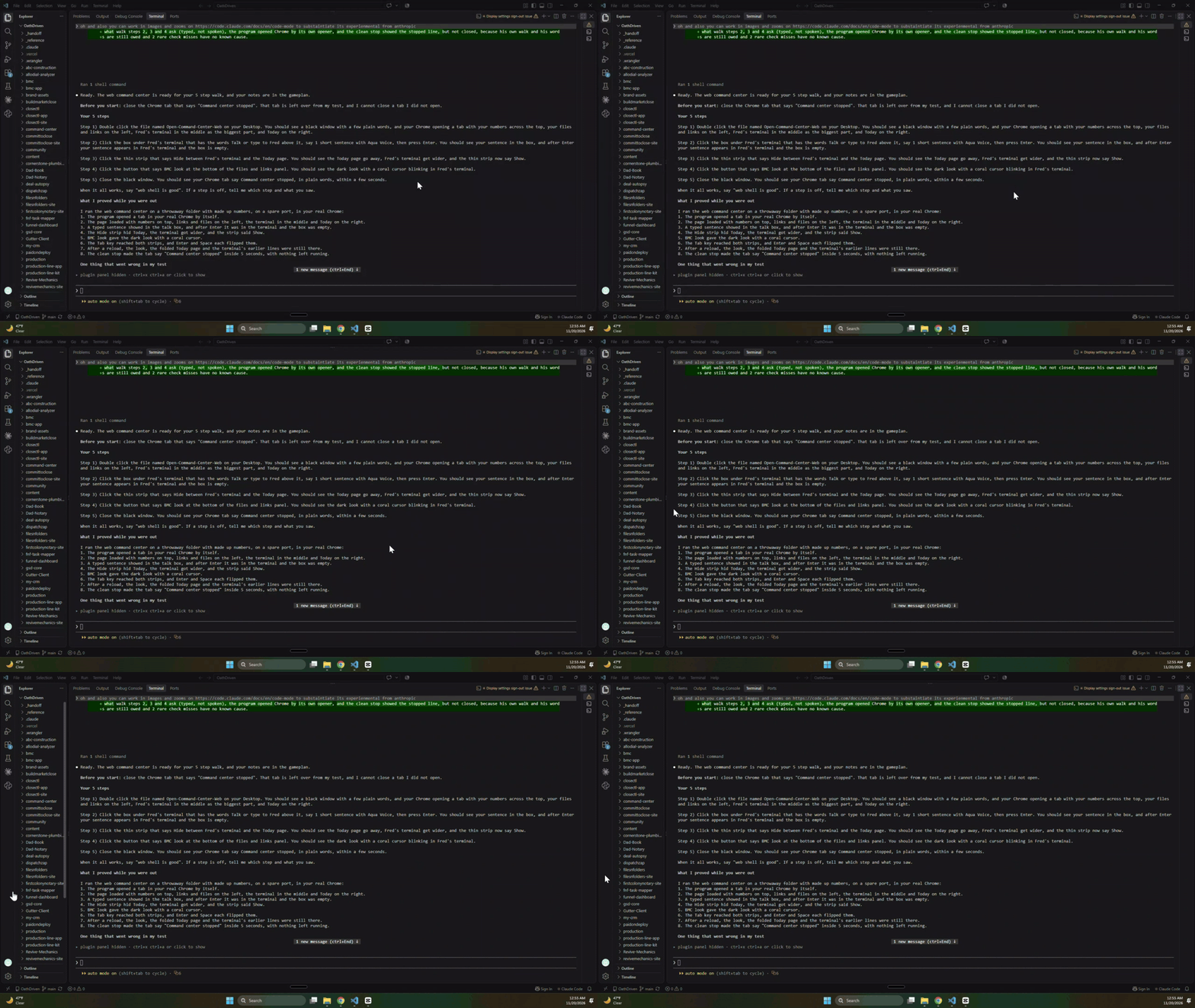
Well, this has been a fun thing to learn and build. I wanted to accomplish a couple of things: - Get everything that I need to understand about my business and where I work (the terminal) into 1 "Command center" - Build this out the right way - it uses GSD and it's 9 phases - Have a desktop version for when I want to hyper focus and not have to open my browser and get lost - Have the web version as well so I had options and when I get this into client's & customer's hands, I can easily get them the code and set up - Have several different visual options depending on my mood Watch me fumble through my 5 step walk test: https://www.loom.com/share/e46377534cc34ba1a0d1d552f36d170d Next up on the list, experimenting with experimental "code mode" to see if I can start saving tokens. I've hit my weekly limit 2 weeks in a row, and want to be the test dumb on their experimental thingy. Look for that video today, I will be doing that through my production line and 100% live in my terminal to see what is what and if it's worth it. ( https://code.claude.com/docs/en/code-mode#how-code-mode-works) Always got your back, RyMac
11d •
4 Doors To Your 1 Folder AI OS
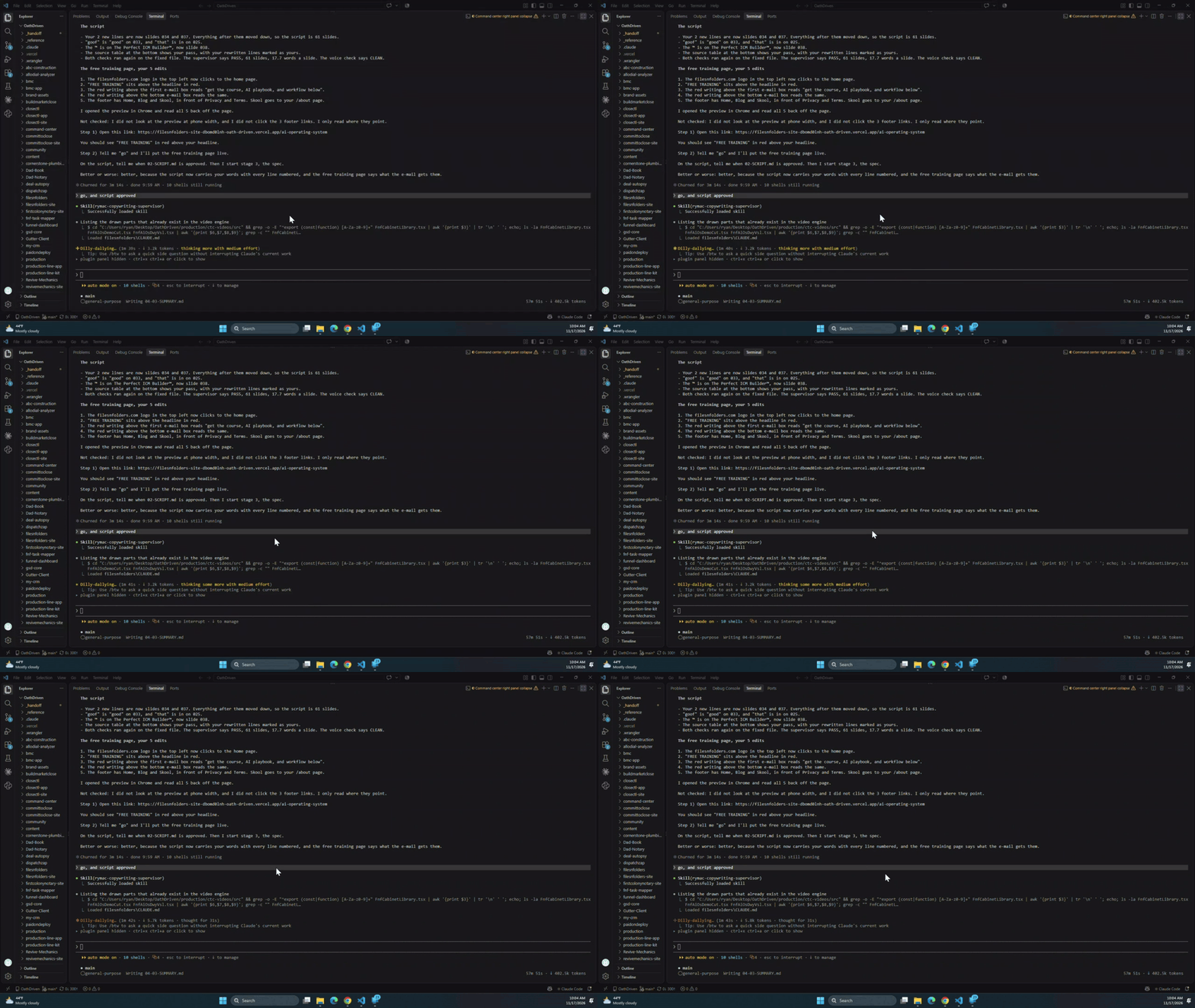
I work in the terminal in VS Code. It's just my personal preference but I do get asked by peoples daily: - "is Claude Code extension in VS Code the same?" - "Can I access it from my mobile phone app?" - "Is Claude Code Online the same thing?" The short answer is: Yep. Yes. Si. -> Quick Loomz explains how to use whatever floats your boat to work in your 1 Folder AI OS. Always got your back, RyMac P.S. That little "general-purpose" agent working at the bottom of the video is jammin' on my command center thingy. There was WAY more too building it than I realized 😭🤣
11d •
The #1 Mistake You Make With AI
I have seen 100s of people's "folder trees" , "AI OS" structures, & "Second Brains".... The #1 Mistake? You've made a "mess", find ICM structure, and then try to jam the shape of it over your mess instead of doing it right from the start. I know, I was 1 of those people. I didn't want to give up on my cluttered mess but the day that I did... Everything changed. I decided to "right click" on my desktop and create 1 folder. I named it after my LLC "OathDriven". Then I made a new text document and I named it CLAUDE.MD....& then I named the other text document CONTEXT.MD. I didn't know it at the time but... This was the start of my 1 folder AI operating system. Then I slowly started to move in my businesses, projects, tools, and information. The who, what, where, how, why, etc. I didn't know it at the time but... This was the start of my "second brain". You have to build your 1 Folder AI Operating System first....& then you move in your "second brain". I wish I understood this when I first started.... But now I can set them up properly, in my sleep, and not miss a beat. Always got your back, RyMac P.S. Practice doesn't make perfect, perfect practice makes perfect. Here's the workflow so that you can start practicing. -> https://claude.ai/artifact/2MCXfHEUcXN9Nrru93jvMr

Oct 27 •
Playing around with Ry Mac's video pipeline
I took the ICM folder structure with a style I created, mixed it with @Ry Mac's video content pipeline and...Voilá! Excerpt taken from one of Ry's YouTube videos :).


Oct 28 •
I tested my ICM folder against the document by itself. The document did the work.
Most tests of a folder compare it to nothing: a fresh chat with no folder and no document. The folder wins, and we call that proof. I ran the case that usually gets skipped. Same model, same nine questions, three arms: - No document, no folder: 1/9 and 0/9. - The document pasted in, no folder: 9/9 and 9/9. - The full folder in a Claude Project: 9/9 and 9/9. On three held-out questions graded by hand, the document alone and the folder both scored 3/3. The folder's only measurable differences were its section tags and one safety sentence. The accuracy came from the document. That changed how I build. The folder earns its place when there is routing to do: several stages, several files, a reader who has to find the right one. For one reference document and a question, paste the document. The repo keeps everything, including three discarded runs and why they were thrown out. The commit order is the proof: the questions and the scorer were committed before any arm ran, so nothing was tuned to the result. Try it yourself: pick one folder you're proud of. Before you claim it helps, run the arm with just its main document pasted into a clean chat. If that ties, your folder's job is routing, and you can judge it on that. Question for the comments: has anyone run the document-only control on their own setup? I'd like to know whether mine was the odd one out. Free and open: github.com/NFTYoginis/jdm-the-control

1-5 of 5

skool.com/buildmarketclose
Learn to build , market , and close with a Marine Veteran turned serial entrepreneur that's been featured on EOFire using AI with Files & Folders.
Leaderboard (30-day)
1
+60
2

+49
3

+43
4
+36
5

+33
Powered by