Activity
Mon
Wed
Fri
Sun
Dec
Jan
Feb
Mar
Apr
May
Jun
Jul
Aug
Sep
Oct
Nov
What is this?
Less
More
AI Automations by Jack
4k
5.0
$97/m
AI Agent Mastery for Business
65
5.0
$79/m
Autonomee
219
$102/m
Build Market Close
812
5.0
Free
Lead Gen Insiders by LGJ
2k
$1,497
AI INSIDERS 👨🏻💻
6k
Free
Clief Notes
56.2k
5.0
Free
AI Automation Agency Hub
338k
Free
The RoboNuggets AI Network
111.1k
Free
36 contributions to Build Market Close

5d •
I'm Making A Thingy
I was jammin with @Jordan Shaw earlier today in our Discord so he could show off this awesome "machine" he built... And I was like dude I need me a command center window like that. Basically just all the things I deal with daily into 1 window, just ran a test, and it's functional... "FRED MAKE ME THIS THING LOOK LIKE FILESnFOLDERS.COM & AND I WANT ALL MY EVERYTHING YOU SEE ME MESS WITH DAILY IN 1 PEICE OF PLASTIC" Let's see what happens 💪 Note* that isn't the real prompt I used but it's not far off Who else has a "command center" here? Show it off below 👇


1 like • 3d
@Jeremiah Stephen It's still a mockup with sample data, not a finished build, so there's nothing ready to share yet. Honestly, the screen is the easy part. Claude can build a dashboard like that in an afternoon, and each person should fit it to what they need to see every day anyway. The ideas behind it are what matter, so here they are in case they help you build yours: The core rule: you operate on the screen and build in Claude. The screen has no chat and spends no tokens by itself. What you see 1. Ease of use. You open it in the morning and see what needs you, without remembering commands or digging through folders. 2. Everything pending in one place, from all your projects, email and calendar. Decisions are kept apart from small to-dos. 3. Claude sessions that need you: which ones are waiting on you, which are busy, and how much context each has left. 4. One click to the source. Every card links to the folder, file or tool it came from. 5. What to leave out: a chat box, AI personas, 20 pages. One home screen plus a few areas. How work moves 6. Handing work to Claude. Any card opens Claude with the task already typed, and you press Enter. Or it runs in the background. 7. Limits on what Claude does alone. For each automation you choose: only report, prepare and wait for your OK, or run and tell you. Anything that leaves the building (an email, a payment, a post) always waits for you. 8. The same actions for you and for Claude. A button on the screen and a command Claude runs do exactly the same thing. 9. Close the day: a roll-up of what got done across all your sessions. How it's built 10. Your folder is the source of truth. Each pending item is a small file Claude writes, the screen is only a view of the folder, and Claude can work without the screen at all. 11. Buttons come from skills. Each skill says which area it belongs to, what its button says and what prompt it sends. Add a skill and you get a button. 12. Numbers come from plain scripts, not AI. A refresh costs zero tokens, and "nothing changed" just shows as nothing changed.
1 like • 3d
@Ry Mac looking good!
9d •
What video do YOU need for your business?
Hey everyone! @Ry Mac asked me if I could make some videos for the group, so before I build anything I want to know what would actually help you. The video shows what I've made so far. Watch it for ideas, then vote. And in the comments: if you could have one video made in 5 minutes, what would it be about?
Poll
6 members have voted

10d •
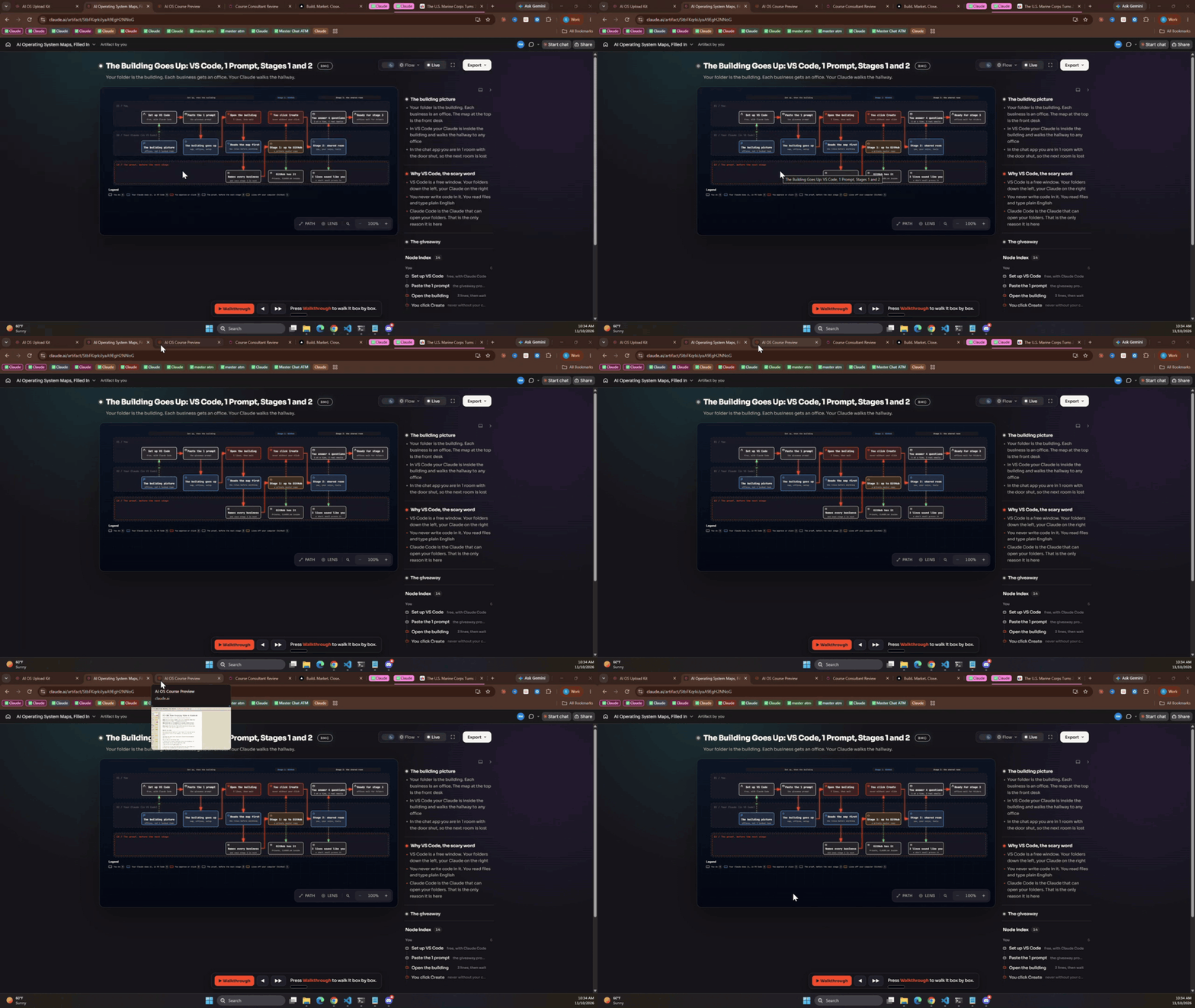
1 Folder AI Operating System Course Launching Soonz
So... I have been launching content out into "buckets" -Building -Marketing -Closing -ICM Nothing truly structured. Just a topic, thrown into a bucket, some zip files for you to point your AI at and "go". This week, that changes... I'm launching a structured course on how to set up you 1 Folder AI Operating System. The end result is your own AI operating system built in 1 folder, the same way you've seen me operate mine. It has 84 micro lessons over 11 sections, each lesson ends with an action for you to take. For the most part each lesson can be finished in 5'ish minutes. It's baby steps so that you can learn things the right way. The why, the idea, the real life example, and your practical app. The BMC platform is 95% done as well (shown in video). Note* - I mentioned GSD being used on the BMC build (and all of my apps moving forward) repo is here: https://github.com/open-gsd/gsd-core I highly recommend my vibe coding frens' check it out. Shot ya a quick video 👇
3 likes • 10d
[attachment]
14d •
Customers vs. Clients
A lot of people get this confused. I see people routinely refer to customers and clients as if they're they same and they're not. This is my short take: - A customer buys a product or service from you that works without you - A client buys your (or someone on your teams) time and you work with them People think they want to start an "AI agency" and they want clients but they do not realize the ability to scale a client based business is much harder and more expensive than "gurus" will tell you. Then they close some deals and realize they've created their self another J.O.B. and not a business. You're replacing time for money. A business that has customers is much easier to scale with hiring margins and less overhead. You're providing a solution that you spent your time on building. It doesn't trade your time for money. This is easier to scale. Neither business model is wrong or right, it's just wrong or right depending on what it is you actually want to do vs what it is you think it does. An example: My VIP has clients (we meet weekly and I'm trading time for money ) My Perfect ICM Builder has customers (we never speak and I'm not trading time for money) So let me ask you... Do you want customers or clients? Lemme' know below 👇
Poll
18 members have voted

1 like • 10d
@Ry Mac I want actually both, but in the right proportion. I enjoy client work, and customers are a great way to provid high value without exchanging time for money.
11d •
Ran the 4R audit on my whole workspace. My guards work, they just weren't getting called
Ran the 4R audit on my whole workspace. My guards work, they just weren't getting called. I was out all weekend so I'm catching up today. Glad I did it. Context: I run everything out of one folder, ~/OS, about 219k files. Customers, services, a Telegram bot, Spanish outbound for some of my clients, around 30 hooks I built to keep the agent honest. I ran 4R v1.5.3 on the whole thing, did one fix pass, then re-audited the same day. What it found that I would never have found myself: 1. My Spanish proofread gate was blind on 3 of 4 send routes. I moved all my Gmail to Composio a few weeks ago. The gate still only watched the old Gmail tools. So a Spanish email to a customer could go out with no proofread at all. The hook was fine. The wiring wasn't. 2. A leftover "proofread passed" marker had been sitting in /tmp for over 2 hours, with no age limit. The next Spanish send would have gone straight through. It's good for 15 minutes now. 3. 6 of my rules lived only as a sentence in a context file. Planted tests went right past every hook. Supabase GRANTs, no new files in the root, date prefixes on file names, things like that. 5 of the 6 are hooks now. 4. The cold walk was the best part. A fresh agent with no context got stuck exactly where my files contradicted each other (my root file said meeting action items live per customer, the skill still wrote them to one central file). I would have sworn that was fixed. 5. 7 repos had commits that never reached GitHub, including my whole .claude folder with no online copy. That one hurt a bit. something to point out: the planted tests are saved, so the next audit replays them first. 48 of 48 hold today. If I break a guard next month, I'll know.

1 like • 11d
Two small things for you @Ry Mac , on macOS: - `secrets.sh` prints `sed: extra characters at the end of q command` on every hit. BSD sed doesn't like `{p;q}`. - On 219k files it ran well over 10 minutes. Worth a heads up for people with big folders.
1-10 of 36