

11d •
Help with this one.......
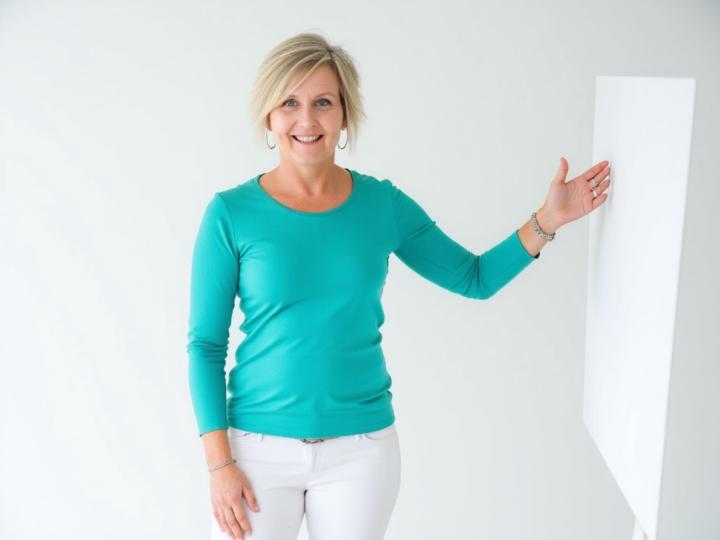
This is OK......but feels unnatural and stiff.......any ideas @Lindsay Hack

🔥
May 14 •
Some troubleshooting support
PROMPT: To help fix body type Take the body in this photo [your requirements, e.g., slim, chubby, etc., reshape the body into the photos of your needs, such as longer legs, slimmer waist, or more]. Maintain realistic properties, proportions, natural skin texture, the consistent lighting while making the changes. Ensure the final image looks seamless and lifelike without distorting any elements or the background. Photorealism. PROMPT: To change outfits without changing everything Change the color of the outfit from [current] to [target]. 100% preservation of non-clothing elements, face, skin, hair, accessories, and environment. Precise identification of fabric edges. Light interaction; maintain tonal range, highlights, shadows, and texture [denim, silk, cotton]. Wrinkles, and drape remain unchanged. No color bleeding into the skin. Results: photorealistic and undetected. Photorealism.

🔥
May 14 •
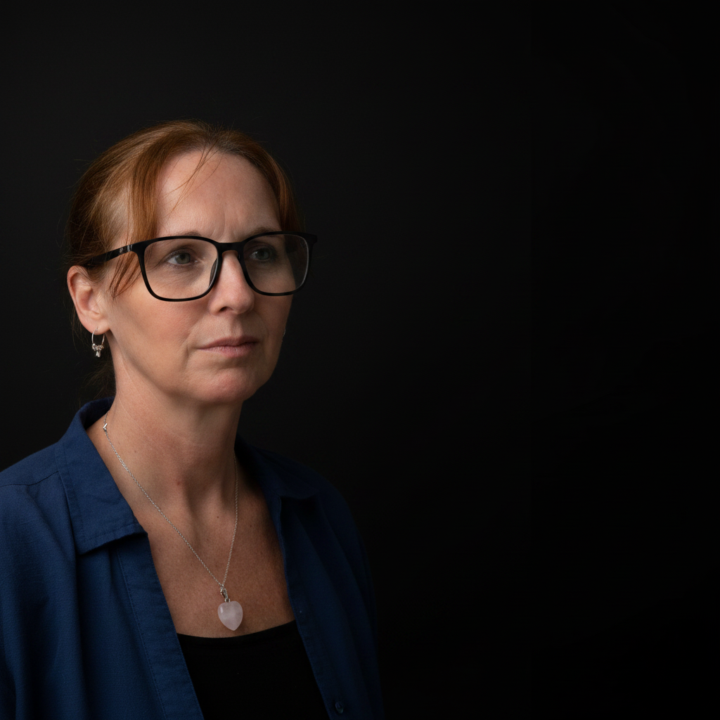
Expression CHANGE Prompt
PROMPT: Change the facial expression of the person in the photo to [desired expression ie. smiling, surprised, laughing, etc]. Keep the person's identity, facial features, and overall lighting intact while making the expression look natural and realistic. Ensure the adjustment blends seamlessly with the original image. Photorealism.
🔥
May 14 •
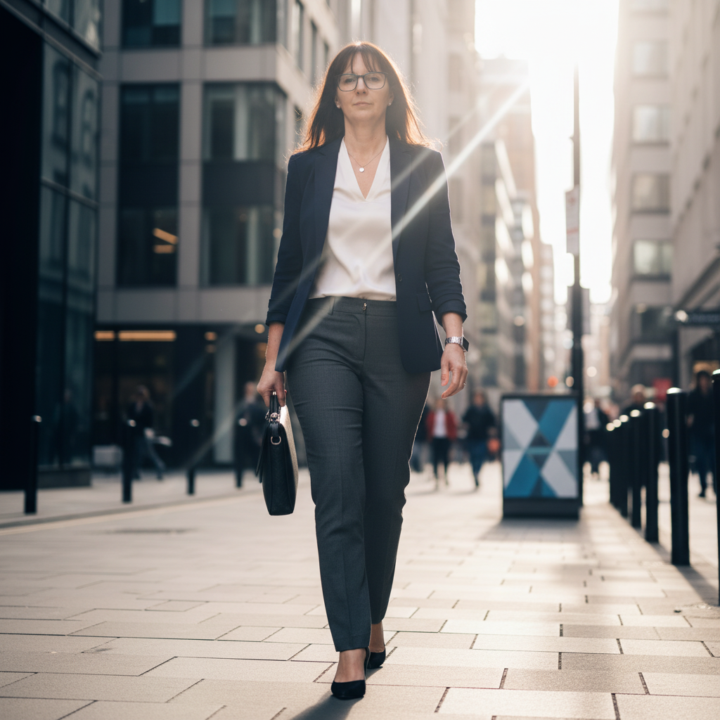
POSE Prompt.
Change the person's pose in the photo to [desired pose, such as sitting cross-legged, arms crossed, walking forward, jumping mid-air, leaning against a wall, looking over your shoulder, hands in pocket, or holding an object]. Keep the person's identity, face, facial features, expression, body portions, proportions, clothing, skin texture, hairstyle, lighting, shadows, camera angles, background, and overall photo style as consistent as possible. Make the new pose look natural, balanced, and anatomically realistic, with the believable limb placement, body weight, posture, clothing folds, contact points, and shadows that match the original scene. Do not distort the face, wrap the body, create extra fingers or limbs, change the person's identity, alter the background, or make the pose look stiff or artificial. The final image should look like a seamless, photorealistic image of the same person naturally captured in the requested pose.
🔥
May 14 •
FASHION Visualization Prompt
Dress the person in the first image with the clothing from the second image. Keep the person's face, identity, expression, pose, body proportions, skin texture, hairstyle, lighting, shadows, camera angle, background, and overall photo style the same. Preserve the design, color, material, fit, and style of the clothing from the second image as accurately as possible. Make the clothing look naturally worn on the person's body with realistic fabric draping, folds, seams, wrinkles, textures, colors, and shadows that match the pose and the lighting of the first image. Do not change the face, reshape the body, alter the pose, distort hands or limbs, wrap the background, or make the clothing look fake or pasted on. The final image should have a seamless, photorealistic image of the same person naturally wearing the clothing from the second image. Photorealism.

1-29 of 29
Leaderboard (30-day)
1

🔥
+25
2

+13
3
+7
4

+7
5

+7
Powered by