Activity
Mon
Wed
Fri
Sun
Sep
Oct
Nov
Dec
Jan
Feb
Mar
Apr
May
Jun
Jul
What is this?
Less
More
Memberships
Character Design with Ryan
240 members • Free
2DAnimation101
701 members • $9/month
11 contributions to 2DAnimation101

Feb 11 •
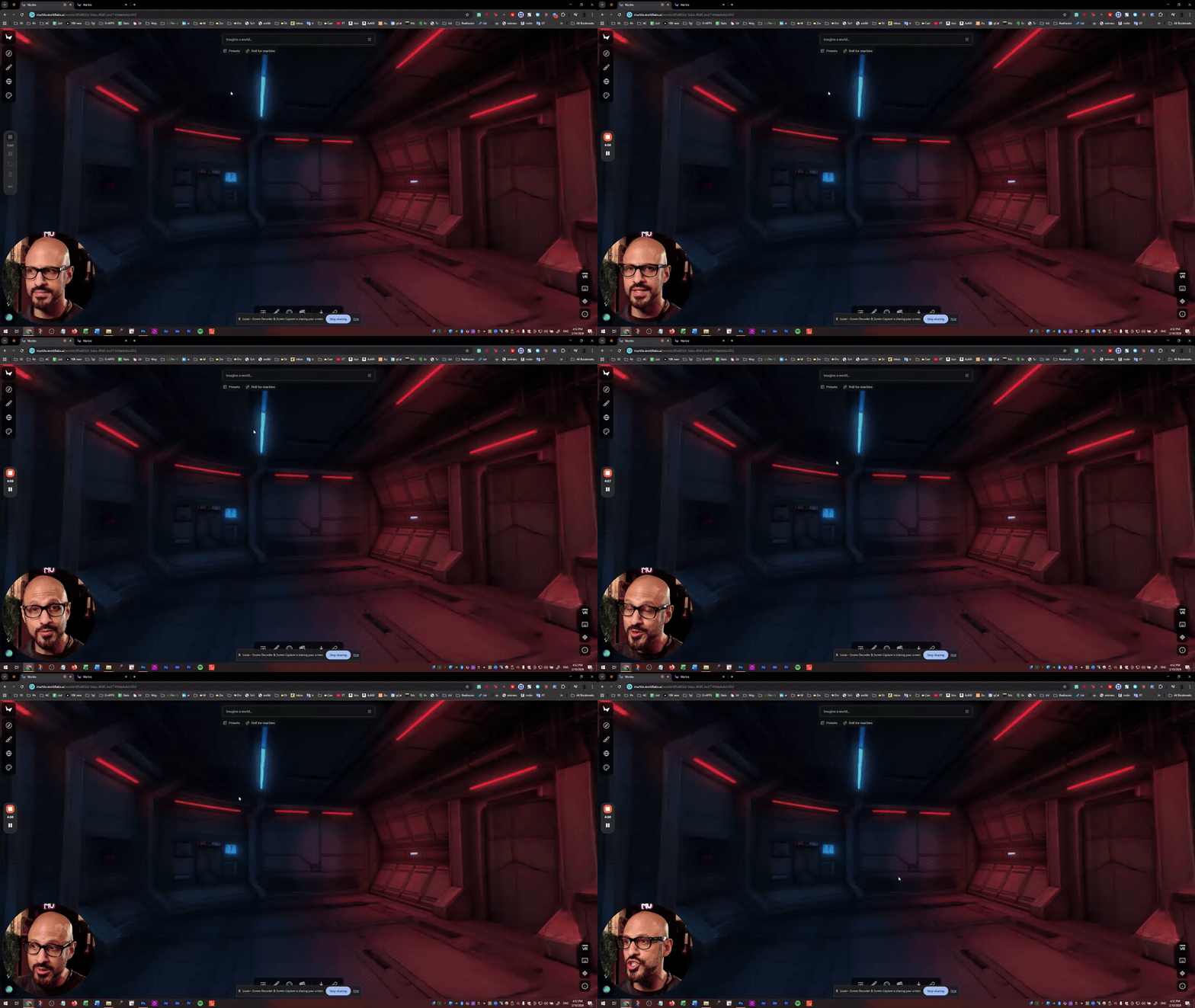
Exciting Update: Module 3 - Background Consistency is Coming!
Hey everyone! I just finished recording a breakthrough tutorial that I'm SO pumped to share with you. I've been deep in the trenches working on an action scene for the masterclass, and I realized this topic deserves its own dedicated module. Why? Because creating consistent backgrounds across multiple shots is one of the biggest challenges in AI animation, and I've cracked the code. In this tutorial, you'll learn: - How to seamlessly connect multiple AI-generated backgrounds in a single scene - My workflow for adding elements (doors, computers, props) to existing backgrounds using AI instead of 3D software - The photoshop masking technique I use to blend different backgrounds together perfectly - How to create animated transitions (like doors opening) that reveal new environments - Why understanding perspective is crucial for background consistency (and how to use perspective lines to fix alignment issues) - My screenshot and iteration process for achieving the exact camera angles you need The best part? Once you master this workflow, you can keep connecting scene after scene, creating complex action sequences with perfect visual continuity. This is going way deeper than anything I've covered before. Can't wait to get this into your hands! Drop a comment if you're excited about this, I want to hear what you think! If you are on the AI Animation Masterclass, send me a DM, and I can share my PSD File (that you can open in any PSD editor, including Photopea for free )

2 likes • Feb 18
background consistency is very helpful!
Jan 31 •
A mix of tools - Cartoon Animator, AI, Photoshop, Logic Pro, etc.
Sorry to miss yesterday's class/discussion. Friday afternoons are always crunch time for me, I'm always finishing up my next video. But I did want to share my latest. The animation isn't done with AI (I am still proudly using Cartoon Animator!), and the characters were designed and rigged by artists, but I did use AI to create most of the backgrounds/scenes in this one. (A few backgrounds from real artist - the side view of the dock, for example.) That saves me a lot of time and I'm happy with the results. I will continue to refine the look of the camp settings. I also experimented with some AI voice generation. The main characters (Dewey, Zack, Maya, Bob, the Moose, and one of the girl campers) are performed by my daughter and me, but I used typecast(dot)ai to create the voices for the rest of the young campers in the first story. I have mixed feelings about the results, let me know what you think. https://youtu.be/jyxR5aDvj0g?si=NcJEVtmtmsJnIzOl
2 likes • Feb 1
Love this Kipley! My kiddos would love to see some cat videos from you next!
Jan 28 •
What are your favorite AI resources and why?
Id love to get some good recommendations on consistent reputable AI resources. Character productions, Mouth and Eye Sprites, Image generators, story editors, scene generators, programing ai, and especially any ai that has vector production capabilities. What are your favorite AI links and what do you like best about them? Any you recommend avoiding?
2 likes • Jan 28
For creating cool maps, I used to really love playground ai for generating map concept art for my world building projects but they changed their platform and pretty much everything that it used to be. This is an example of one I worked on a long time ago for one of my childrens book series'. I would really love to find another ai that would be great with this stuff
Jan 27 •
Cartoon Animator? I prefer AI, it's faster and better
In Cartoon Animator, they have this feature of Motion Capture. But it only captures the face, to animate the whole body, you need expensive motion capture equipment, like Rokoko for $2000. With AI, all of that becomes irrelevant. Look at how easily I did these 4 demonstrations with a few clicks, using the same prompt: "Match the reference video exactly (timing, moves and audio) while keeping the new character unchanged in appearance, outfit, and identity." Learn how to animate full stories with AI without wasting credits, and without having to reprompt again and again: AI Animation Masterclass
1 like • Jan 28
Do you have a course breakdown for this yet? Im curious to see if the style and exercises are something that would be interesting/relevant for me.
1 like • Jan 28
Also, are the productions all video and raster format or will it discuss any way to do vector formatted ai animation assets?
Dec '25 •
Do you draw your own characters or like to use premades?
Im curious how many "from scratch" creators we have on here :) Also, id love to here about what some of your favorite premade characters are and why. Im always looking to see what others create and looking to learn from quality designs.
2 likes • Jan 8
@Fab B it looks like you're off to a great start! Ive learned alot by taking apart the premade characters and swapping images until I create my own images. It helps to see how they work and where I can make customized changes.
1 like • Jan 23
@Steve Peck What programs are you using?
1-10 of 11

@heather-ambrosio-9206
Creative designer crafting modern vector art, pixel art, 2D animations, and tools for digital storytellers.
Active 73d ago
Joined Dec 6, 2025
INTP
Powered by