
16d • Before and after
landscape before and after
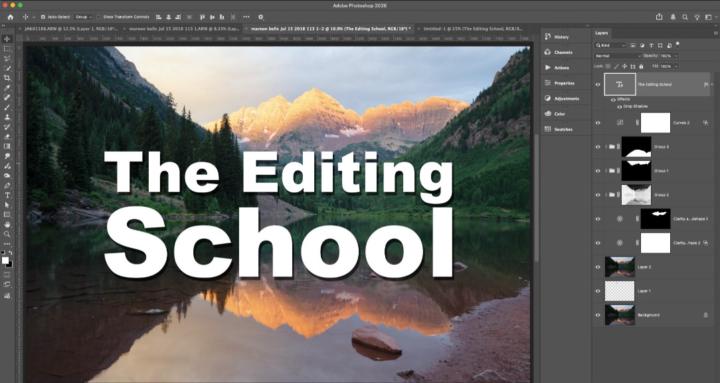
Here's an edit in Photoshop of a landscape. I've attached a video if you want to see the process. Here's the big trick from this edit: you can add adjustments to your masks in PS. The downside is the mask adjustments are permanent, but the good news is you can add a levels or a curves adjustment to masks and this skill is really beneficial. Go to Image > Adjustments (with the masks selected) to add an adjustment to a mask. Oh also, I use an action that I created which creates luminosity masks. Come on over to one of the hang outs and I can provide it.
11:10
1
0 comments
landscape before and after
powered by
skool.com/the-editing-school-1973
A community dedicated to helping you master editing your photography. We teach Adobe Photoshop, Lightroom, and Lightroom Classic.
Suggested communities
Powered by