

8h •
2 techniques 1 video
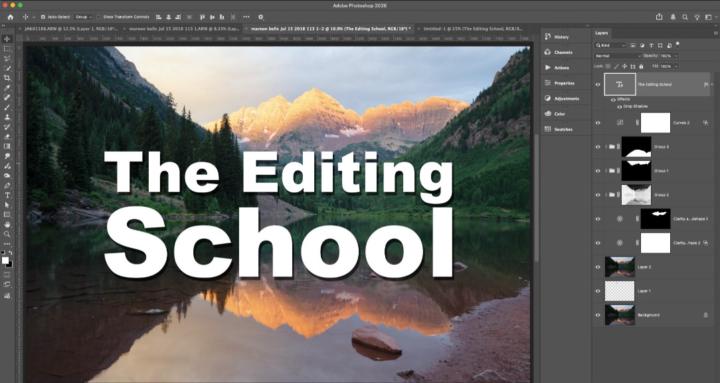
I created a new technique for making light rays in PS and I wanted to demonstrate creating an export preset in LRC.
0
0


22h •
September Vivid Color Shoot
Here are 2 from last week. The first was edited in LR-C; the second in LR-C then sent to Luminar to use the glow and mystical tools. I didn't feel the first image was vivid enough! The second, too much? Anyway, it was a gorgeous morning. 😁

9h •
extra hangout
Hey friends, had some scheduling issues, so I've moved our extra hangout to Friday for this week. Next week is Lightroom Week and we're back to normal with the beginning of October. Last few days for Vivid Color submissions. If you haven't checked out Jeff's images, you should.
0
0


1-30 of 172
powered by
skool.com/the-editing-school-1973
A community dedicated to helping you master editing your photography. We teach Adobe Photoshop, Lightroom, and Lightroom Classic.
Suggested communities
Powered by