
21d • Before and after
Changing colors in PS
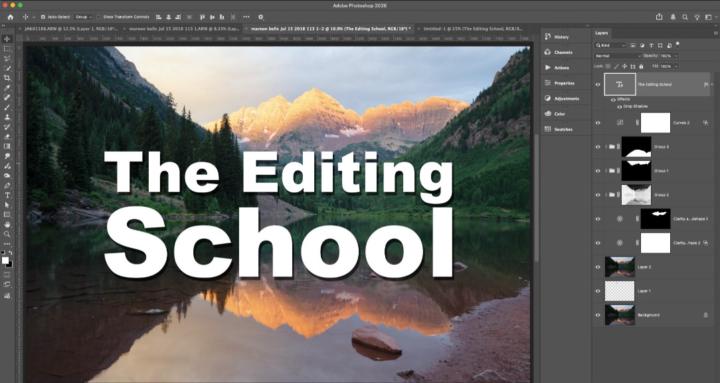
Today we're looking at strategies for changing color in PS.
• First, limit the region by making a selection of the object. Great a group with this selection as the group mask.
• A hue and saturation layer allows you to target a color, but the effects can be imperfect.
• A better strategy is to go to Select > Color Range and select the color you want to change and save that as a selection. Apply that selection as a mask to a hue and saturation adjustment layer.
• Now use. the colorize feature in H&S to adjust the color with more control.
For a bonus feature, we will adjust the mask with a curves layer (lots of folks don't know you can do that) to make the color range mask better.
Have you don't work like this or tried it? What kinds of edits are you doing right now?
7:05
0
0 comments
Changing colors in PS
powered by
skool.com/the-editing-school-1973
A community dedicated to helping you master editing your photography. We teach Adobe Photoshop, Lightroom, and Lightroom Classic.
Suggested communities
Powered by