
🔥
Apr 23 (edited) • 🧠 Strategy
Starting With a Small Icon? Fix This Before You Use QR Codes
I just used the GPT Icon Generator to fix an existing Skool community icon—and this is a mistake I see all the time.
Example:
Cristal Vancarson’s community 👉 Photography by Cristal
Cristal offers remote portraits—helping people get professional-quality images without being in the same location…
So it only makes sense that her brand visuals match that same level of clarity and quality.
The logo itself is solid…
But the starting file is too small.
Here’s the real issue:
A lot of people upload icons that are:
- Low resolution
- Already compressed
- Designed for a tiny display
So when you go to reuse that icon for:
- Logo QR codes
- Flyers
- Thumbnails
- Anything IRL
👉 It doesn’t scale cleanly
👉 It loses sharpness
👉 It looks soft or pixelated
That’s exactly what was happening here.
So instead of trying to stretch a small image…
- Rebuild it at a higher resolution
- Simplify the design
- Make it crisp at any size
- Prepare it for logo QR codes
This is the real play:
It’s not just about making icons…
👉 It’s about upgrading weak source files
Why this matters (especially IRL):
When you drop your logo into a QR code:
- It needs to be sharp
- It needs contrast
- It needs to hold up at different sizes
A small, low-res icon will always fight you here.
Simple rule: If your icon didn’t start out high-quality…
…it won’t magically improve later.
If you want me to take a look at yours, drop it below
👇I’ll show you how I’d rebuild it with the GPT.
— Jeff
15
27 comments
Starting With a Small Icon? Fix This Before You Use QR Codes
skool.com/bio
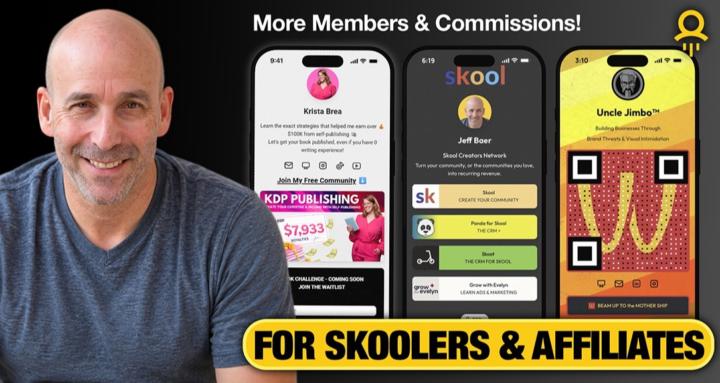
Create link-in-bio pages, logo QR codes, and Canva flyers that generate more members and commissions. Tools, templates & training inside.
Leaderboard (30-day)
1

🔥
+47
2

🔥
+45
3

🔥
+42
4

🔥
+26
5

🔥
+21
Powered by