Activity
Mon
Wed
Fri
Sun
Jan
Feb
Mar
Apr
May
Jun
Jul
Aug
Sep
Oct
Nov
What is this?
Less
More
Memberships
Funnel & AI Academy
483 members • Free
AI Business Guild
1.8k members • Free
60-Second Sales Funnels
13 members • Free
Automation Muse-
204 members • Free
Consulting & AI Automations
35 members • Free
N8nLab
3.6k members • Free
AI Marketing Mastery
821 members • $27/m
Mind Technology
122 members • Free
Automated Marketer
2.8k members • Free
34 contributions to Autom8 school by navan.ai

Nov 4 •
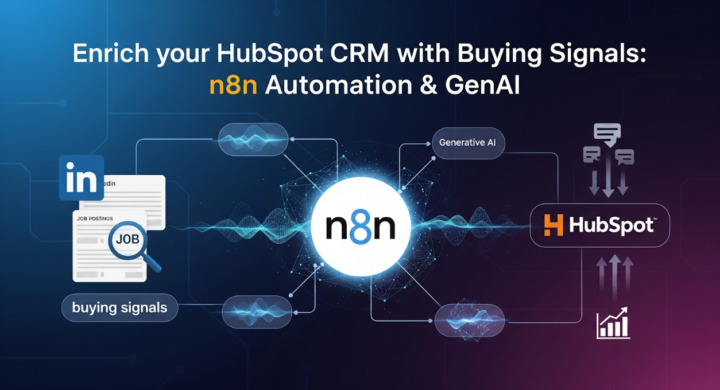
Enrich your HubSpot CRM with Buying Signals: n8n Automation & GenAI
For B2B marketers, quality is way more important than quantity. If you know that a particular company in your ICP is looking for a solution you can offer, more than 60% of your sale is already done. Here's an automation workflow which helps you find buying signals to enrich the list of leads in your HubSpot CRM so that you know who to reach out to. Step 1 - Fetch contacts and company details from HubSpot - Node: HubSpot CRM (Contacts + Companies). - Pull key fields: contact name, job title, company name, company domain, recent interactions, and notes. - Optional: filter contacts by lifecycle stage (e.g., leads, opportunities). -------------------------- Step 2 - Search for buying signals via LinkedIn job posts - Node: HTTP Request (LinkedIn data provider) / Apify scraper - For each company from HubSpot: - - Search LinkedIn job listings for relevant keywords that match your offerings (e.g., “automation developer,” “CRM integration,” “AI specialist”). - - Collect data: job title, posting date, description, location, and job URL. - Mark companies that are actively hiring for related roles — these show potential intent to buy similar solutions. -------------------------- Step 3 - Analyze and match buying signals with CRM data - Node: Gemini (Text Analysis). - Input: HubSpot contact info, recent notes/conversations, and the detected job post. - Ask Gemini to identify how the job post suggests a buying signal and how it connects to your offerings. Suggested Gemini instruction:“Given this contact and their company’s recent job posting, explain in 2–3 lines why this indicates potential interest in our solutions and what opportunity it represents.” -------------------------- Step 4 - Draft hyper-personalized email - Node: Gemini (Text Generation). - Input: prospect details, buying signal summary, previous CRM notes, and your company’s offering. - Prompt Gemini to write a short, conversational, and personalized outreach email.
0
0
Oct 27 •
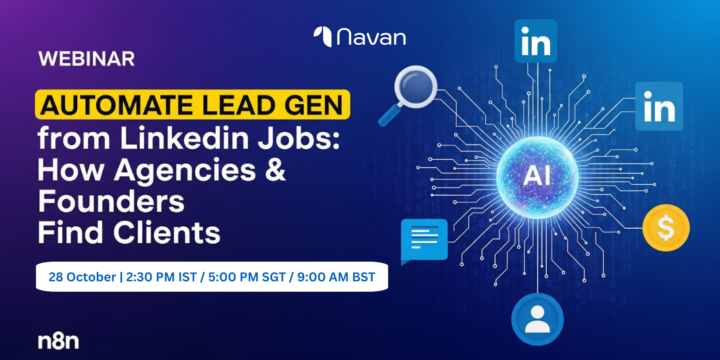
Webinar Alert! Generate Leads from LinkedIn Jobs: n8n Automation
Hey! navan.ai is hosting a webinar tomorrow (28 October) at 2:30 PM IST where we'll show how you can use n8n automation to generate leads using LinkedIn Jobs data. Register and join the webinar to know how your B2B business can generate more leads from LinkedIn using automation: https://www.eventbrite.com/e/1837683905029 Reach us on connect@navan.ai if you have any questions.
0
0
Oct 22 •
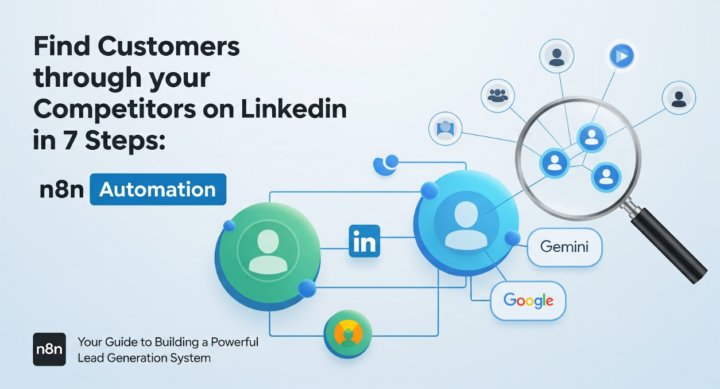
Find Customers through your Competitors on LinkedIn in 7 Steps: n8n Automation
Do you follow your competitors on LinkedIn to know what's happening in the market and who is working with your competitors? While it can give you a lot of insights, it is nearly impossible to track your competitors' activity manually on LinkedIn. That's when you use this n8n automation workflow to find customers through your competitors on LinkedIn: Step 1 - Define your competitors - Node: Manual Trigger or Form. - Input: list of LinkedIn company pages or personal profiles representing direct competitors. - Store them as workflow variables for later use. --------------------------- Step 2 - Identify competitors active 5+ days per week - Node: HTTP Request (PhantomBuster / LinkedIn API partner). - Pull each competitor’s activity log from the past 7 days: posts, likes, comments, shares. - Count active days. - Filter for those with engagement on 5 or more distinct days. - Output: “Active Competitors” list for further tracking. --------------------------- Step 3 - Fetch interaction network of active competitors - Node: HTTP Request (same tool). - For each competitor: - - Gather all profiles they’ve interacted with — those they’ve liked, commented on, or shared posts from. - - Also capture users who’ve engaged (liked/commented) on the competitor’s own posts. - Store: name, LinkedIn URL, interaction type, company name, and engagement date. --------------------------- Step 4 - Filter potential customers based on ICP - Node: Function / Gemini. - Input: all interaction profiles + your ICP. - Ask Gemini to filter and retain only those who match the ICP (e.g., “Operations Managers in manufacturing companies with 100–1000 employees in the US”). - Output: refined list of potential customers likely relevant to your offerings. Suggested Gemini instruction:“From this list of LinkedIn profiles, keep only those who fit the Ideal Customer Profile: [ICP details]. Return their names, companies, and roles.” ---------------------------
0
0
Oct 21 •
For Marketing Agencies: Find Customers using LinkedIn Ads Library Data in 6 Steps
Are you looking for new customers for your marketing agency? Here's a simple but effective automation which will help you find prospects at scale from LinkedIn Ads Library data, in just 6 steps: Step 1 - Input campaign topics/keywords - Node: Manual Trigger or Form in n8n - Input: topics/keywords for the kind of ads you want to research (e.g., “automation,” “AI tools,” “supply chain optimization”) and your Ideal Customer Profile (ICP) - e.g., “Operations Managers at mid-size US manufacturing companies.” - Save both inputs as workflow variables. ---------------------- Step 2 - Fetch ads from LinkedIn Ads Library - Node: HTTP Request (LinkedIn Ads Library API or authorized provider). - Query for ads matching the given keywords/topics from the last 30 days. - Extract for each ad: advertiser name, company page URL, posting date - Store results temporarily in memory or a staging sheet. ---------------------- Step 3 - Extract company list - Node: Set / Function. - From the ads data, extract unique company names and LinkedIn page URLs. - Remove duplicates, normalize names, and store in an array for next lookup. ---------------------- Step 4 - Find ICP-matching people at those companies - Node: HTTP Request to Apollo / ZoomInfo / LinkedIn Sales Navigator API / Cura8.ai by navan.ai - For each company, use the ICP filters provided (designation, department, company size, location) to find matching prospects. - Capture: name, title, company, LinkedIn profile URL, and company domain. - Use SplitInBatches + Wait nodes for API rate limits. ---------------------- Step 5 - Deep research + personalized message generation with Gemini - Node: HTTP Request → Google Gemini. - For each matched person: - Input: person details, company details, company’s ad copy (from Step 2), your company’s offering summary, and any relevant industry signals (funding, hiring, etc. from enrichment APIs). - Ask Gemini to: - - Analyze what the company’s ad indicates about their focus or pain point. - - Cross-map that need to your offering. - - Write a short (max 80 words) hyper-personalized LinkedIn message that shows deep understanding, references the ad or the company’s goal, and ends with a friendly CTA to connect or chat. - Output: unique message per prospect.
0
0

Oct 15 •
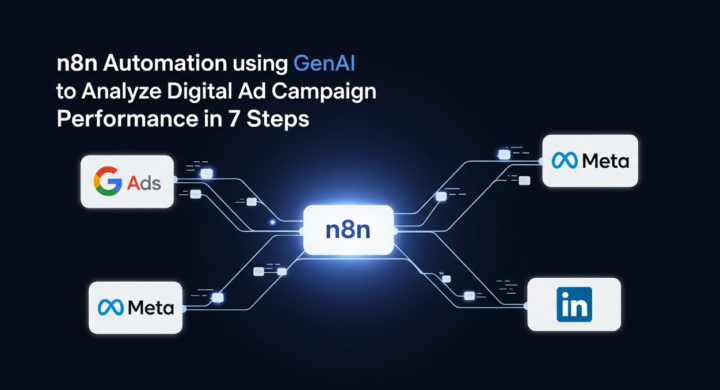
n8n Automation using GenAI to Analyze Digital Ad Campaign Performance in 7 Steps
Are you running several ads across various digital platforms like Google, Meta, LinkedIn and others? It becomes cumbersome to collate all the data and analyze it effectively. Check this step-by-step guide to create a n8n automation workflow to analyze all the ad campaigns you run and get a report with suggestions within minutes! Step 1 - Fetch campaign data from each platform - Node: HTTP Request / native n8n integrations for Google Ads, Facebook Ads, Instagram Ads, LinkedIn Ads. - Pull metrics for campaigns: impressions, clicks, CTR, spend, conversions, landing page URL, UTM tags, dates. - Filter for desired time period (e.g., last 7/30 days). ------------------ Step 2 - Normalize & merge data - Node: Set / Merge / Function. - Standardize column names across platforms: campaign_name, product_service, impressions, clicks, CTR, spend, conversions, cost_per_action, landing_page_url. - Add a platform column to identify origin. ------------------ Step 3 - Group data by product/service - Node: GroupBy / Function. - Sum impressions, clicks, spend, conversions for each product/service across campaigns within each platform. - Calculate derived metrics: CTR, cost-per-click (CPC), conversion rate, cost-per-action (CPA). ------------------ Step 4 - Analyze engagement & conversions per platform - Node: Function / HTTP Request (Gemini). - For each platform, pass grouped metrics to Gemini and ask it to: - - Identify engagement trends. - - Compare reach vs actions. - - Detect underperforming campaigns (low CTR, high CPC, low conversions). Suggested concise Gemini instruction: “Analyze these grouped campaign metrics per platform. Highlight trends, underperforming campaigns, and suggest why performance may be low.” ------------------ Step 5 - Cross-platform comparative analysis - Node: Gemini. - Input: aggregated metrics for each product/service across platforms. - Ask Gemini to: - - Compare performance across platforms. - - Suggest which campaigns to increase budget for. - - Recommend tweaks to ad copy, targeting, or landing pages. - - Identify overall strengths and weaknesses.
1
0
1-10 of 34

@varun-p-7555
I talk about all things automation - AI, GenAI, n8n, Make.com, Composio, Zapier. Let's connect if you need help with AI automation: connect@navan.ai
Active 1d ago
Joined Aug 19, 2025
India