Activity
Mon
Wed
Fri
Sun
Jan
Feb
Mar
Apr
May
Jun
Jul
Aug
Sep
Oct
Nov
What is this?
Less
More
Memberships
CG Python Academy (Free)
1k members • Free
6 contributions to CG Python Academy (Free)

3d •
Pushing Coffee Hangout
Hey team, Due to a few ASAP items that require my immediate attention, I need to be fully focused this week. Therefore, I will have to postpone our Coffee Hangout until next week. I apologize for the last minute update. I'm really looking forward to connecting with you all and catching up then!


1 like • 3d
Wishing you the best. I had an 8 month pause due to work but hoping to join back into the group soon since I changed my career path now to desk work ;)

Jan 8 •
Hello
Hi, I’m a 3D environment artist in the video game industry, with a particular interest in the technical aspects of my field. I kinda lean toward a technical artist role. I enjoy exploring workflows, tackling challenging tasks, and creating small tools, like in Substance Designer. Programming has always been something I’ve wanted to learn. I’ve tried two or three times in the past, picking up bits and pieces, but I never managed to go deep enough to create things independently. However, over the past few weeks, I’ve been dedicating time to Godot, and I’ve finally reached a point where I understand enough of the language to make progress using documentation and online resources. I’m not doing much but it feels like I’ve passed the first gate Additionally, I started using Blender a few months ago. I’m eager to experiment with Geometry Nodes and Python to see what I can create, on my own pace.
1 like • Jan 10
@Stephane Materinsky I will say, even as a coding beginner that After using Arduino code that Python 3.11 is insane what you can do with it and make money doing it if you get good enough at it.
Jan 9 •
The result of return
Hi, I have taken the course and I want to ask you about this line of code : my_cube = bpy.ops.mesh.primitive_cube_add(). After running this line, I saw that a Cube object is created in Outliner. And I thought I can access the location of the cube with my_cube.location , but it doesn't work. How can I see the result of the above line ,since it doesn't return an object ?
0 likes • Jan 10
Hi, I looked in the info panel and found this code added once I placed a cube in the scene, giving you the location so you can change it as you wish bpy.ops.mesh.primitive_cube_add(enter_editmode=False, align='WORLD', location=(0, 0, 0), scale=(1, 1, 1)) This will add a new cube each time though, so I was playing with the code and got this to work to move the actual location import bpy from bpy import data as D from bpy import context as C from mathutils import * from math import * bpy.data.objects['Cube'].location = (1, 0, 2,) Just change the number values
Jan 8 •
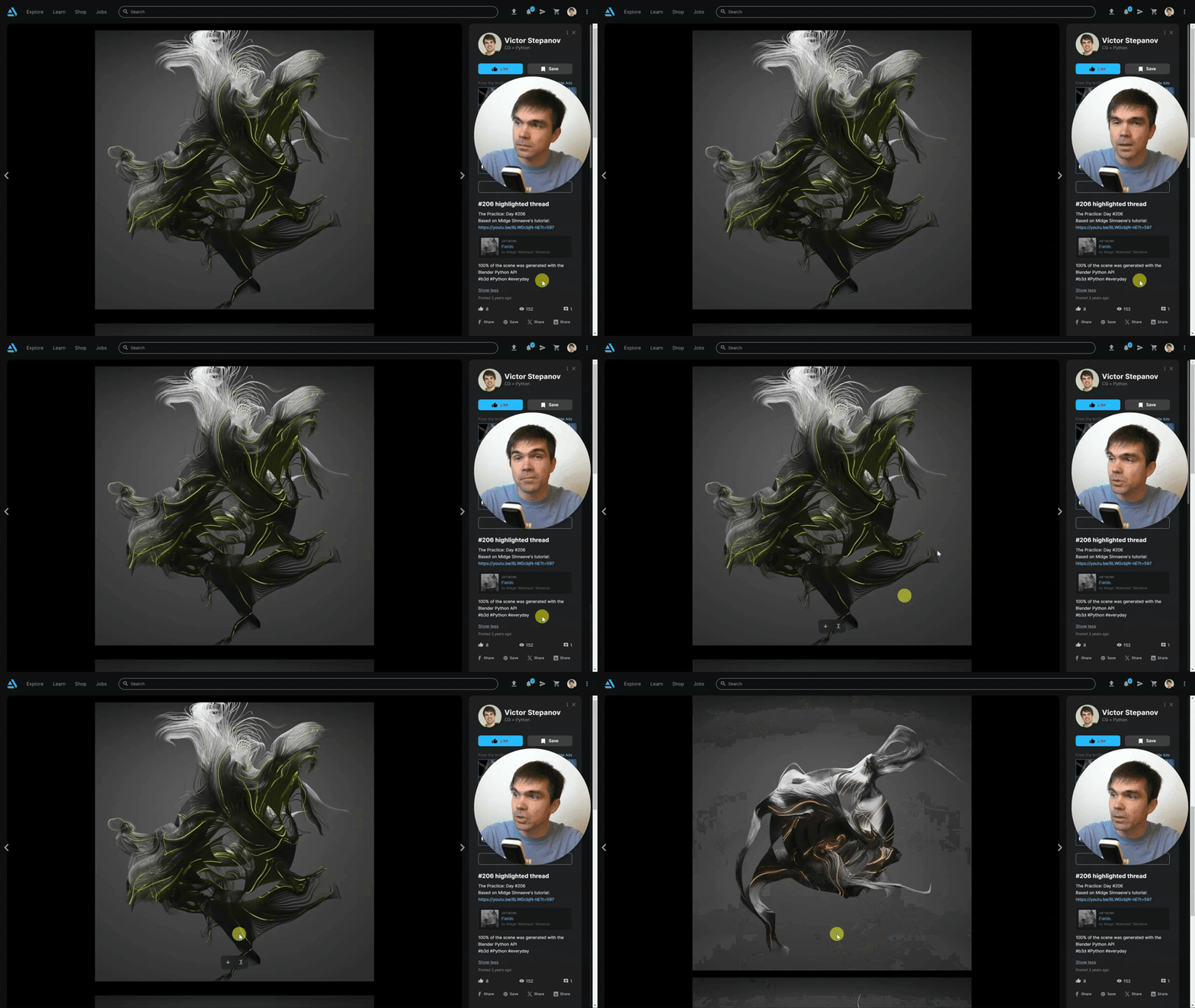
Art with a Python script
Great way to learn the Blender Python API is making some art https://www.artstation.com/artwork/NxDGVd
1 like • Jan 9
This is also something I would love to learn! Thanks for the post
Jan 6 •
Let me know when you reach the end of part 1 of the course
Don't hesitate to ask if you need help with part 1 of the course project!
2 likes • Jan 7
I like the pace, coming from Serpens addon creator I was able to keep up perfectly. Explaining things as strings, properties floats, vectors and so on as a base for understanding will go a long way for beginners to get an early foundation even if they don't have a clue what they are. Familiarity will make it so much easier to absorb I believe. The course layout is superb, and the website design is top notch!
1 like • Jan 7
Also, I never touched the interactive console before, that's neat to work with and update props and let all the import basics!
1-6 of 6

@steven-fleshman-8905
Blender enthusiust, for 3 years, Serpens addon creation intermediate. After pouring 100's of hours into Blender in my spare time, python is my goal.
Active 3d ago
Joined Jan 5, 2025
Powered by