Activity
Mon
Wed
Fri
Sun
Feb
Mar
Apr
May
Jun
Jul
Aug
Sep
Oct
Nov
Dec
Jan
What is this?
Less
More
Memberships
Front End Now Community
168 members • $47/month
23 contributions to Front End Now Community

Dec '25 •
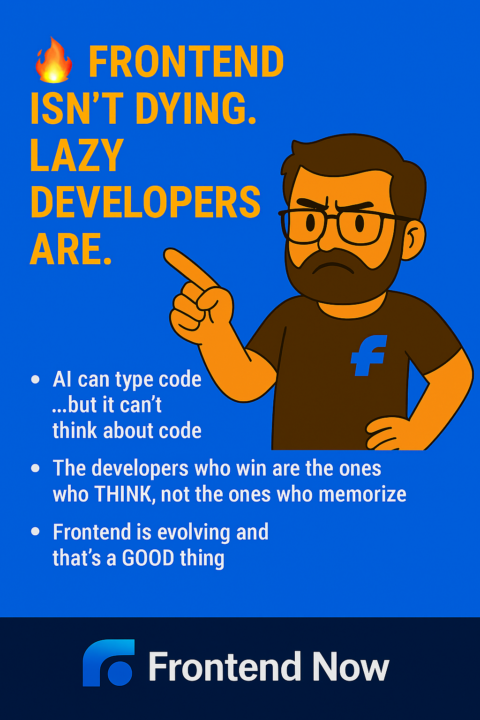
🔥 Frontend Isn’t Dying, Lazy Developers Are.
I’ve seen this fear everywhere lately: “Is AI going to replace frontend developers?” Here’s my honest take after working with hundreds of students and watching the industry up close: Frontend isn’t dying. Lazy developers are. Let me explain because this is way more empowering than it sounds 🧠 AI can type code but it can’t think about code Everyone’s acting like ChatGPT is going to stand up one day and start building full products. But guess what? AI has no clue: - Why a layout should flow a certain way - How a user thinks when they land on a page - What a business actually needs from a feature - Which trade-offs make sense in the real world - When simplicity beats cleverness AI replaces typing, not judgment. Frontend is judgment. 💡 The developers who win are the ones who THINK, not the ones who memorize If your value is “I can follow tutorials and Google my way through a app” Yeah, AI is going to outpace you. But if your value is: - Clear thinking - UX intuition - Problem-solving - Clean, maintainable code - Understanding the user - Communicating with designers & product Then AI becomes your sidekick, not your replacement. The devs who think in systems and user flows? They’re about to become 10× more valuable. 🚀 Frontend is evolving and that’s a GOOD thing Frontend has always changed fast: - jQuery → ES6 JavaScript - Tables/CSS Floats → Flexbox → Grid - Static Pages → Server Side Rendering - CSS in JS → Tailwind CSS AI is just the next evolution and guess who thrives during evolutions? The people who adapt, not the people who cling to what’s comfortable. 🛑 Here’s who should be worried: People who: ❌ copy/paste code without understanding ❌ rely on tutorials to think for them ❌ don’t know how to break down a problem ❌ don’t understand users ❌ can only follow instructions, not create solutions Those roles are disappearing 🔥 Here’s who wins big: People who: ✅ can make decisions ✅ can communicate with clarity ✅ can simplify complexity

0 likes • Dec '25
Spot on, @Heather Hugo! AI is just a tool, it lacks the vision to create meaningful user experiences.
Dec '25 •
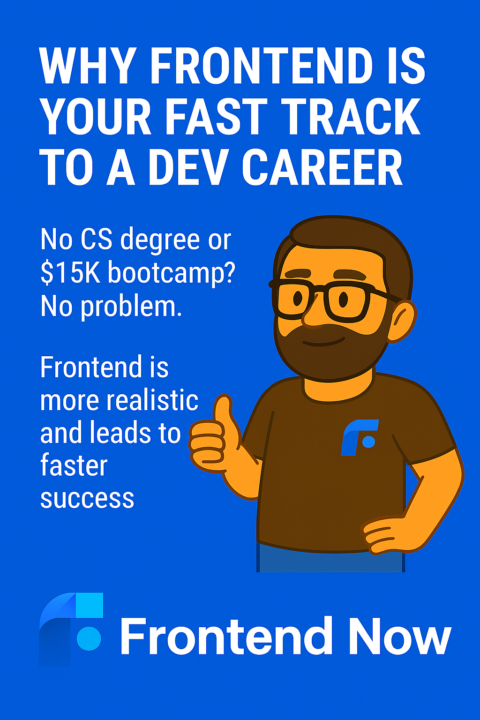
🌱 Thinking About Becoming a Frontend Developer?
Let’s talk about why this path is way more attainable than most people think and why so many of us choose it as our doorway into tech. One thing I wish someone told me earlier is this: Frontend isn’t about memorizing a mountain of tools. It's about learning to think clearly, build things that help people, and show your work in a way that makes employers say, “We want that.” Most beginners don’t fail because they “can’t code.” They fail because the internet throws 400 different directions at them and says, “Good luck and hope you survive.” So let’s make this simple ✨ Frontend feels impossible until you realize it’s actually one of the most forgiving entry paths in tech. You don’t need a degree. You don’t need to be good at math. You don’t need years of theory before touching real projects. Frontend gives you a gift most fields don’t: Immediate feedback. You write something → you see it. You adjust something → it changes in front of your eyes. Unlike other programmatic disciplines you can work directly in your browser too. That momentum matters more than people realize. It keeps you going on days where motivation drops. It builds confidence faster than any textbook ever could. 🧠 And no companies aren’t looking for “framework encyclopedias.” They’re looking for people who can: - Turn messy ideas into clean, usable experiences - Communicate the “why” behind their decisions - Break big problems into solvable pieces - Build things that feel good to use - Work with others and think like a teammate AI won’t replace that. Bootcamps can’t magically give you that. You develop it by practicing the right things, not all the things. 🚀 This is where Frontend Now fits in and why it works. Most programs drown you in content. We strip away everything that doesn’t move you toward a job. What you get instead: - A structure that cuts out overwhelm - Real projects that force real thinking - Senior engineers who actually look at your work - Community support that removes the “I’m stuck alone” part - A process that consistently gets people hired in 4 to 6 months - A job guarantee backed by a track record, not hype
0 likes • Dec '25
You're so welcome, @Chibuzor Ezeufoh
Dec '25 •
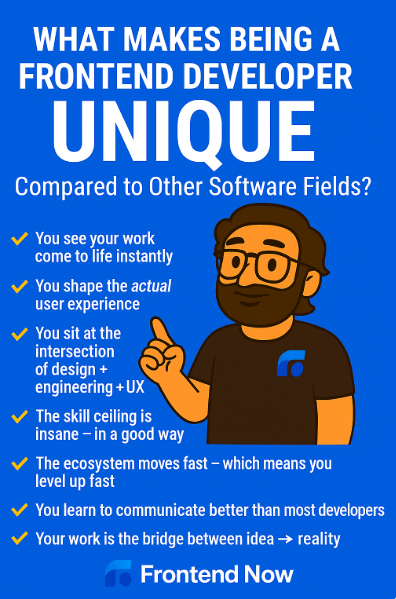
🔥 What Makes Being a Frontend Developer UNIQUE Compared to Every Other Field in Software?
People ask me this all the time, especially beginners who are trying to figure out whether frontend is “worth it” or whether another path might make more sense Here’s the truth: Frontend is one of the most unique, user-focused, fast-moving, and creatively technical jobs in software. If you’re learning it right now, you picked a path with WAY more upside than you think. Let me break it down… 1️⃣ You see your work come to life instantly This is the part almost everyone loves. Change something → refresh → done. You immediately see the impact of your decisions. It makes learning addictive.It makes improvement fast. It makes the career fun. Most other engineering fields don’t give you this kind of instant feedback loop. 2️⃣ You shape the actual user experience This is the superpower of frontend devs. You’re not just coding. You're deciding: - How someone navigates - What they click - How information flows - How intuitive the experience is Backend devs make things possible. Frontend devs make things usable. That’s a huge difference and companies know it. 3️⃣ You sit at the intersection of design + engineering + UX Frontend is the most interdisciplinary branch of software. You have to think like: - A designer (clarity + layout) - An engineer (logic + structure) - A user (experience + simplicity) If you like blending creativity with problem-solving, there’s no better place to be. 4️⃣ The skill ceiling is insane, in a good way Frontend looks simple from the outside. Then you get in and realize it goes VERY deep: - Component architecture - Performance optimization - Accessibility - Interaction design - Animation - State management - Design systems - Scalability Frontend has endless ways to grow. You will never run out of room to get better. 5️⃣ The ecosystem moves fast, which means you level up fast Some devs complain about this but honestly? It’s one of frontend’s biggest advantages. New tools come out
0 likes • Dec '25
Spot on, @Abiodun Adebanjo! 🎯 You hit the nail on the head because many people mistakenly think algorithms are only for backend, yet frontend engineering is full of complex logic like optimizing rendering, managing global state, or parsing API data. Keep honing that problem-solving mindset since it is exactly what separates a coder from a true engineer 🧠🚀
Dec '25 •
Always look after number 1
I want to tell you a story, not the polished kind you hear on YouTube or from influencers who haven’t worked a real engineering job in years, but the version that actually happens behind the scenes. When I first started in tech, I genuinely believed that if I worked hard enough, stayed late enough, solved enough problems, and proved myself enough, the company would take care of me. I thought the late nights meant something. I thought the extra effort would be remembered. I thought loyalty still meant what it used to. Turns out, it didn’t. I watched brilliant developers people who built systems everyone depended on get laid off because a new VP wanted to “tighten budgets.” I watched companies replace entire teams based on a spreadsheet projection. And I learned something harsh but true: You can be incredible at your job and still be disposable to the wrong place. This wasn’t a tragic moment… it was a wake up call and I want you, especially if you’re early in your journey, to wake up much sooner than I did. Because here’s the part nobody warns you about: Tech attracts passionate people, people who will stay up until 2am chasing a bug because they can’t let it go. People who feel guilty clocking off “on time.” People who tie their sense of worth to solving problems quickly. People who desperately want to belong. But passion without boundaries becomes exploitation. I burned myself out doing work that I thought mattered deeply and it did, just not to the people I was doing it for. And I’ve seen juniors do the same: crushing themselves trying to “prove they deserve to be here,” without realizing that healthy developers don’t prove themselves by suffering. So here’s the truth: Clock off on time. Go home. Close the laptop. Your life matters more than your output. And if you still have that itch, that desire to build, to grow, to push yourself, don’t waste it on a sprint ticket you aren’t paid extra to complete. Put that energy into something that belongs to YOU. A tiny side project.

0 likes • Dec '25
heheh, honest reflection is good, @Jared Fink! 😆 While we definitely want to avoid burning bridges with leadership, asking "Why?" is actually a superpower in engineering not to be difficult, but to deeply understand the value and priority of what you're being asked to build.
Nov '25 •
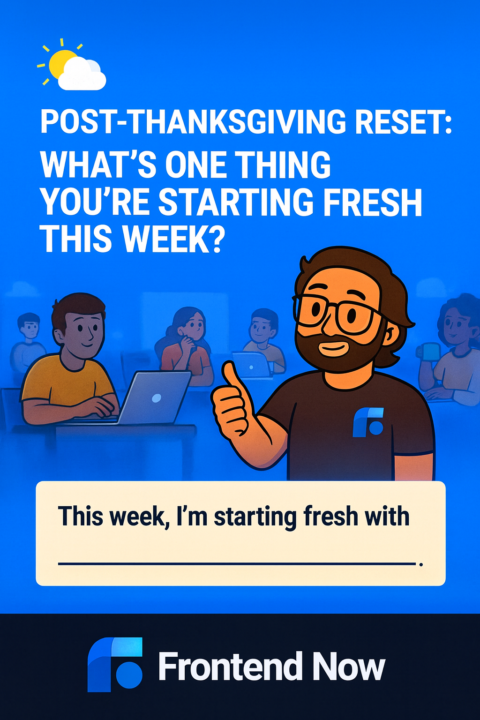
🌤️ Post-Thanksgiving Reset: What’s One Thing You’re Starting Fresh This Week?
It’s the Sunday after Thanksgiving that weird in-between day where: - you're not fully “back to routine” - you’re not fully “checked out” - and you’re definitely not sure what day it is But here’s the thing: Today is actually one of the best days to reset your momentum. Not January 1st Not Monday morning Not “when things calm down.” Today! Because today is where you quietly choose the version of yourself you’re going to step into for the rest of the year. So let’s do something simple but powerful: 👉 What’s ONE thing you’re starting fresh this week? Not huge goals. Not perfection. Not a full-blown schedule. Just one thing: ✨ A project you want to restart ✨ A habit you want to bring back ✨ A concept you want to finally understand ✨ A piece of code you want to revisit ✨ A routine you want to commit to ✨ A fear you’re finally ready to push through ✨ A question you’re ready to ask ✨ A task you’ve delayed but want to complete Whatever it is… name it. Because naming it is the first step to actually doing it. 👇 Drop yours below: “This week, I’m starting fresh with ______.” Let’s finish this year strong, one small reset at a time #frontend #postthanksgiving #careerswitch #codingjourney #developers #momentum #webdev #growthmindset
0 likes • Dec '25
@Heather Hugo, Glad you’re feeling better and ready to jump back in! 🚀 You are absolutely right—tracking your time is a game-changer for time management because it turns vague "studying" into concrete data. It keeps you accountable and shows you exactly where your focus is going (and where it might be drifting).
1-10 of 23

Active 8d ago
Joined Sep 26, 2025
Powered by