Activity
Mon
Wed
Fri
Sun
Jan
Feb
Mar
Apr
May
Jun
Jul
Aug
Sep
Oct
Nov
Dec
What is this?
Less
More
Memberships
The Video Dept.
4.4k members • Free
Community Builders - Free
8.4k members • Free
GHL Growth Garage
651 members • Free
Kingdom Builders
361 members • Free
Web Agency Accelerator (FREE)
13.6k members • Free
The Freedom Formula
495 members • Free
HighLevel Quest
12.3k members • Free
GoHighLevel + Selling AI
1.8k members • Free
1 contribution to GHL Growth Garage

3d •
Course Email Notifications Are Live
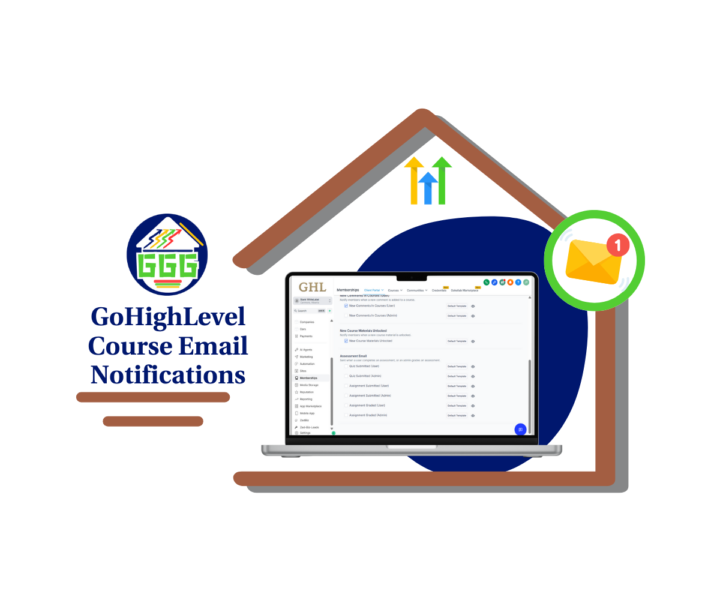
GoHighLevel just made it easier to keep your course moving. You can now use course email notifications to send automatic updates when something important happens. There are seven types of notifications. Some go to learners when they submit a quiz or get a grade. Others go to instructors when work is submitted or a comment is posted. No more wondering if someone turned something in. No more checking the dashboard every hour. These course email notifications handle the updates for you. You’ll find the settings inside your GHL sub-account: - Go to Settings > Email Settings > Courses - Turn on the notifications you want - Customize each email with the preview button Here’s what’s included: - Quiz submitted (user + admin) - Assignment submitted (user + admin) - Assignment graded (user + admin) - Course comment posted (admin) Each course email notification has its own template. You can update the subject line, text, and merge fields to match your tone and course style. The emails look clean by default, so you don’t need to do much if you’re short on time. If you run online courses or build them for clients, this is a small update that gives you more control and fewer questions from learners. Check out all the details at GoHighLevel Growth Garage > https://gohighlevelgrowth.com/ghl-updates/boost-engagement-with-course-email-notifications-in-ghl/

1 like • 2d
This is a super helpful article. Thanks @Jasmin Thuroganan
1-1 of 1
@christina-heystek-8185
I'm a digital marketing specialist with 40 years IT experience, especilly workflows. Everything in GHL is new. Onboarding clients easily wis the dream
Active 9h ago
Joined Nov 6, 2025
Powered by