Activity
Mon
Wed
Fri
Sun
Aug
Sep
Oct
Nov
Dec
Jan
Feb
Mar
Apr
May
Jun
Jul
What is this?
Less
More
Memberships
Ooga Booga Game Devs
3k members • Free
18 contributions to Ooga Booga Game Devs

Jul '24 •
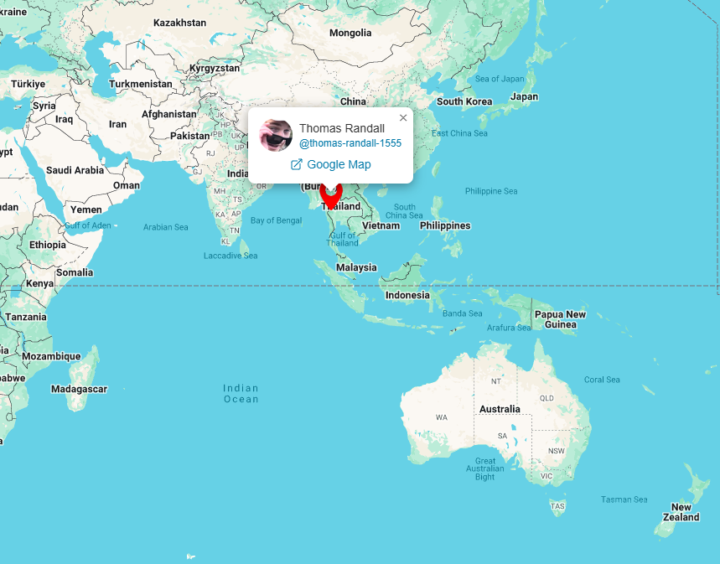
Community Map + Share a pic of your workspace
The map is in its own dedicated tab up top. Comment below where you're at with a pic of your workspace!

1 like • Jul '24
I think I need a kraken to check in on what I'm doing.
1 like • Sep '24
The amount of members on the Community Map has increased to 266 in the last 2 months. 🌐👨💻 Wow!
1 like • Sep '24
Episode two please
0 likes • Aug '24
@Thomas Randall @Dan Bechard I think I'll have to buy a harddrive for sound effects now. 😅
Aug '24 •
Basic top-down movement physics
I haven't watched all the videos in the classroom yet, but I noticed that Randy mentioned that better movement physics is difficult, which it can be, but it doesn't have to. You can get away with just having a velocity vector, a position vector, movement speed, and friction. The friction makes sure the player can't get infinite velocity and makes sure the velocity doesn't get set to 0 immediately after you stop pressing any input buttons. Though you could have a max speed and clamp the player velocity, you could do this using the clamp macro in linmath.c. For example: // Globals / state #define MOVEMENT_SPEED 20.0f #define MOVEMENT_FRICTION 50f Vector2 velocity = v2(0, 0); Vector2 position = v2(0, 0); // Get the input direction. Vector2 direction = v2(0, 0); if (is_key_down('W')) direction.y += 1; if (is_key_down('S')) direction.y -= 1; if (is_key_down('A')) direction.x -= 1; if (is_key_down('D')) direction.x += 1; // Normalize the direction. direction = v2_normalize(direction); // Scale the direction to the movement speed. direction = v2_mulf(direction, MOVEMENT_SPEED * delta_t); // Include new movement in velocity velocity = v2_add(velocity, direction); // Apply friction velocity = v2_mulf(velocity, MOVEMENT_FRICTION * delta_t); // Set velocity to 0 if too low if (v2_length(velocity) < 0.1f) velocity = v2(0, 0); // Apply velocity position = v2_add(position, velocity); Believe it or not, but that is all you need to have some basic movement with acceleration and deceleration. If you want to make it a bit more fancy you could for example only apply the friction when there is no input (when the length of direction is 0) so it only decelerates when you aren't moving, and you can better control the movement speed, but then you should also set a max speed using clamp.
2 likes • Aug '24
Awesome, I think I will try this. For other people reading this: In the early videos Randy added a "trailing" camera feature for smoothening player movement. He mentioned player acceleration as well, but did not add it yet. So here @Martin Husby is explaining how to do it.
Jul '24 •
Issues Jungle Journal // as a Beginner (Thread)
This thread serves as my journal. Here I am posting when I run into issues while following the videos. I do not intend to post code here, nor ask for support. It is more of a feedback thing. So comment and like if you run into a similar issue. I may describe the solutions as well, if I find them. Oogabooga.
0 likes • Aug '24
ok solved, i didn't have randy's "engine changes" header in my code yet. Didn't need it yet because i'm not using the radius based entity selection. I need these functions for the radius based item pickup though. Works now.
0 likes • Aug '24
I still have issues when I update the engine though. So I'll stick to the working "outdated version" now. Hoping Randy explains updating the engine later.
1-10 of 18
Active 428d ago
Joined Jul 9, 2024