
Write something
Pinned

2d •
Envy and ego live on the same side of the street.
This season has a way of pulling your attention outward. You scroll. You compare. You start quietly wondering if you should be further along by now. But here’s the truth most people miss...what you focus on doesn’t just shape how you feel. It shapes how you build. You can focus on what feels missing and let that create frustration, pressure, and noise. Or you can recognize the abundance already supporting you and let that become fuel instead of friction. There are people with more money than they could ever spend who would trade it for the relationships, health, or peace you already have. That perspective matters because it keeps you grounded in reality, not comparison. And here’s where wisdom meets hunger. Gratitude isn’t a finish line. It’s the foundation. Hunger isn’t dissatisfaction. It’s direction. The most powerful place to build from is the space where you’re deeply grateful for what’s here and still hungry for what’s possible. That balance keeps you sharp without making you bitter. Driven without being depleted. So, where has your focus been going lately — lack or abundance? And how might your momentum change if you learned to hold both gratitude and hunger at the same time?
Pinned

6d •
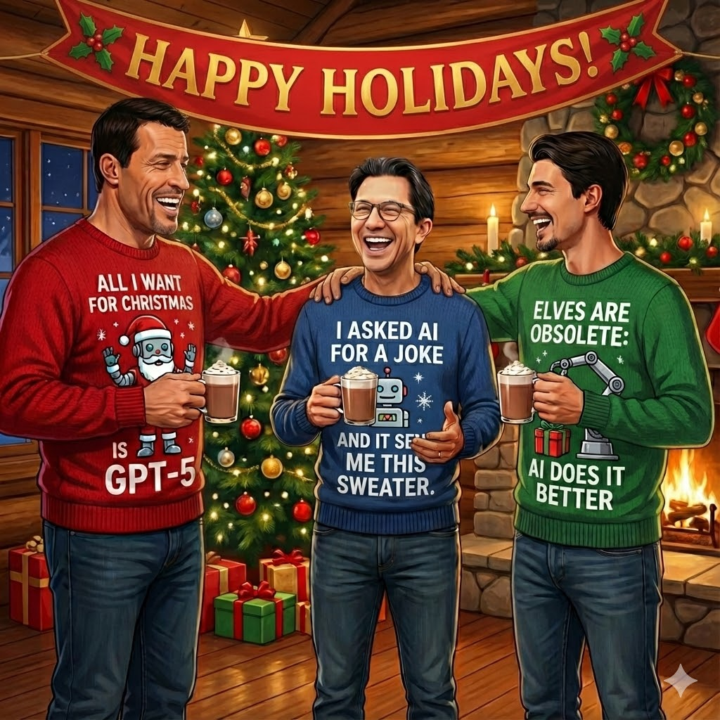
Happy Holidays from Everyone at The AI Advantage
🎄 As we head into the holidays, we want to take a moment to send our warmest wishes from the AIA family to yours. Wherever you are and however you’re spending the season, we hope it brings rest, connection, and a little extra joy. One of the real benefits of AI is the space it creates for quality time, reflection, and being present with the people who matter most. Our team will still be around to support the community on Tuesday, Dec 24 and Wednesday, Dec 25, though with limited availability as we take some time to rest and recharge as well. Take care, enjoy the break, and come back refreshed, because in 2026, we’re hitting the ground running to make this community even better.Wishing you a peaceful and joyful holiday season!

Oct 24 •
Where is everyone from? That’s a wrap - what was your biggest takeaway?
Hello new friends! Would love to know where you are from!! 🤗 Houston Texas here. Biggest takeaway for me: It’s not AI that will replace my work, it will be those who learn the tools. 🤯
1m •
⚡ Creativity Quicks Win
Tool: Higgsfield Why This Tool: Higgsfield gives you access to every major AI video model (Sora 2, Veo 3.1, Kling, Minimax, and more) in one platform, so you can turn text, images, or even sketches into cinematic video clips without choosing between different AI tools or learning multiple interfaces. Best For: Content creators testing different video styles before committing to production, marketers creating multiple ad variations quickly, coaches building video content without filming, small business owners who need professional-looking videos without a production budget Cost: Various pricing tiers available (check higgsfield.ai/pricing for current rates) Website: https://higgsfield.ai/ Quick Win Prompt: "Think of one piece of content you need to explain visually but don't want to film (a product demo, a concept explanation, or a story scene). Write a 2-3 sentence description of what you want to see happen in the video. Open Higgsfield, paste your description, generate clips with 2-3 different models (try Sora 2 and Veo 3.1), then compare the results. Pick your favorite, upscale it to 4K if needed, and you now have a professional video clip you can use in your next post, presentation, or ad." Other Things Higgsfield Can Do: - Sketch-to-Video: Draw a rough storyboard or scene layout on paper, upload it, and watch Higgsfield transform your sketch into a fully rendered cinematic video - Lipsync Studio: Turn any still image or avatar into a talking character that syncs perfectly with your voiceover or script, perfect for faceless YouTube channels or spokesperson videos - Recast Studio: Swap faces or transform entire video clips with consistent character identities and styles, letting you create a whole video series with the same protagonist - Advanced camera control: Use Higgsfield DoP tools to add professional camera movements, VFX effects, and cinematic techniques without knowing video editing software
0
0

6d •
New here…
"Hey! I'm Filiep from Beautiful Belgium. I’m an entrepreneur & want to learn how AI can help me in my business with tasks I currently perform myself. My goal is to have AI do half of what I currently do myself—in everything—by the end of 2026. Thank you for helping me with this, no matter how small or insignificant your contribution. I greatly appreciate any help and will help where I can.

1-30 of 10,383

skool.com/the-ai-advantage
Founded by Tony Robbins & Dean Graziosi - AI Advantage is your go-to hub to simplify AI, gain "AI Confidence" and unlock real & repeatable results.
Leaderboard (30-day)
1

+930
2

+482
3

+375
4

+322
5

+288
Powered by