

2d •
Mastra: TypeScript framework for AI-powered applications and agents
I have heard a lot of positive things from @Daniel Petro about Mastra, so I wanted to drop this here because this project continues to mature and I am sure it can provide value - especially as it is open source, which provides incredible context for learning from and creating resources/solving problems. https://mastra.ai/
1
0
4d •
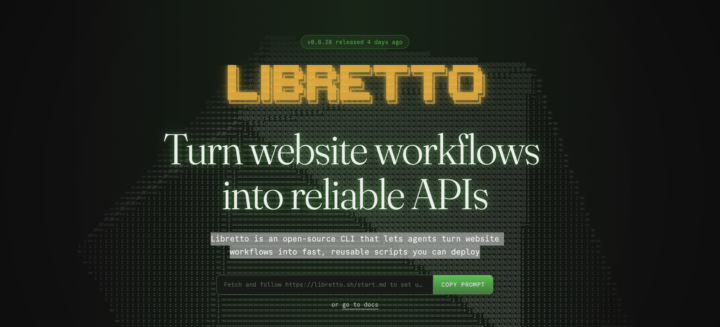
Libretto: Turn website workflows into reliable APIs (for AI!)
Libretto is an open-source CLI that lets agents turn website workflows into fast, reusable scripts you can deploy! Check it out here: https://libretto.sh/ -- I think this would be very useful for anyone (like me) who is exploring new ways in getting more control over browser automation with AI!
0
0
Feb 27 •
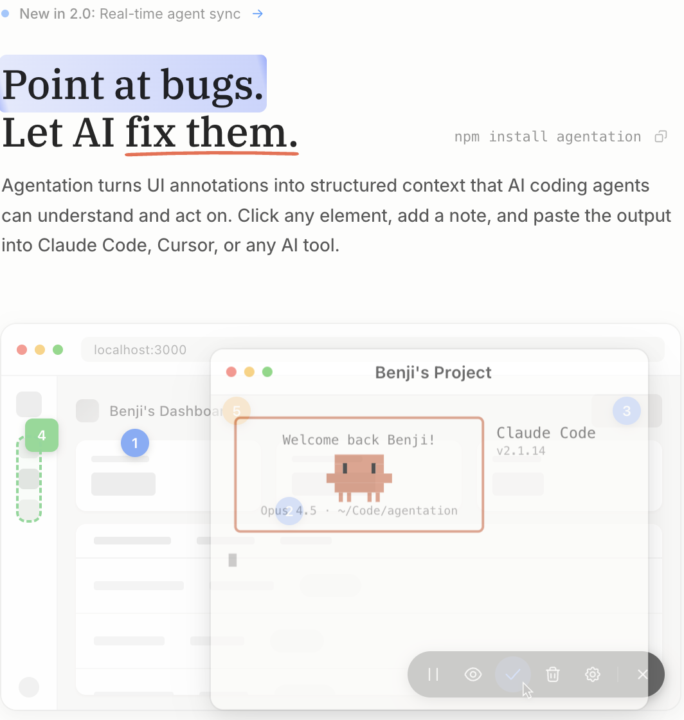
This tool changed how I handle UI feedback with AI agents
@Daniel Petro shared this with me the other day and I find it to be one of the most useful tools I have come across in a while for AI powered development: https://agentation.dev/ The core idea: instead of describing a bug or design issue to your AI agent ("the blue button in the top right looks off"), you literally point at it — and the tool gives your agent the exact information to find it directly in your codebase. Overview of how it works: 1. Click any element → write your note → done 2. Select text → annotate a typo or copy issue 3. Drag a box → annotate an entire area at once 4. Hit copy → paste structured markdown directly into Claude Code, Cursor, or any AI tool The output is structured: element path, React component hierarchy, classes, position, computed CSS, so your agent can search for it with accuracy. You can also connect it to an MCP server they built, so your agent sees annotations in real time. No copy-paste at all. Just annotate in the browser and your Claude Code session already has full context. There's also a "watch mode" where the agent loops continuously, picking up new annotations as you create them and resolving them after fixing. You annotate, it fixes, in real time. If you're building with Claude Code or Cursor and doing any kind of UI work, this fits right into that workflow. Worth 10 minutes to try. Thanks @Daniel Petro for the recommendation! 🙌
3
0
1-3 of 3
skool.com/snappy
Faster than vibe coding. Private AI tools to ship real systems while others prompt. We build businesses, not demos.
Leaderboard (30-day)
1

+1
Powered by