
Write something

Apr 24 •
Classrooms have had a OVERHAUL
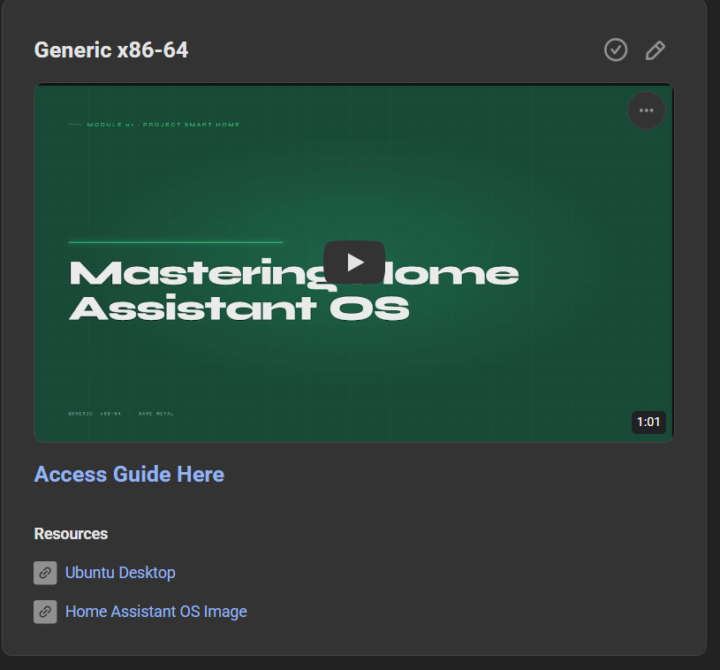
I've started overhauling the classrom infomation to make it less like a wall of text (because we all know no one is going to read that and it gets boring fast Each classroom tutroial will now include 1 video around 60 second motion graphic of the tutorial and a full written guide with graphics to show the commands better also for easier copying
0
0
Apr 21 •
🤖 Stop Using Rigid Slash Commands for Your Home!
Still talking to your smart home like it’s 1995? It’s time to give Home Assistant a real brain. 🧠 Check out this new guide on building a Natural Language Telegram Bot powered by Claude AI. No more memorizing specific commands—just text your house like a friend: - "Is the garage door open?" - "Turn off all the downstairs lights" - "What’s the temperature in the bedroom?" Why this setup rocks: - True Natural Language: Powered by Anthropic’s Claude (Sonnet/Haiku) for human-like understanding. - Secure: Only responds to your specific Telegram ID. - Cost-Efficient: Uses prompt caching to keep API costs down. - Total Control: Works with any entity in your Home Assistant instance. Ready to level up your automation? 🚀 Full Guide Here: Natural language Telegram bot - Mastering Home Assistant with Claude Would you like me to tweak the tone to be more professional or perhaps more "hacker-style" for a different audience?
0
0
Apr 13 •
START HERE: Welcome to Project Smart Home
You're in. Welcome home. 🏠 Whether you're just putting in your first smart bulb, automating your whole house with Home Assistant, or figuring out how to layer in AI — you're in the right place. Step 1 Introduce yourself Drop a post in the community. Keep it short: - Where you're based - Your current setup (Home Assistant, Google Home, Matter, etc.) - One automation you're proud of — or one you can't figure out We just want to know who you are so we can help. No pressure to write an essay. Step 2 Start with the foundations Head to the Classroom and start with Start Your Smart Home Journey if you're new or rebuilding from scratch. It walks you through everything from choosing your hardware to your first working dashboard in Home Assistant. No setup yet? Start with the Automation Launchpad, Figure out what you actually want to automate before buying a single device. Step 3 Add AI to your home Take your setup further by using Claude to master Local LLMs, Voice Assistants, and Predictive Automations. Instead of manually coding YAML, use Claude to instantly generate adaptive dashboards, complex Jinja2 templates, and intelligent sensors that anticipate your needs. This moves you from being a manual operator to an architect of a home that finally thinks for itself. Step 4 Show up and keep building This community is full of people deep in the wiring (literally and figuratively). Share your wins. Share your stuck moments. Debug together. We're all building smarter homes — one automation at a time. 🌱
0
0
Apr 10 •
Give Claude Code full control of your Home Assistant — sensors, automations, dashboards and more
Claude Code is basically Claude (the AI) but running in your terminal as an agent — meaning it can actually take actions, read files, write files, run commands. It's not just a chat box. ha-mcp is a piece of software that acts as a bridge between Claude Code and your Home Assistant. Once it's set up, Claude can literally see your devices, your entities, your existing config — and make changes to it. Check out this classroom post
Apr 6 •
Adding Mastodon to Home Assistant
Want to see your Mastodon timeline or send automated notifications directly from your smart home? My latest guide walks you through the entire setup process to integrate Mastodon with Home Assistant. I have added an example automation you can use to get started
0
0
1-9 of 9
powered by

skool.com/simplify-technology-7037
A community built to master smart home automation. Learn, share, and build powerful systems that simplify everyday life.
Suggested communities
Powered by