

Jul 25 •
Filming Horizontal but also Framing for Vertical - 2 Min tutorials
Using this feature in your camera you will be able to film horizontally (YouTube) but when editing also frame shots for vertical content (IG,Tiktok, Snapchat) Hope this helps !

20d •
STEP UP RINGS - 2 MIN TUTORIALS
Step-up rings let you use one ND filter on multiple lenses with different thread sizes. So instead of buying a separate ND for every lens, you just buy one ND (usually the biggest size you own) and use step-up rings to adapt your smaller lenses to that filter. It keeps your setup light and saves a lot of money. There’s also a new variable step-up ring from H&Y. It’s basically a mechanical, adjustable step-up ring system that replaces carrying multiple individual rings. You twist it to match whatever lens size you’re using and it locks in. Super compact, super easy. Whether you choose a simple set of step-up rings or go for the H&Y variable system, both options are effective and help you avoid buying multiple ND filters for different lenses.

Jul 19 •
SHOOT SHADOW SIDE - 2 MIN TUTORIALS !
If you want your videos to look more cinematic, here’s a quick tip. Shoot from the shadow side. That just means placing your camera on the side of the face that’s not directly lit. So one side is lit, and the other side falls into shadow. It adds depth, mood, and just makes things look way more film-like. You’ll see this in pretty much every movie. It’s not a new trick But it works. Now this isn’t a rule you have to follow every single time. It depends on the scene and the vibe you’re going for. Sometimes bright, flat light makes more sense, especially for fun or commercial-style videos. But if you want to add that cinematic feel, start being intentional. Look at where the light is coming from and place your camera on the shadow side. Your shots will instantly feel more cinematic. Hope this helps.That’s your 2 min tutorial of the day. Go shoot something.
Poll
10 members have voted


Sep 24 •
My power grades for Davinci (Slog 3)
https://drive.google.com/drive/folders/1owVBm1pn5t6oI4tzNPQaf3ALX1yZ_lvA?usp=share_link Film look options and also some gym grades (warm and cold)
Oct 2 •
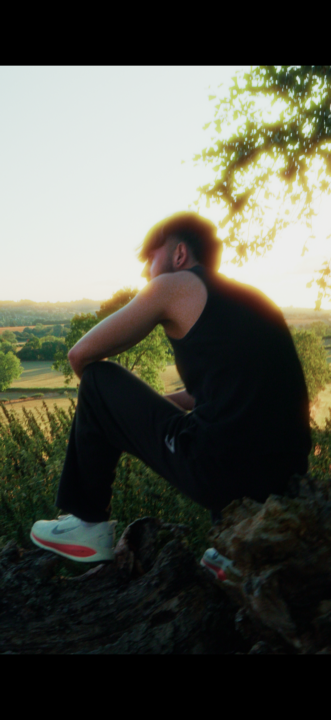
VIRAL EYE EFFECT TUTORIAL
Ai has its flaws and takes alot of tries as you guys had seen on our previous calls, but it is getting better by the day. and if you do these style effects it will work so perfectly. the only issues at the moment with ai is if you are trying to replicate physics. for example a person running. it will completely for the most part mess it up. but if you use it in a creative way like I demonstrated below it works pretty well. just to give you some insight I achieved this effect using chatgpt + higgsfield in just 2 tries. and higgsfield is also running some free trials at the moment. so I would love to see you all try this effect out or make your own using the technique I demonstrated.

1-21 of 21
skool.com/saifslens
They might say you need a whole crew to film, I'm proof you don't. I'm here to show you the fundamentals and support in every way of your journey.
Leaderboard (30-day)
1

+49
2
+32
3
+28
4

+28
5

+22
Powered by