
Pinned

8d •
New: Puurk Academy, four tracks to run and grow Puurk
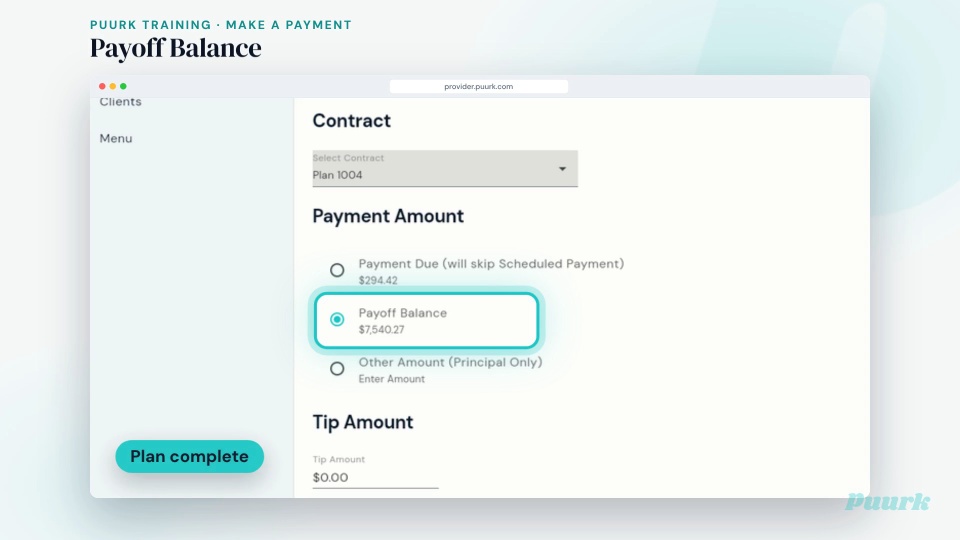
Puurk Academy is live in the Classroom. Everything you need to run Puurk is now in four short tracks, one quick video per task: 1 · Get started: account, payouts, profile and team, your menu, clients, and your first offer in five minutes. 2 · Run Puurk week to week: dashboard, activity log, every option in Make a Payment, refunds, plan statuses, your team, and how payments flow to your bank. 3 · Grow your monthly revenue: the right offer for the moment, packages that sell, template plans that capture leads, Puurk on your website, and why showing the price early is where upgrades happen. 4 · Teach your clients: short videos to send clients, including how to fix a payment that didn't go through. Open your portal in another tab and follow along. Watching on your phone? Every video has a vertical version too. The one habit that runs through all of it: show the monthly price on everything.
0
0
Pinned
8d •
New: follow along and set up Puurk step by step
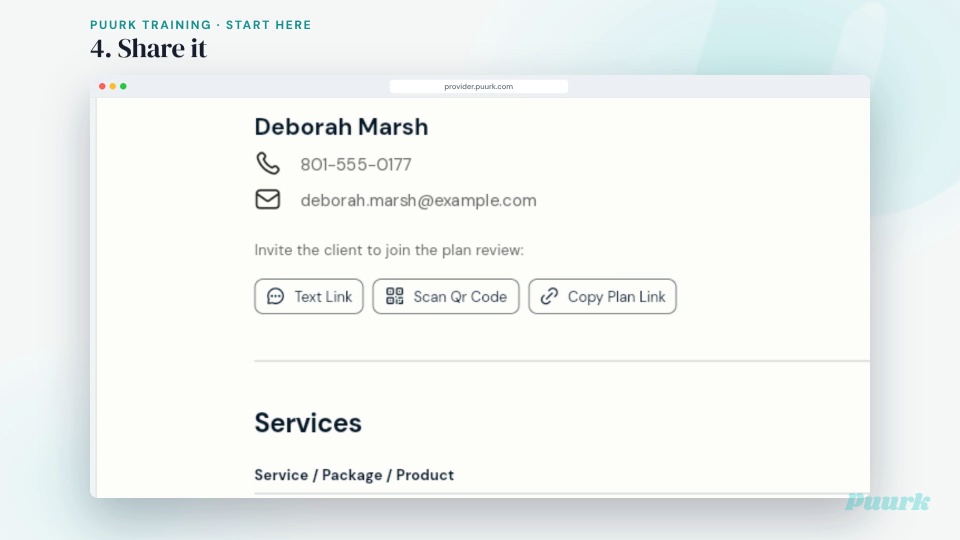
Hey everyone! We rebuilt the setup course so you can follow along with your portal open, one step at a time. Here's how it works: open provider.puurk.com in one tab and the course in another. Watch a one-minute video, do that step, then hit the next lesson. Every lesson now tells you why the step matters, exactly what to tap, and a pro tip. Eight videos, in order: P0 Start here P1 Profile and team P2 Services, packages and products P3 Adding clients P4 Template plans P5 Individual plans P6 Sharing plans P7 Share early: in-chair checkout (new) After that, bonus lessons on what your clients see, taking a payment and amending a contract. The older step-by-step courses now open with the matching video too. Rather binge them? This playlist plays them back to back: https://fast.wistia.com/embed/channel/r97h1rs2zt Which step are you on? Drop it below, and tell us anything that tripped you up. https://www.skool.com/puurk/classroom/9fdf609e
0
0
19d •
New in Puurk: checkout on your website
Big release this week. The headline: Puurk now lives on your website. Puurk on your website Every service shows its monthly price. Checkout happens right on your site. Visitors add services to a cart, then pay in full or sign up for a monthly plan without leaving your site. Prices come straight from your Puurk services, so your page always matches checkout. On WordPress? Install the Puurk plugin and add a shortcode. Squarespace, Webflow or Wix? Paste three snippets. No coding either way. Email api@puurk.com for your ids. See the live demo: https://demosite.puurk.com Set it up: https://docs.puurk.com/website/ Also new, six more things in your account 1. Business clients. Add a business as a client and invite them in one tap. They get their own Billing view with every plan, agreement and payment. 2. Template plans. Turn on Require contact info on any template plan. You get an email the moment someone opens it, and it shows in your activity log. 3. Plan terms. Each term option shows the monthly price and the total, so it is easy to walk a client through it in the chair. 4. Plan options. Clients see monthly options cheapest first, with Most Popular in the middle. Receipts now show the plan number. 5. Ledger. Clients see refunds in their payment history and get a receipt by email. Print one from Ledger anytime. 6. Plan links. Clients who already use Puurk with another practice can open and accept your plan right away, with less waiting. Show the monthly price on everything. Every service, every checkout, every consult. Now on your website too. Open Puurk: https://provider.puurk.com New training, two short videos for your front desk Taking a payment (one minute): https://puurk.wistia.com/medias/hwvjpqtoet Amending a contract (40 seconds): https://puurk.wistia.com/medias/3p90aag2be
19d •
New in the Classroom: Set up Puurk in 7 short videos
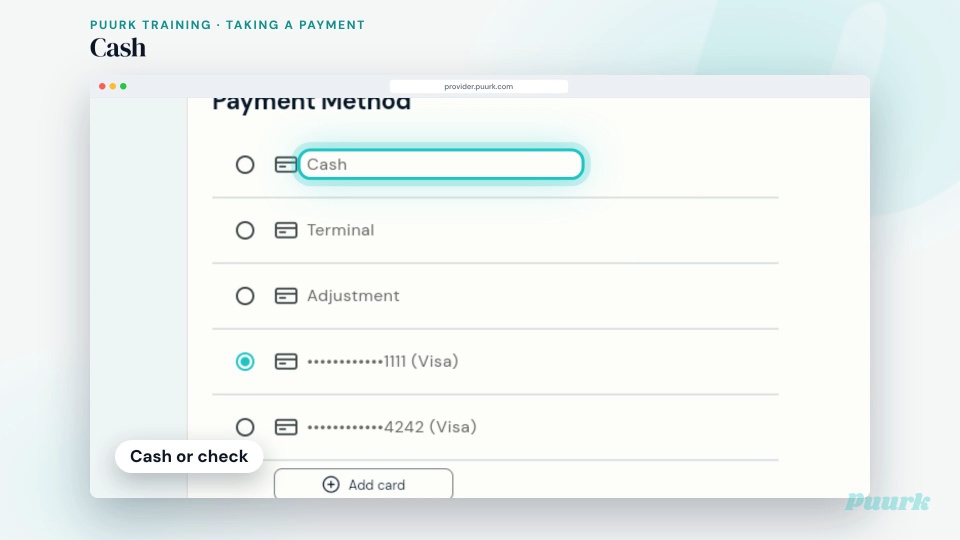
Hey everyone! There's a new course in the Classroom: Set up Puurk in 7 short videos. Seven videos, about a minute each, in the order that gets you to your first signed plan: P0 Start here P1 Profile and team P2 Services, packages and products P3 Adding clients P4 Template plans P5 Individual plans P6 Sharing plans There are also three bonus videos showing what clients see on their phone: the offer, accept and sign, and the Puurk app. Plus two for the front desk: taking a payment and amending a contract. Watch one, do the step, move on. Share a plan today. That's what creates a contract. Daily live training at 11 AM Mountain is still there for questions. Reply here with what tripped you up and the team will answer. https://www.skool.com/puurk/classroom/9fdf609e
0
0

Aug 2 •
fees
so i read on my credit card processing site that charging folks credit card processing fee can land my business in trouble, yet time and time again i have folks that use their card at my office and i have to eat the price. 1. Puurk transfers that cost to clients, how is it able to stay out of trouble. 1. How much fee when i split the transaction fees with puurk does a client get charged ? Thank you
1
0
1-30 of 41
skool.com/puurk
Your consult and payment plan tool. Show the monthly price on everything, share plans early, and turn every maybe into monthly profit.
Leaderboard (30-day)
1
+3
Powered by