
Write something

29d •
Akrasia: You Know What to Do, But CAN’T Do It — Here’s How to Break the Cycle
You know you should send the proposal. Get your training in. Put the phone down. Make time for prayer. Then the moment comes… and you do something else. There’s a name for that: akrasia. It’s when you act against your own better judgment. I think we’ve all been there 😅 Here’s something to try tonight: pick ONE thing you’ve been avoiding and make the first step ridiculously clear. ❌ Not “work on my business.” ✅ “Write the first three lines of a proposal.” ❌ Not “get fit.” ✅ “Put my training clothes out and start with 10 minutes.” Decide when you’ll do it, then make it easy to start. Tomorrow, you only have to take that first step. I’m also working on the first draft of a game I designed to help solve akrasia. It’s stupidly simple to follow, with a path toward getting your first clients and making your first money online. 👇 What’s one thing you KNOW you need to do but keep putting off? Drop your first step in the comments so we can hold each other to it. And if you want to try the game, like this post and comment GAME. I’ll send you the draft. 🍋
0
0


Jan 12 •
Facing Imposter Syndrome on Day 4
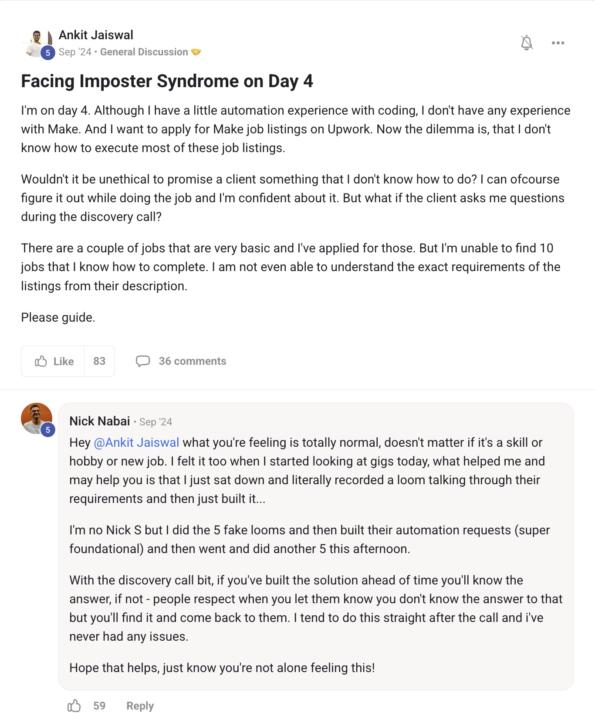
I'm on day 4. Although I have a little automation experience with coding, I don't have any experience with Make. And I want to apply for Make job listings on Upwork. Now the dilemma is, that I don't know how to execute most of these job listings. Wouldn't it be unethical to promise a client something that I don't know how to do? I can ofcourse figure it out while doing the job and I'm confident about it. But what if the client asks me questions during the discovery call? There are a couple of jobs that are very basic and I've applied for those. But I'm unable to find 10 jobs that I know how to complete. I am not even able to understand the exact requirements of the listings from their description. Please guide.
Jan 12 •
Learning Make.com to an Initially Sufficient Level
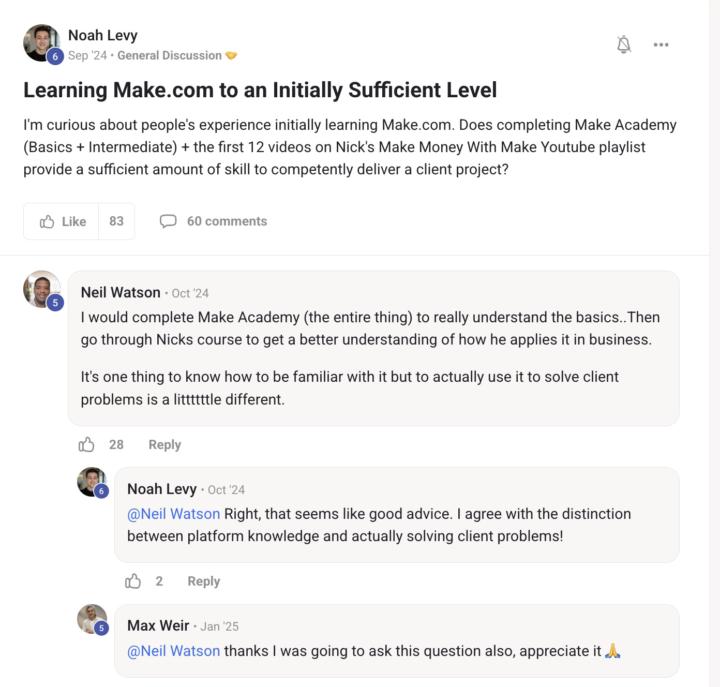
I'm curious about people's experience initially learning Make.com. Does completing Make Academy (Basics + Intermediate) + the first 12 videos on Nick's Make Money With Make Youtube playlist provide a sufficient amount of skill to competently deliver a client project?
Jan 12 •
The time I put the cart before the horse just now... (a 1st customer 💪, and a close one)
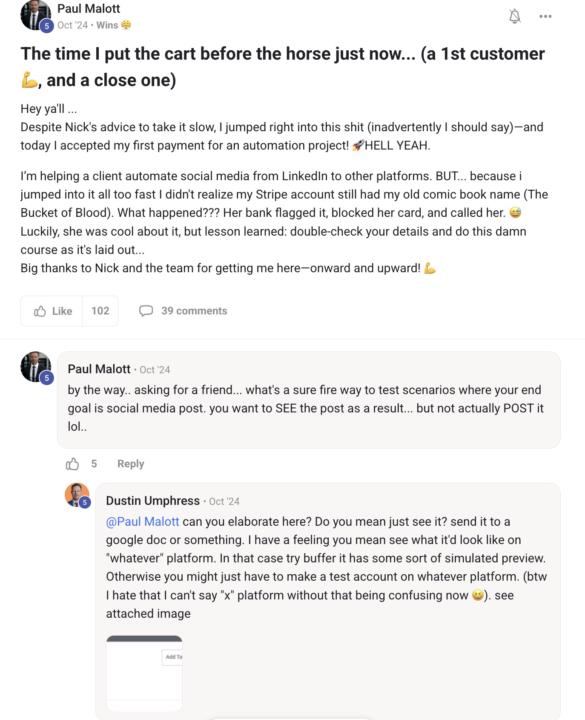
Hey ya'll ... Despite Nick's advice to take it slow, I jumped right into this shit (inadvertently I should say)—and today I accepted my first payment for an automation project! 🚀HELL YEAH. I’m helping a client automate social media from LinkedIn to other platforms. BUT... because i jumped into it all too fast I didn't realize my Stripe account still had my old comic book name (The Bucket of Blood). What happened??? Her bank flagged it, blocked her card, and called her. 😅 Luckily, she was cool about it, but lesson learned: double-check your details and do this damn course as it's laid out... Big thanks to Nick and the team for getting me here—onward and upward! 💪
1-30 of 38
powered by
skool.com/mistr-lemon-7195
Build income, strength & discipline
Learn how to make money online and stay fit
💎 get your first/next client within 90 days or money back
Suggested communities
Powered by