
Write something

🔥
7d •
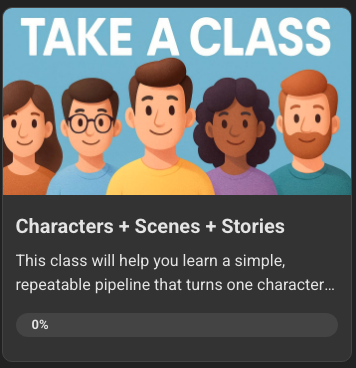
New Class: Characters + Scenes + Stories
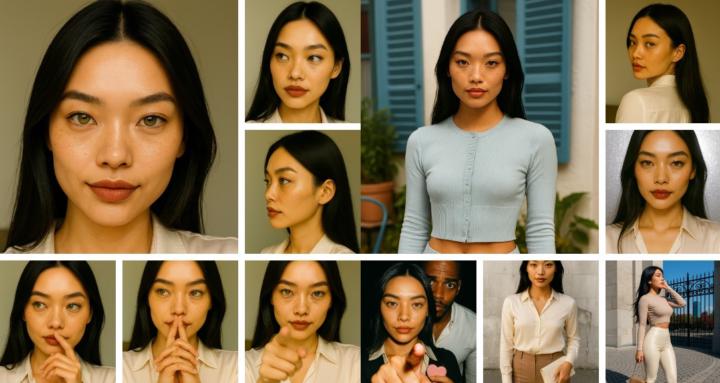
Hey Folks! I added a new class named: Characters + Scenes + Stories This is a comprehensive class that has is geared for folks at (Beginner, Intermediate) level. It is NOT a FREE class. == The classes has (7 Modules) that teach folks how-to: ✔ Create a *consistent AI character* with locked facial and visual features ✔ Generate *cinematic scenes* using a reusable prompt structure ✔ Expand one idea into *multiple scene variations fast* ✔ Turn scenes into a *multi-page story* ✔ Convert everything into *simple video content using Voice + CapCut* == Rock(et) the Day! 🚀
🔥
12d •
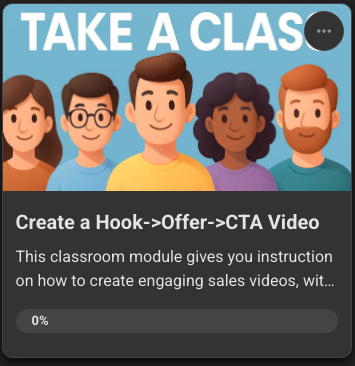
New Class Module: Create a Hook->Offer->CTA Video
Hey Folks! The "Create a Hook->Offer->CTA Video" Class Module is LIVE (available at Level 2). The purpose of the module: This classroom module gives you instruction on how to create engaging marketing/sales videos that incorporate the use of a (Hook->Offer->CTA) workflow.
🔥
17d •
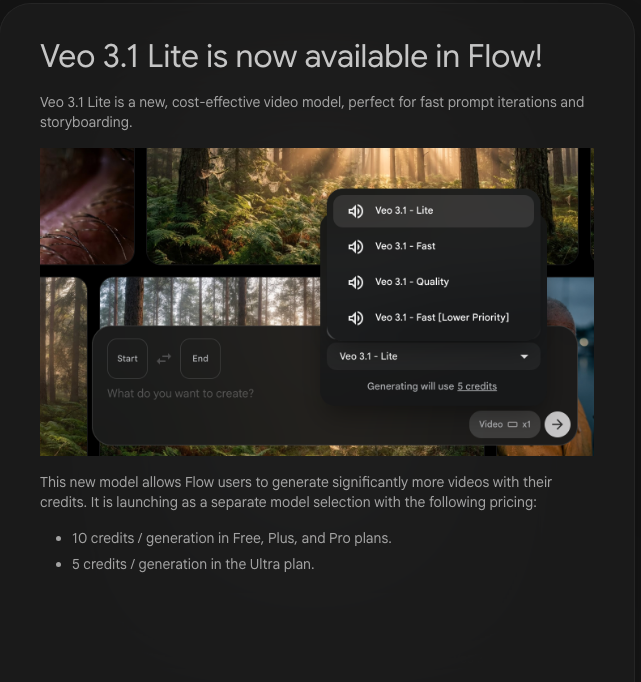
Google Flow: VEO 3.1 Lite (10 credits/video)
Hey Folks! Google created a new image-to-video model that is "perfect" for fast prompt iterations and storyboarding. The new model is called VEO 3.1 Lite and it only costs 10 credits for Pro Plan Users, and 5 credits for Ultra Plan Users.
🔥
17d •
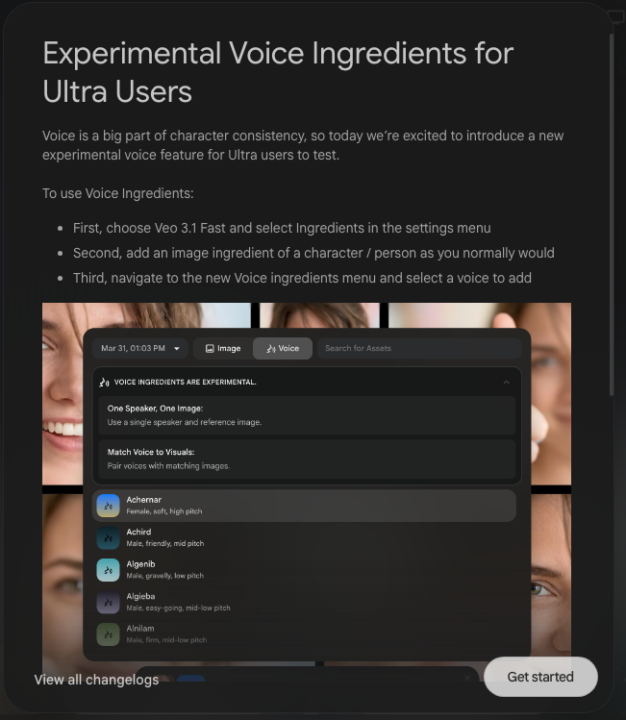
VEO 3.1 Fast: Experimental "Voice" Ingredients! (Ultra Plan)
Hey Folks! Google jusssssst released "Voice" Ingredients for the Ultra Plan. Imagine if they decide to allow cloned voice uploads, whoa. === Voice is a big part of character consistency, so today we’re excited to introduce a new experimental voice feature for Ultra users to test. To use Voice Ingredients: - First, choose Veo 3.1 Fast and select Ingredients in the settings menu - Second, add an image ingredient of a character / person as you normally would - Third, navigate to the new Voice ingredients menu and select a voice to add This voice menu allows you to pick from a selection of voices to include as an ingredient. Hover over the icon to play a preview of the voice. Please note that: - You’ll still need at least one image ingredient to ground the generation - You can add additional instructions about tone, emotion and intonation to the prompt - For best results, use reference images with a single character / speaker - Voice Ingredients will not carry over when using ‘Extend’ We’re looking forward to your feedback on this experimental, optional setting. Happy Creating! The Flow Team ===
🔥
18d •
Creating Stories + Amazon KDP Publishing with AI Anderson!
Hey Folks! I'm showing some Skool Love to one of the community, @Al Anderson Mr. Anderson, teehee "Matrix" anyone?, has a Skool called AI Story Crafters, and he is dropping a series of lessons to help folks create story content and publish their creations on Amazon KDP. If you're interested in the "how" related to this topic, jump over and check out the lessons and other story crafting info at AI Story Crafters. Rock(et) the Day! 🚀
6
0

1-30 of 43
powered by
skool.com/consistentcharacters-7595
Unlock the skill of creating consistent characters for storybooks, coloring books, comics, etc...
Learn this simple process - start creating today!
Suggested communities
Powered by