
🔥
25d • News!
VEO 3.1 Fast: Experimental "Voice" Ingredients! (Ultra Plan)
Hey Folks!
Google jusssssst released "Voice" Ingredients for the Ultra Plan. Imagine if they decide to allow cloned voice uploads, whoa.
===
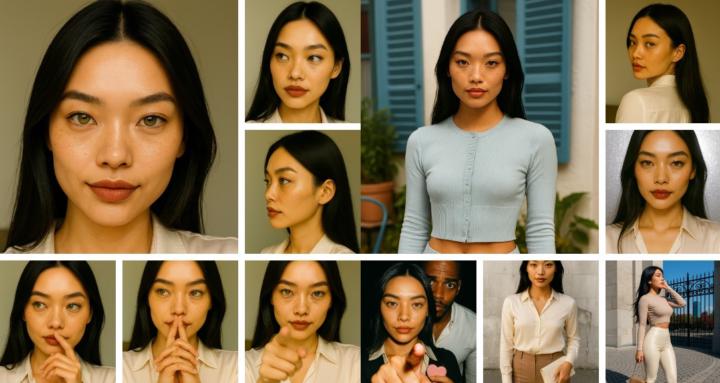
Voice is a big part of character consistency, so today we’re excited to introduce a new experimental voice feature for Ultra users to test.
To use Voice Ingredients:
- First, choose Veo 3.1 Fast and select Ingredients in the settings menu
- Second, add an image ingredient of a character / person as you normally would
- Third, navigate to the new Voice ingredients menu and select a voice to add
This voice menu allows you to pick from a selection of voices to include as an ingredient. Hover over the icon to play a preview of the voice. Please note that:
- You’ll still need at least one image ingredient to ground the generation
- You can add additional instructions about tone, emotion and intonation to the prompt
- For best results, use reference images with a single character / speaker
- Voice Ingredients will not carry over when using ‘Extend’
We’re looking forward to your feedback on this experimental, optional setting.
Happy Creating!
The Flow Team
===
2
7 comments
VEO 3.1 Fast: Experimental "Voice" Ingredients! (Ultra Plan)
powered by
skool.com/consistentcharacters-7595
Consistent Characters Skool.
Learn the core fundamentals. Practice the core fundamentals. Create Visual Stories.
Suggested communities
Powered by