
🔥
1d • 🥇WINS + RESULTS
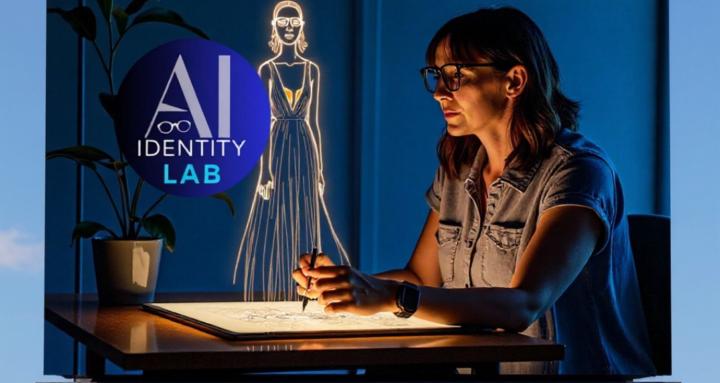
The replay is LIVE: ChatGPT Image 2
If you missed Thursday's demo or want to rewatch — here it is:
📺 ChatGPT Images 2.0: AI Brand Photos, Vision Boards & Thinking Mode Demo
This was one of my favorite demos I've done inside the Lab. The ease of what's now possible with ChatGPT Image 2.0 genuinely surprised even me.
Now it's your turn. See the mini lesson below 👇 and drop your results right here in the community.
📖 MINI LESSON
Chat Image 2.0 — Your First Try
#ai-identity-lab #chat-image-2 #visual-identity
⚡ What This Is
A quick-start lesson to get your first ChatGPT Image 2.0 result — using Thinking Mode for infographics and the photorealism trick for brand images.
🛠 Tool: ChatGPT (Image generation enabled)
📊 Level: Beginner-friendly
⏱ Time: 10–15 minutes
🔑 Two Things To Know Before You Prompt
1. Add "photorealism" to every image prompt.
This single word dramatically changes your output quality — more detail, more accuracy, more YOU.
2. Turn on Thinking Mode for infographics.
Thinking Mode lets ChatGPT research, plan, and build before it generates a single pixel. The accuracy difference is significant — especially for charts, process flows, and data visuals.
✏️ Your Prompt To Try Right Now
Upload one photo of yourself — any photo, doesn't need to be perfect. Then use this:
"Using this photo as a reference for my face, create a photo realism image of my future self. I am [location]. I am wearing [describe an outfit that feels like her].
My energy is [one word]. I look like someone who has already arrived. Photo realism."
Fill in the brackets. Hit generate.
✅ Your Assignment
Try the prompt above with your own photo
Screenshot your result
Drop it in the community with what you typed
I'll give feedback on every single one. 👀
2
4 comments
The replay is LIVE: ChatGPT Image 2
Leaderboard (30-day)
1

+27
2

+10
3

+10
4
+7
5

+7
Powered by