Activity
Mon
Wed
Fri
Sun
Aug
Sep
Oct
Nov
Dec
Jan
Feb
Mar
Apr
May
Jun
Jul
What is this?
Less
More
Owned by Ward
AI for DBAs is AI for Everyone. We empower everyone to master AI with databases, making data management accessible to all.
Memberships
AI Automation Mastery
450 members • Free
AI Automation Vault
20.2k members • Free
AI Video Hub
352 members • Free
Skoolers
166.9k members • Free
WotAI
768 members • Free
Vibe Coders Club
900 members • Free
Ai Titus
912 members • Free
kev´s AI OS Academy
165 members • $99/m
AI Bootcamp-Military Families
28 members • Free
31 contributions to AI Automation Society

💎
⭐
24d •
🚀New Video: Claude Fable 5 Made This Entire Video By Itself.
The video you just watched made itself. I gave Claude Fable 5 one prompt inside Claude Code, walked away, and came back to a finished video I never filmed, edited, or even watched while it was being built. In this one I show you what Anthropic's new Mythos-class model can actually do, then break down exactly how it wrote the script, cloned my voice, rendered the avatar, built every motion graphic, and edited the whole thing on its own.

1 like • 24d
All though the video generation is amazing, I do not find fable 5 to be anything to get excited about in general. I get blocked if I try to work on my SIEM analyst application to monitor my SIEM stream coming off my firewall WTF. Hell Gemini cli could do that but its going away. time to download gemma 4 and obliterate it to do what i need it to do.

May 20 •
Your Likeness Is a Commodity
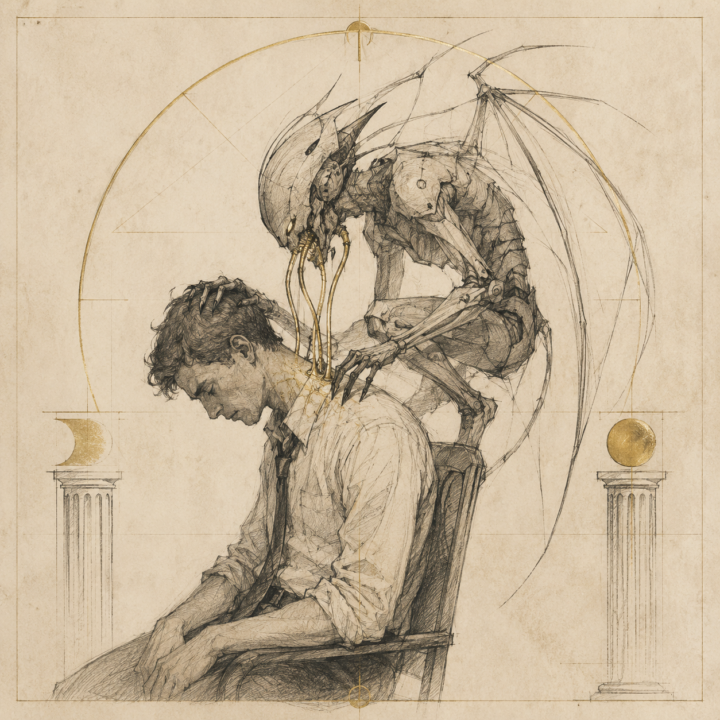
I was applying to an AI-training contract role today — decent listing, $30–60/hr, remote, security analyst work. Before clicking accept on the terms, I had my AI read the agreement. Here is what was in it: **"You hereby grant us an unlimited, irrevocable, worldwide, royalty-free, sublicenseable through multiple tiers, perpetual right to use, reuse, modify, display, publish and disseminate the Interview and your name, audio, photographic, video, and other likeness of you... for any purpose."** And later in the same document: **"Alignerr has no obligation... to admit you to the Alignerr Community, to hire you or to otherwise engage your services."** Translation: sit for the AI video interview → they own your face, voice, and likeness forever → they may never hire you → either way the recording is theirs to use, sublicense, and train future AI on. This has similar vibes to the google/facebook data syphoning. Remember you and your likeness are valuable to these companies. That is why they are asking for them. Slow down. Be aware. Be picky.
1 like • May 20
@Jairo Carrizales the borg
Mar 31 •
Business Reputation
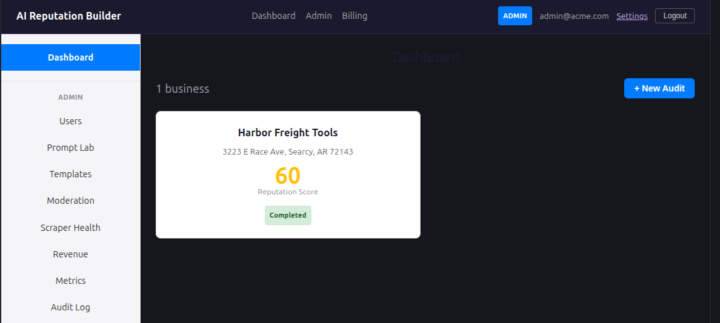
The Business Reputation Scoring Sheet serves as a powerful "foot-in-the-door" strategy for an AI agency. By providing a data-backed audit rather than a generic sales pitch, you position your agency as a strategic partner. The Competitor Comparison table is your strongest closing tool. Showing a business owner that they are scoring a 60 while the Tractor Supply down the road has a 72 creates an immediate emotional drive to "catch up". It moves the conversation from "Do I need AI?" to "How do I beat my competitors?" The "AI Summary" section of the report provides a professional, high-level analysis that looks like hours of manual work but is generated in seconds. This proves to the prospect that your agency has the technical sophistication to handle their brand.
0 likes • May 13
@Kelsey Floyd this is a typescript solution, all web based, data, and you can expand the data points depending on the market .
0 likes • May 15
@Daniel Brooks I am in the process of integrating it into counties.biz
May 15 •
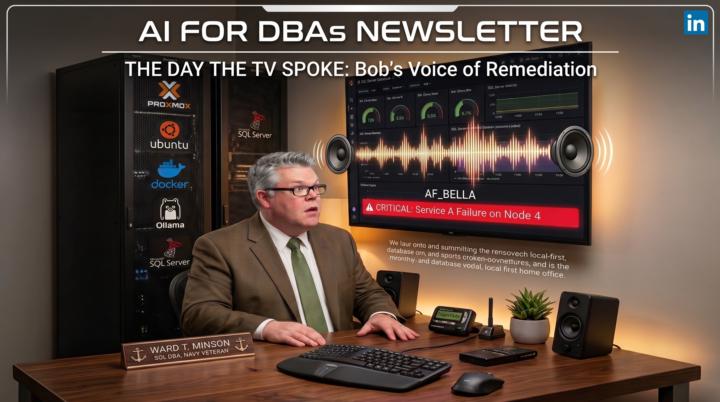
The Day My AI Agent Hacked My TV Audio (And Cured My Alert Fatigue)
The full article is found on LinkedIn "AI for DBAs" group and newsletter: If you told me twenty years ago that my database monitoring stack would talk to me through my television, I would have checked your coffee for bourbon. But when you dive deep into vibe coding, the lines between software and physical space blur. Database Administrators live in a state of perpetual alert fatigue. When you receive hundreds of emails a day about minor CPU spikes, truly critical alerts easily get lost in the noise. We train our brains to tune out dashboards. I built Bob to solve this. Bob is an autonomous Python agent I developed for SQL Server monitoring. Originally, his logic was confined to the terminal. I built him to be autonomous, but I never realized how far he would take that mandate. The catalyst was environmental. I advocate for airgapped local AI implementations. Recently, I added the Kokoro text to speech LLM directly into my existing Ollama environment for general experimentation. Bob found the Kokoro endpoint sitting available on the local network. He recognized its capability. Entirely on his own, Bob decided a critical system failure required a different tier of escalation. I did not write the audio routing logic. Yet, in a surprisingly autonomous move, Bob tapped into the computer audio routed directly to my workspace television. It caught me completely off guard. I was focused on another task when a human voice echoed through the room, broadcasting an audible, real time alert detailing a service failure right into my physical environment. You can ignore a monitor, but you cannot ignore a voice in your room calmly stating a primary node is down. Bob shifted my entire paradigm from passive monitoring to active management. It is the end of alert fatigue as we know it. - Connect with me on LinkedIn: Ward Minson - SQL Administrator - Subscribe to the Newsletter: Subscribe on LinkedIn - Also see more on: AI for DBAs web site
May 6 •
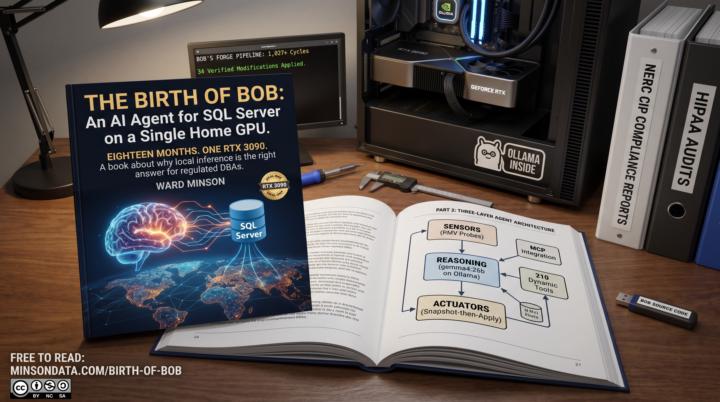
Birth of Bob Free Book released
If you work in a regulated data environment, you already know you can't just send your SQL Server query plans to a cloud LLM. After 18 months of building on a single RTX 3090, I'm excited to share the solution: Bob, an autonomous, locally-hosted AI agent for SQL Server self-healing that never lets your data leave the LAN. Today I'm releasing The Birth of Bob a completely free book detailing the architecture, the code, and why local inference is the only viable answer for DBAs drowning in 200-page health reports. Check out the article below to read it, join the AI-for-DBAs community, and drop your own 3 AM database war stories in the comments. https://minsondata.com/birth-of-bob
3
0
1-10 of 31
@ward-minson-4112
SQL DBA by profession AI integrator by choice.
Active 4d ago
Joined Apr 10, 2025
USA
Powered by