Activity
Mon
Wed
Fri
Sun
Jan
Feb
Mar
Apr
May
Jun
Jul
Aug
Sep
Oct
Nov
Dec
What is this?
Less
More
Memberships
Ai Titus
831 members • Free
AI Automation Agency Hub
274.9k members • Free
AI Automation Society
208.8k members • Free
6 contributions to AI Automation Society

Aug 17 •
Looking for Guidance: Learning n8n Step by Step as a Non-Coder
Hi everyone 👋, I’d love to get some advice from you all! I recently watched Nate’s 8 hours build & sell n8n AI Agent YouTube video — really appreciate all the knowledge and effort Nate shared 🙏. However, since I have zero coding background, I found myself getting a bit lost at times. A lot of the 8-hour content is actually combined from Nate’s other YouTube videos, and sometimes the tutorials is ask viewers to download a JSON file and then demonstrate how the workflow runs. For someone like me without the technical background, I often don’t really know how to replicate the same results — for example, how to properly use and set up a webhook like who are using local host n8n. I feel that the workflows explained in the first 1.5 hours were the most helpful for me to understand n8n’s basic operations. But after that point, it seems like you really need prior knowledge to follow along, which left me a bit confused about how I should continue learning. So here’s my question: 👉 Is there a systematic way to learn n8n step by step? My goal is to be able to design my own workflows — for example, something for social media management. But when I look at templates, I see many nodes I’ve never used before, and I don’t always understand why their settings are configured that way. If I want to build from scratch, I’m not sure how to decide what to set up. I’d really appreciate any guidance you can share to help me reach my goal 🙏. Ultimately, I’d love to become an AI automation workflow expert one step at a time 💪.
0 likes • Aug 18
@Temesgen Sisay Thanks a lot for your advice! 🙏 I’ve actually started watching different YouTubers talking about n8n, but sometimes the content feels more advanced or focused on showing off workflows for views, so it can be a bit hard to follow as a beginner. Right now I’m trying to learn from four angles: 1. Completing and understanding the official n8n test course 2. Following tutorials from the official n8n YouTube channel 3. Exploring a Coursera course I found that combines DeepSeek with n8n (since I already have an account) 4. Deciding whether I should start learning Python or JSON first — I see a lot of great resources on GitHub, but I’m not sure which one would be more useful as a starting point. After these, I might also check Udemy for any courses that fit my level. Do you think this plan sounds okay? And if you have any better suggestions, I’d really appreciate them. Thanks again for your guidance! 🙌
0 likes • Aug 18
@Rob Evans Thank you so much for your encouragement and clear advice! Your message really gave me some direction, and now I have a better idea of what I should start working on. I’ll try to follow your suggestions step by step, and hopefully one day I can share my growth with the community

May 21 •
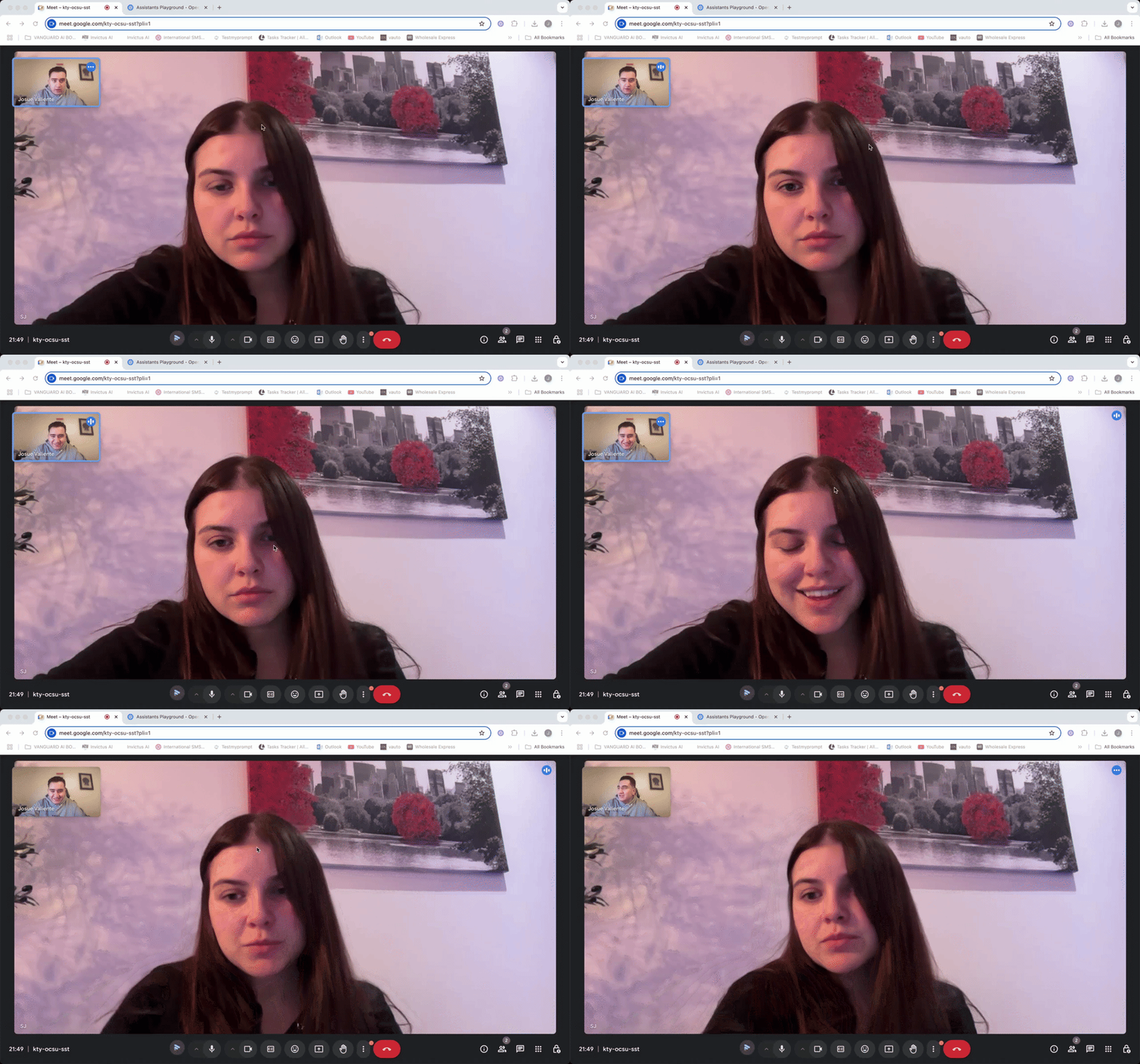
FULL SALES CALL! (CLOSED HER)
I don't gatekeep here's a full sales call for our ai automation agency with a lovely lady that we booked trough our ads! watch the whole thing i made it irresistible to say no. and used the 1$ trial method! feel free to copy this! LFGGG⚔️ https://www.loom.com/share/7b11d3240c2748f1849540624928ef55
1 like • Aug 14
Than you for sharing, learn a lot from the meeting 👍

🔥
Aug 9 •
Level 4: AI Terms Everyone Should Know- Supercharged
Level 1–3, AI Terms Everyone Should Know, was just the beginning. Now let’s see how foundational, fluent, and advanced AI terms connect across real-world use. It’s part of a bigger learning path to help anyone—from curious beginners to experienced builders—navigate AI with clarity and confidence and understand how the terms are connected across concepts and complexity. Whether you’re learning, leading, or building—this chart helps you see the full picture of all 78 terms we covered so far. 🔄 Where we’re going next: We’re turning the full landscape of AI Terms Everyone Should Know into a layered, structured, and contextual learning system. Again, all 78 terms in an organized cascading document that brings life to these terms. That means: - Grouping related terms together - Explaining them in stages: Foundational → Fluency → Advanced - Showing how they fit into broader categories and real-world use - Keeping the whole system easy to explore, reference, and build on The goal? A living resource that helps the AIS+ community learn faster, teach others, and build smarter—together. Click here to see the results (PDF): https://drive.google.com/file/d/1_vdux13gDJQ2b6h99nC5OFhWmjD34zoX/view?usp=sharing Click here to see the results (Google Sheets): https://docs.google.com/spreadsheets/d/1ag241Uh4YZvIVXTqZ8joAZFVd71qz3DD7tDScNN9Iqc/edit?usp=sharing To read how all terms were curated and organized click below: https://docs.google.com/document/d/13Mw00_p9Ph8icZ2cs-CfTvwi3b-sKgXZy8Mlmdx0b7w/edit?usp=sharing Start from the beginning: 📘 Level 1 - AI Terms Everyone Should Know, Foundational https://www.skool.com/ai-automation-society/level-1-ai-terms-everyone-should-know-foundational?p=90ac41e0
1 like • Aug 12
That’s awesome 👍

💎
⭐
Oct '24 •
Please Read | Rules and Guidelines 📜
1) 🚫 No Business Promotions → NO “DM me for…” or "Comment 'Automation'" posts. 2) 🔗 No Linking Your Own Community/YouTube Videos 3) 🏷️ Title Specifically 4) 🔍 Search for Help First (searchbar) 5) 🙌 Stay Respectful 6) ❌ Enforced Clean‑Up Posts that break these rules will be removed without warning. If you ever have questions, feel free to ask. Let’s make this the best AI Automation community out there by sharing, collaborating, and learning together. 🚀
2 likes • Aug 11
Cant wait for exploring the community
1 like • Aug 11
@Titus Blair is you! Thank you for sharing the tips about Get Nate’s Paid group (AIS+) for Free While Learning N8N. I am working on it!

Aug 10 •
How Do You Set Up & Integrate Tools from the Client’s Side?
Hey everyone, I’m just starting out in automation services and I’m clear on how to build the actual solution… but I’m not sure about the client onboarding & setup side. For example: - If the client doesn’t already have the no-code tool or platform installed/connected, what’s the exact process you follow to get them set up? - How do you handle security/access in a professional way? Also, do you: - Ask for their email to create the account for them? - Ask them to create their own account and then invite you? - Set up everything under your account and transfer later? - Thanks in advance for any insights 🙌
0 likes • Aug 11
@Faiyazuddin Mohammed nice 👍 learn a lot
1-6 of 6

@victory-cheung-6981
Hi there, nice to meet you.
I am looking forward to see how automation workflows can change my life. See you around.
Active 71d ago
Joined Aug 11, 2025
Toronto
Powered by