Activity
Mon
Wed
Fri
Sun
Sep
Oct
Nov
Dec
Jan
Feb
Mar
Apr
May
Jun
Jul
Aug
What is this?
Less
More
⚡️ Lock in with Adam
1.7k members • Free
The Abundant Photographer
1.8k members • Free
NextGen AI
53.6k members • Free
bibtube
1.7k members • Free
AI Money Lab
90.8k members • Free
Pick Your Online Business
1.3k members • Free
HighLevel Blueprint
1.4k members • Free
AI Automation Circle
12.8k members • Free
Automatable Free
22.4k members • Free
6 contributions to ChatGPT Users

Jul 9 •
ChatGPT Voice just had its biggest upgrade yet: what GPT-Live actually changes
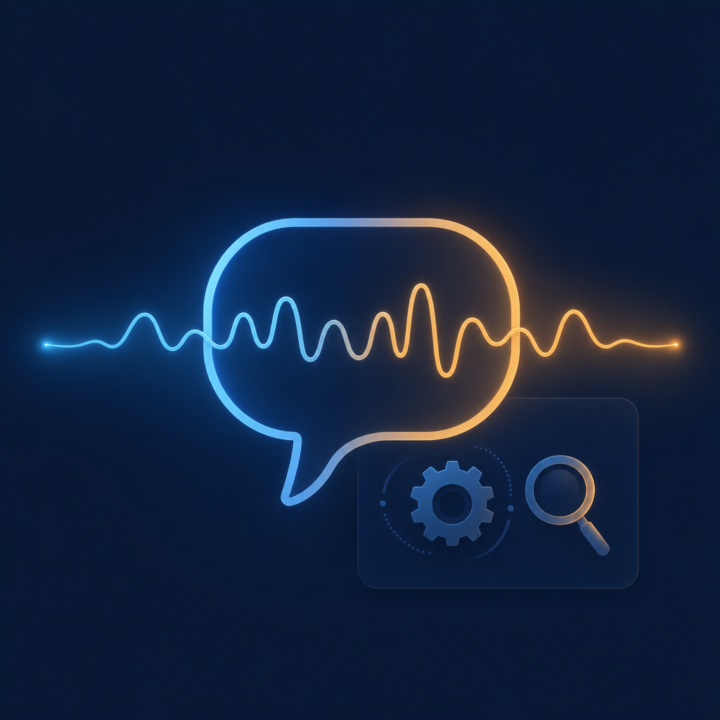
OpenAI has released GPT-Live, a new generation of voice models that now powers ChatGPT Voice. It started rolling out globally yesterday across iOS, Android and the web. The headline change: it can listen and speak at the same time. Every previous version of Voice worked in turns. You talked, it waited for silence, then it answered. That is why it kept butting in when you paused to think, and why the whole thing felt a bit like a walkie talkie. GPT-Live processes what you say continuously, so you can interrupt it mid-sentence, pause to gather your thoughts without it jumping in, or tell it to stay quiet and just listen. It even gives the small acknowledgements a real person does, the odd "mhmm" so you know it is following. The second change is the one I think matters most for business use. When you ask for something that needs real work, a web search, proper reasoning, digging through a file, it hands that job to GPT-5.5 in the background and keeps the conversation going while it runs. You can also pick a reasoning level: Instant for quick answers, Medium or High when you want it to think harder before it speaks. A few practical details worth knowing. GPT-Live-1 becomes the default for paid plans, with a mini version as the default for free users. It can now show visual cards while you talk, things like weather, stocks and sports. It is better at ignoring background noise. And at launch it does not support video or screen sharing, so if you use those, the older voice modes are still available. Here is my take on why this deserves your attention. Voice has been the feature most business owners try once and quietly abandon, because talking to a turn-based bot feels like effort. The interesting shift is that voice can now hold a natural conversation while real work happens underneath it. That starts to look less like a gimmick and more like thinking out loud with an assistant. The obvious first test: next time you are driving or walking, talk through a business problem with it for ten minutes and see what you come back with.

4 likes • Jul 9
The real test is whether voice stops feeling like a feature and starts feeling like a thinking partner. For business owners, the value is not novelty. It is being able to talk through a problem naturally, interrupt, refine, challenge your own thinking, and come away with something useful. If refined, it could become one of the most practical uses of AI.

Jun 5 •
Business Building Tools/Advice
Hi! I've written some posts in the past about rebuilding my dog training business. I've done some searches in this community, but I thought I would post some specifics about my situation. I have so many tools I pay for, and I just can't figure out what to use, when to use it, and how to use them! I spend so much time trying to figure out how to use what I have, both independently and together, etc. There are many things I would like to do, but briefly, here are the things I would like to work on/create to get started. -I would like to create knowledge bases for different things. A couple of examples are: A knowledge base all about my dog training business Knowledge bases on different aspects of dog behavior (reactivity, puppies, anxiety, etc.) I was thinking I would try Google NotebookLM to create the knowledge bases. Then I could use ChatGPT or Gemini to create content from the info in the Google Notebooks. I currently mostly use ChatGPT for my business. I have a project that contains my chats. I don't know much about custom GPTs, but would it be better to learn how to create a custom GPT that's trained on my business rather than using projects? Should I still create the NotebookLM Knowledgebase? This is just scratching the surface for a place to begin. There are many things I want to do, and many different tools. There are also so many more tools I see all the time...maybe something else would be better? What about chatbots? AI assistants? I'm constantly seeing these tools, and they are always adding more and more options to create things. I have asked ChatGPT these questions, but I would like to get some advice from real people who know what they're doing. I'm learning as I go, and it's quite overwhelming! I'm hoping for a little guidance, suggestions, recommendations, and personal experiences from anyone willing to help me out. Feel free to ask me any follow-up questions that may give you some more specifics about anything...what tools do I have, more details on what I would like to accomplish, etc.
2 likes • Jul 6
Right then, the main thing I would say is this: do not try to make every tool do every job. That is usually how people end up with six subscriptions and no clear system. I would think about it in three layers. First, use NotebookLM as your reference layer. It is a good place for source material, notes, and anything you want to keep grounded in actual information. For your dog training business, that could mean business notes, behaviour references, client handouts, training frameworks, and any material you want to build from later. Second, use ChatGPT Projects as your working layer. That is where I would keep the day-to-day stuff, like drafting posts, writing emails, planning offers, or turning your notes into something usable. It is better for active work than for trying to be a permanent knowledge base. Third, only build a custom GPT once you have a repeatable task that you keep doing over and over. That is when it starts to make sense. If you are still figuring out the workflow, a custom GPT can become just another thing to manage. My honest advice would be to start with one clear knowledge base, not five. Build the dog training business first, then create one useful output from it, like blog posts, client resources, or email content. Once that is working, then branch out into reactivity, puppies, anxiety, and the rest. A simple rule helps here: NotebookLM for source material, Projects for active work, custom GPTs for repeatable jobs. That keeps things tidy and stops the whole system from turning into a very expensive mess. And for the rabbit-hole problem, the answer is not more tools. It is fewer tabs and tighter boundaries. Pick one task, one tool, one outcome, and do not start something else until that first thing is done. Painful, but effective. Wishing you success Si

May 29 •
I am so excited
I just fell in love with AI, I created my very first Oracle Shuffler Artifact. All images created on CHATGPT and all coding with Claude. Tada. I hope I am allowed to share this here: https://sacredselflove.netlify.app/
2 likes • Jul 6
Hey Natalia, This is brilliant congrats on shipping your first Oracle Shuffler Artifact. Love the combo of ChatGPT for the visuals and Claude for the build; that kind of tool-stack orchestration is exactly where AI gets really interesting. And yes, sharing a public Netlify site is a normal way to show work like this, while Claude artifacts can be published or shared depending on plan and settings.
Jun 26 •
The rubric trick: how to make ChatGPT grade its own work and fix it
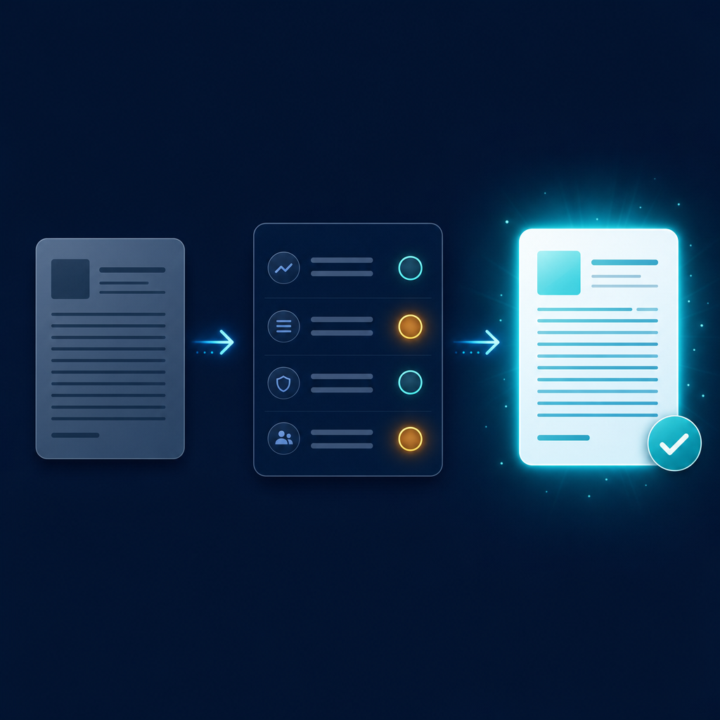
Most people accept ChatGPT's first answer, tweak it a bit, and move on. The single biggest upgrade you can make is to stop treating the first draft as the answer and start treating it as something to be marked. Here's the move. You give ChatGPT the task, then you hand it a rubric, the same criteria you'd use to judge the work yourself, and you make it score its own draft against that rubric before you ever see it. Then it rewrites to fix its lowest scores. Say you're writing a cold email. Most people prompt: "Write a cold email to a marketing director offering our service." You get something generic. Instead, try this: "Write a cold outreach email to a marketing director. Then score your own draft from 1 to 10 on each of these: 1) does the first line earn the second, 2) is it about them not us, 3) is there one clear ask, 4) would a busy person read it in under 15 seconds. Show the scores, then rewrite to fix anything under 8." Now you're not hoping for a good email. You've told it what good looks like and made it run the editing pass you'd normally do yourself. Two things make this work. First, the rubric is where your expertise goes. You know what a good email, landing page, or proposal needs, so you encode it once. The model is far better at applying a clear standard than inventing one. Second, asking for scores forces it to actually evaluate instead of just rephrasing, and it will usually catch its own weakest spot before you have to. Save your favourite rubrics and reuse them. A good-email rubric, a good blog-intro rubric, a sales-call-summary rubric. Over time that's a quiet quality system running on every task. What's a task you'd want a rubric for? Tell me the task in the comments and I'll help you build the criteria.
9 likes • Jun 26
Completely agree. The strongest use of AI is not asking it to produce an answer, but giving it a standard to work against. The rubric is where the human judgement sits. ChatGPT can generate quickly, but the quality improves when you define what “good” means: sharper thinking, clearer structure, stronger evidence, less filler, and a more useful final output. Example prompt: “Write a LinkedIn post on [topic] for [audience]. Then assess it against this rubric: 1) does the opening create a reason to keep reading, 2) is there a clear point of view, 3) is it specific rather than generic, 4) does it sound human, 5) does it end with a useful takeaway. Score each out of 10, explain the weakest areas, then rewrite the post to improve anything below 8.”
2 likes • Jul 6
The rubric does more than check quality. It helps you make your own judgment visible. In executive search, we call this a success profile, the clear set of criteria every candidate is measured against before a hire is made. Without that, you are just collecting opinions. With it, you are actually running a process. The same idea applies here. You are not hoping ChatGPT guesses what good looks like. You are spelling out your standards from experience and asking the model to work to them. One thing worth adding is this: before writing the rubric, ask yourself what a bad version of the output would look like. That often gets you to the criteria faster than starting with the ideal. A 3-point scale, weak, acceptable, strong, also tends to give more honest scoring than 1 to 10, where the model usually drifts towards 7 or 8. The real value is that once you have written the rubric, you have a standard you can reuse. That is not just a prompt. It is an asset.
Jul 2 •
How to get ChatGPT to sound like you, not like ChatGPT
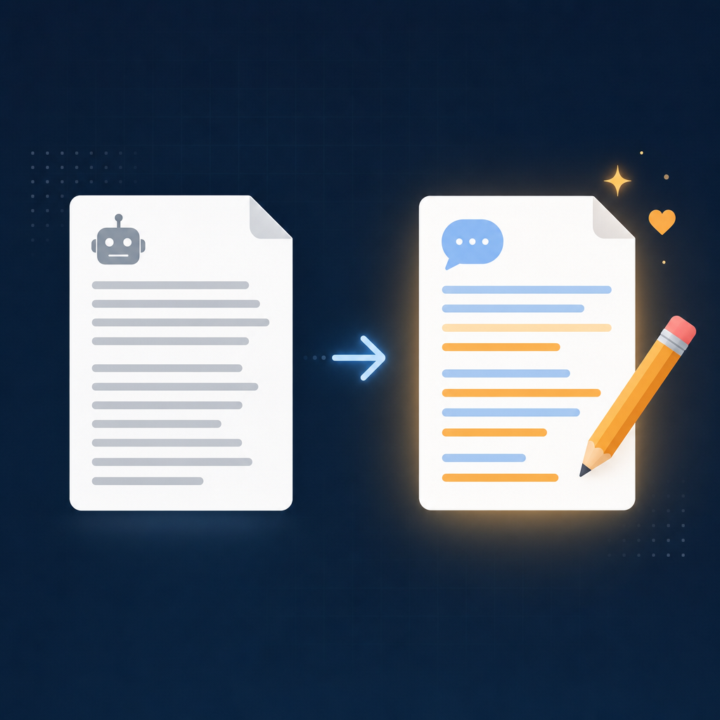
One of the most common frustrations I see in here is that ChatGPT writes well, but it does not write like you. Everything comes out a bit polished and generic, and you end up rewriting half of it anyway. The fix is simpler than most people expect. Instead of describing your style in words, you show it. Grab three or four things you have already written that sound like you. Emails, posts, a page from your website, anything in your natural voice. Paste them in and give ChatGPT this job: "Study these samples and describe my writing style back to me. Cover tone, sentence length, how formal or casual I am, words and phrases I lean on, and how I open and close. Turn it into a short style brief I can reuse." Read what it gives you and correct anything that feels off. Now you have a style brief written in your own voice. From then on, you paste that brief at the top of any writing task: "Write this in the style described below," then the brief, then the task. The output lands much closer to how you actually sound, so you spend your time refining instead of rewriting from scratch. If you use Custom Instructions or a Project, drop the brief in there once and it applies automatically. Have you tried getting ChatGPT to match your voice yet? What has worked, and where does it still fall down? Drop it below.
8 likes • Jul 2
A useful hack: ask it to create a “do not sound like this” list as well. Most style prompts focus on what to copy, but the real improvement often comes from telling ChatGPT what to avoid. Thus, words you never use, phrases that feel too polished, sentence shapes that simply don't sound like you, and the level of enthusiasm that feels fake. That negative style brief is often what stops it drifting back into generic AI voice.
4 likes • Jul 4
Another useful hack: don’t just give ChatGPT examples of your finished writing. Give it a rough draft, your edited version, and ask it to explain the difference. That teaches it how you think and reason, not just your tone. For example: “Here is the original. Here is my final version. Study what I changed. Did I make it sharper, shorter, warmer, less polished, more direct, more human? Turn those editing instincts into rules you can apply next time.” I find that this is where the voice really starts to click, because it learns how you think while editing, not just how you sound when the piece is finished.
1-6 of 6

@simon-childs-5874
Managing Director and Lead Creative at Artisan Boudoir. Cinematic light, calm direction, and images that feel honest, timeless, and intentional.
Active 3h ago
Joined Oct 12, 2023
Cambridgeshire UK
Powered by