Activity
Mon
Wed
Fri
Sun
Jun
Jul
Aug
Sep
Oct
Nov
Dec
Jan
Feb
Mar
Apr
What is this?
Less
More
Memberships
AI Automation Society
354.3k members • Free
AI Automation Agency Hub
314.8k members • Free
4 contributions to AI Automation Society

Feb '25 •
Joining Post
Hi All. Myself Kazi Musharraf From India . Currently Doing My Job. Want To Make AI Agents and Build a Side Husle Or Full Time Job Also . Anyone Can Give Any Road map or help me Connect , It would be Very Thankful .

3 likes • Feb '25
@Nate Herk 🤣 u better be some reasoning model :D
Jan '25 •
Parsing Contacts from Emails into a Spreadsheet – A Challenge and Potential Solution
Hey All! Has anyone worked on parsing contacts from sources like Gmail, Outlook, or Apple Contacts into a spreadsheet? I’m specifically looking to extract information from received emails, such as: • Sender • Recipient • Signature (from emailBody) The goal is to create a valid contact database. However, I’ve encountered the following challenges: 1. Volume of Emails: • Handling thousands of emails at once is problematic. For instance, the Gmail node (get many) cannot load all the data in one go. • To address this, it’s crucial to define the fields to be parsed clearly and efficiently. 2. Historical Sync vs. Ongoing Parsing: • First, I want to perform a historical sync to parse contacts from all past emails. • After that, I’d like to create a workflow that parses new unread emails hourly to keep the contact database updated. This could be an excellent topic for beginners who are exploring workflows for synchronizing contacts from various sources. I’d love to hear ideas or best practices from others who’ve tackled similar challenges. How have you approached this? What tools or techniques worked best for you?
0 likes • Jan '25
Well.. my current knowledge is far from yours, as i go through your comment :D I have much work and learning process to deal with :D
Jan '25 •
Hi everyone, - sync G calendars trouble 💥
Hi everyone, I’m currently working with four separate calendars in my daily workflow, and it’s becoming increasingly difficult to manage them without overlapping events. To simplify things, I’d like to create a workflow in n8n that synchronizes events from all these individual calendars into one target calendar. The goal is to have a consolidated view of all events in one calendar, avoiding duplicates and ensuring that no events are lost or overwritten. However, despite my attempts, I haven’t been able to set up the workflow correctly. I’ve tried fetching events from multiple calendars and comparing them against the target calendar, but I’m stuck figuring out how to ensure only new events are added (without duplicating already existing ones). Does anyone have tips, resources, or video tutorials that could help with this? Or maybe someone has worked on a similar workflow and could share their approach? Any guidance would be greatly appreciated! Thank you in advance! 😊
0 likes • Jan '25
@Daniel Willitzer hey Daniel! Thats sounds pretty great, i will definitely look onto it. But i am from the Czech Republic so i think that there is quite a no chance to meet at workbench :D Also, have u tried something similar already? I have found issues with recurring tasks. Right now i have 6:35 AM Thanks a lot!

💎
⭐
Jan '25 •
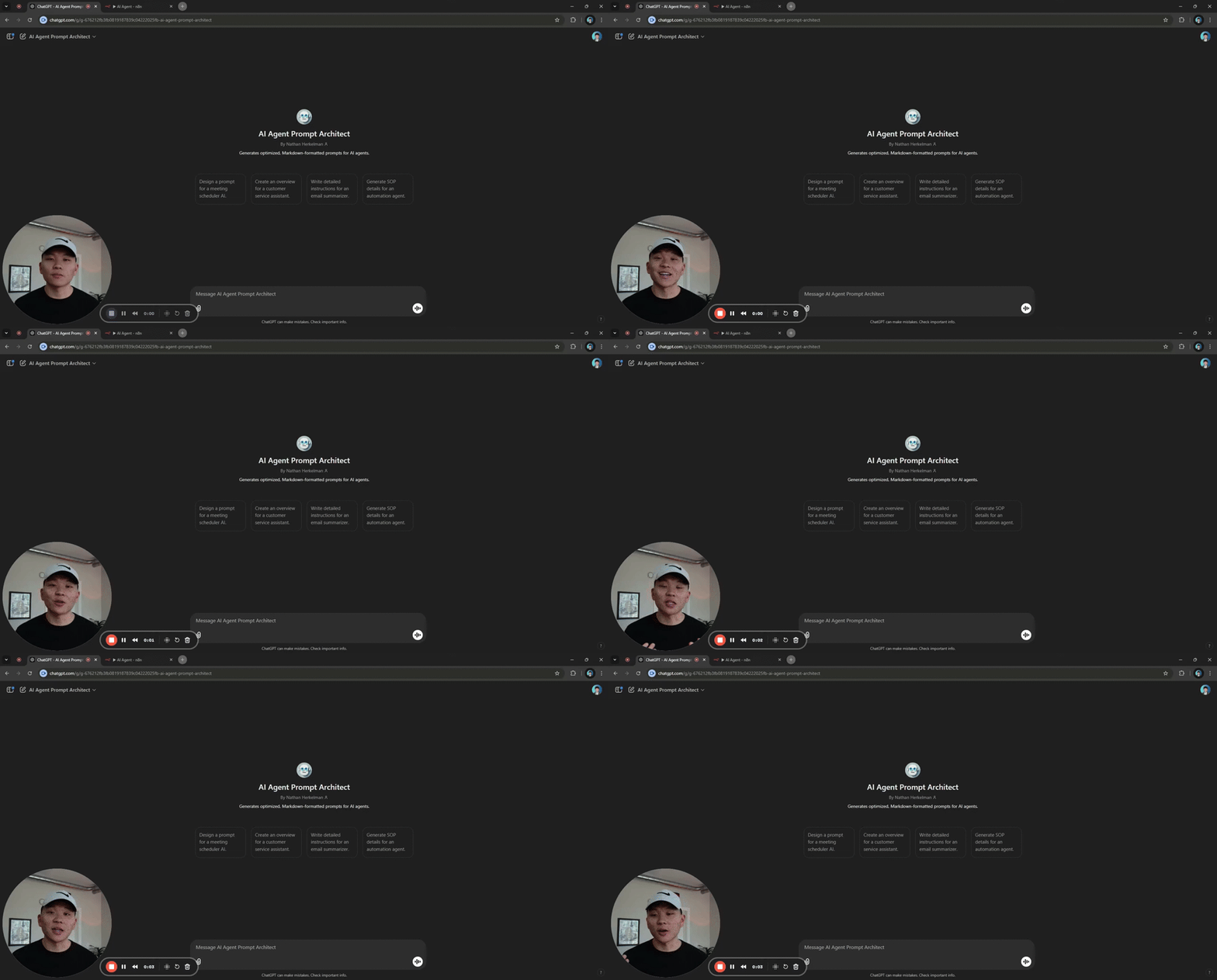
AI Agent Prompt Architect GPT 🤖
Hey all! You can access the custom GPT I built here. Let me know issues you experience with it so that I can improve this GPT! Looking forward to hearing your feedback!
2 likes • Jan '25
Thanks a lot @Nate Herk, really helpful!
1-4 of 4
Active 154d ago
Joined Jan 13, 2025
Powered by