Activity
Mon
Wed
Fri
Sun
Dec
Jan
Feb
Mar
Apr
May
Jun
Jul
Aug
Sep
Oct
What is this?
Less
More
The Creators HQ | by Zedan
222
$80/m
Educated Meatheads
11.6k
Free
34 contributions to The Creators HQ | by Zedan

7d •
IMPORTANT
Hey everyone! I have two questions about Reels content creation, mainly focused on getting attention and reaching new audiences. 1. Where do you draw the line between inspiration and copying? I see a lot of creators using the exact same music, text, and concept, with the only difference being their own footage. The same goes for trending formats, where hundreds of creators essentially make the same video. How acceptable and effective do you think this strategy is when the main goal is to generate attention and reach? Where would you draw the line? 2. How many times can you reuse the same footage? Let’s say I film a cinematic running scene. Would it make sense to use that exact same footage in 3–5 different Reels, but with different music, text, and messages? At what point does reusing footage become repetitive or potentially hurt your reach? For context: My main goal with these Reels is to attract new audiences, and I wouldn’t necessarily display them on my main profile grid. I’m willing to lower the production standards a little for this type of content, but I still want to maintain the credibility and image of my personal brand. I’d love to hear your thoughts on this!
1
0

Aug 28 •
CREATORS HQ 2.0 IS COMING.
I went back through all our group calls. Every question. Every problem you got stuck on. The same struggles kept showing up. So I'm rebuilding the entire Classroom around what you actually asked for. Camera fundamentals. The full DaVinci system. B-roll. Audio. Content strategy. Storytelling. All of it step by step, structured so you can follow it in order or jump straight to what you need. No fluff. Built from your real questions. Before I lock it in, I want to hear from you one more time. Drop a comment: what is the biggest problem you currently want us to help you solve as a creator? If it's real, it goes in the Classroom.
3 likes • Aug 28
Content strategy, how to build emotion into a video, step by step guides, the full davinci system, how to be efficient
Aug 26 •
Zedan please watch this
Hey Zedan, quick question about using your PowerGrade/LUT workflow with iPhone footage instead of camera Log footage. I shoot most of my content on iPhone, and I want to make sure I set up DaVinci Resolve correctly before applying the PowerGrade/LUTs. In your “Important Tip” video you go through the project/color management settings, but I assume some of those settings should be different for iPhone footage. What would you recommend for: - standard iPhone SDR footage, - iPhone HDR/Dolby Vision footage, - and ideally Apple Log if I start shooting that way? Specifically, what should the project color management / input color space / timeline color space / output color space be so your PowerGrade works as intended? Also, would you recommend shooting Apple Log on iPhone if the goal is to get as close as possible to your grading workflow? I also have some already-edited/exported iPhone footage from CapCut in SDR/Rec.709. Would you treat that differently from original iPhone camera files when using the PowerGrade? Thank you🤝
1 like • Aug 27
@Zedan Mutlu ty u bro
Aug 26 •
LUTS+POWERGRADE
Hey guys! In one of the video Zedan mentioned that the LUTs are included and are in the classroom. I've been looking for them, but the only thing I found is this locked Powergrade/LUT pack for $19. I already paid for the course fully, so this was a bit confusing. The video doesn't mention that it's a separate paid product. Am I missing where the LUTs are, or are they no longer included? Does someone know the answer?
Aug 26 •
Third video - shooting
Please give me a feedback, would appreciate it. Probably I will post on stories so Ill write a comment that says; Agent 007. Back at work
4
0

1-10 of 34
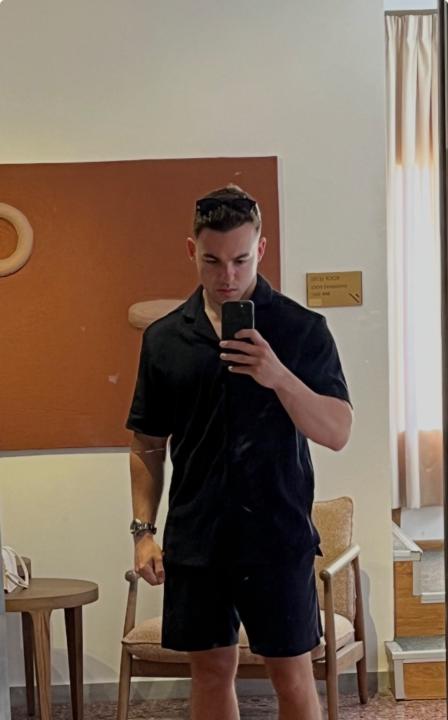
Active 4d ago
Joined Jul 7, 2026
Hungary
Powered by