Activity
Mon
Wed
Fri
Sun
Nov
Dec
Jan
Feb
Mar
Apr
May
Jun
Jul
Aug
Sep
Oct
What is this?
Less
More
HIGGSFIELD
145
1.0
$17/m
14 contributions to HIGGSFIELD

Jun 17 •
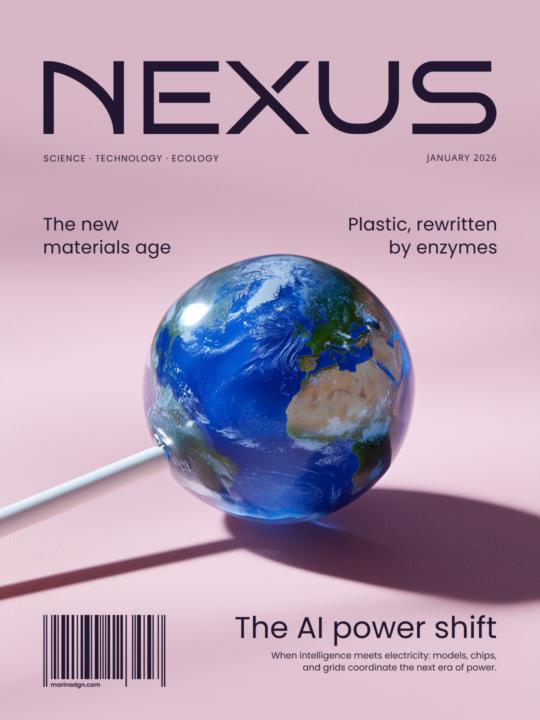
Which issue would you pick up first?
Hi everyone, Lately I've been exploring how far AI can go beyond "pretty images" and into visual storytelling. As an experiment, I created a series of fictional magazine covers where each issue is built around a single idea or future trend. I'm curious: which cover grabs your attention first if you imagine seeing it on a shelf? I'd love to hear your honest thoughts.
Poll
3 members have voted
1 like • Jun 17
Bonus issues that didn’t fit into the original post 😄

May 20 •
Made A Fun Cartoon Promo video for a Mobile Car Detail Business
Combine ChatGPT and Seedance 2.0 to create a pretty cool 3D cartoon video project. That's a lot of fun. Looking forward to the next one. Not perfect, of course, but I certainly appreciate any feedback.

0 likes • Jun 17
So cute 😍
Apr 27 •
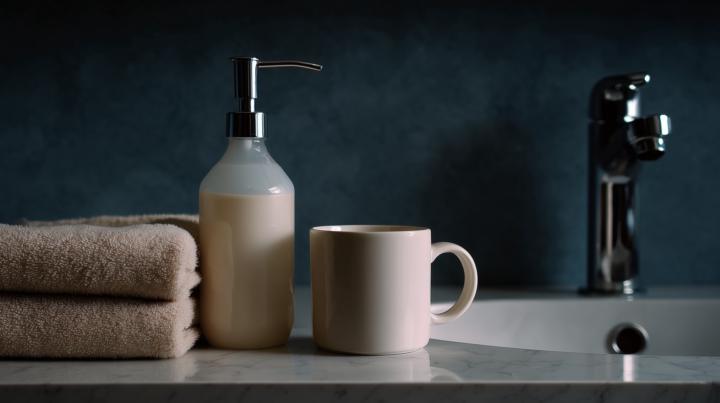
Need help: object removal without re-generating the image
Hi everyone, I need some help 🙌 I need to carefully remove an object from 5 AI-generated images. The problem is that everything else has to stay absolutely unchanged, pixel-perfect. Nano Banana doesn’t work because it re-generates the whole image and slightly changes textures and lighting. I attached an example. Midjourney inpainting also doesn’t work. No matter what I put in the prompt, it replaces the object instead of removing it. I don’t have Photoshop with generative fill. Figma’s object removal is also very low quality. I found tools like cleanup.pictures and ClipDrop. They remove objects perfectly, but the price gets quite high. Maybe someone knows a way to remove objects with minimal cost while keeping the rest of the image untouched?
2 likes • Apr 28
@Ania Melnik just tried it, worked like a magic 🪄 Thank you! 😘

Apr 24 •
No photoshoot? No problem.
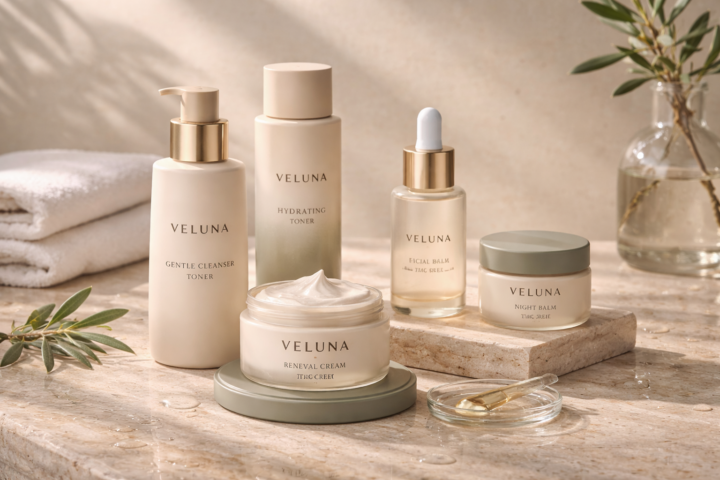
One of the most common problems brands face: they have a product… but no visuals to sell it. No budget for a shoot. No time for production. No content that actually looks good. And without visuals - there’s nothing to show, nothing to promote, nothing to scale. This is where AI product photoshoots come in. Instead of organizing a full shoot, you can create high-quality, styled visuals using AI - faster, cheaper, and fully controlled. Here’s an example from our student: Anna Poshtarenko. Clean composition, consistent style, and visuals that actually feel like a real campaign — not random images. This is exactly the kind of work brands need right now.
1 like • Apr 27
Looks really good, love the styling 😍 I noticed the small text on the round jars gets a bit distorted at the bottom, how do you usually deal with that?
1 like • Apr 28
@Ania Melnik oh that’s a good idea, thank you! I’ll try it 🤗

Apr 11 •
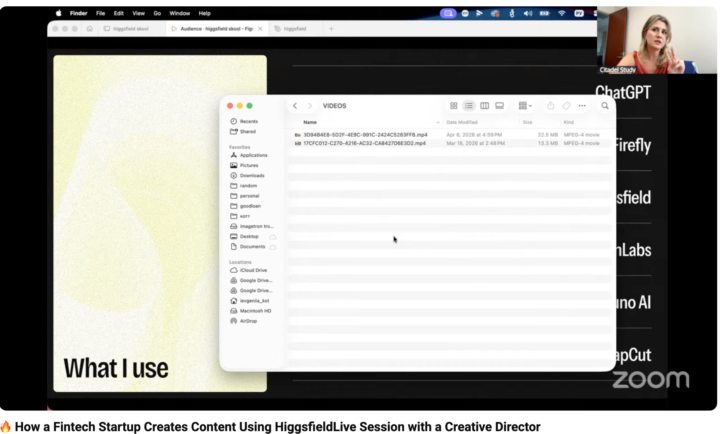
We ON AIR! https://www.youtube.com/live/7XR6CEIUV5U
https://www.youtube.com/live/7XR6CEIUV5U
1 like • Apr 14
Thanks, @Jane Kott , really enjoyed this. Curious, from your experience, do people notice it’s AI? And does it ever impact trust?
1 like • Apr 14
@Jane Kott thanks, makes sense 🙂
1-10 of 14
Active 45d ago
Joined Mar 8, 2026