Activity
Mon
Wed
Fri
Sun
Jun
Jul
Aug
Sep
Oct
Nov
Dec
Jan
Feb
Mar
Apr
What is this?
Less
More
Memberships
The AI Arena
148 members • Free
The AI Upgrade
161 members • Free
ship - mobile app founders
1.2k members • Free
8 contributions to The AI Upgrade

Mar 4 •
Live Claude Code Workshop — This Friday, March 6th at 10 AM AZ
Hey! You answered A to my previous question. I'm hosting a live Claude Code workshop this Friday (March 6th) at 10 AM Arizona time. I'll show you how to use Claude Code — No coding experience needed. We'll go through a few use cases and get you comfortable. Zoom link: https://us02web.zoom.us/j/82356008619?pwd=sVd0kMyEI9c79z1MgnDWbstg4tWZ5N.1 One ask: there's a quick 7-minute setup checklist in the Zoom invite description. Please knock it out before Friday so we can jump straight into the fun stuff. You will get the most out of it if you can play along. Stuck on any of the setup steps? See the detailed instructions in the invite or ask AI. See you Friday!

1 like • Mar 8
@Karl Olsson I run Claude Code on my personal PC, but always isolated within specific project directories. Each project gets its own sandbox so there's no risk of it touching anything outside the scope of what I'm working on. For Clawbot, I run that on an external VPS, keeps it completely separate from my local environment and running 24/7 without depending on my machine being on.
Mar 5 •
How Anthropic Teams Actually Use Claude Code (Insider Insights)
Ever wondered how the people who BUILT Claude actually use Claude Code in their daily work? Anthropic just published a behind-the-scenes look at how their own teams - from engineers to lawyers to marketers - use Claude Code every day. The results might surprise you. Here are the most interesting use cases: 🔍 CODEBASE NAVIGATION New hires feed Claude Code their entire codebase to get productive quickly. Instead of spending weeks understanding complex systems, Claude reads the code, explains dependencies, and shows how everything connects. Product engineers call it their "first stop" for any programming task - identifying which files to examine before even starting to code. 🧪 TESTING & CODE REVIEW The security team transformed their workflow completely. Instead of "design doc → janky code → refactor → give up on tests", they now ask Claude for pseudocode and guide it through test-driven development. Result: More reliable, testable code with way less frustration. 🚨 DEBUGGING UNDER PRESSURE During a production incident, when Kubernetes clusters stopped scheduling pods, the team fed Claude Code dashboard screenshots. Claude guided them menu-by-menu through Google Cloud's UI until they found the issue (pod IP address exhaustion) and provided the exact commands to fix it. Time saved during a critical outage: 20 minutes. ⚡ RAPID PROTOTYPING Data scientists who don't know TypeScript are building entire React applications for visualizing model performance. They describe what they want, Claude writes it, and they iterate. The design team even had Claude build Vim key bindings for itself with minimal human review. 📚 DOCUMENTATION What normally requires an hour of Google searching now takes 10-20 minutes. That's an 80% reduction in research time. Teams have Claude ingest multiple documentation sources to create markdown runbooks and troubleshooting guides. 🤖 AUTOMATION The marketing team built an agentic workflow that processes hundreds of ads, identifies underperformers, and generates new variations - all in minutes instead of hours.
Mar 3 •
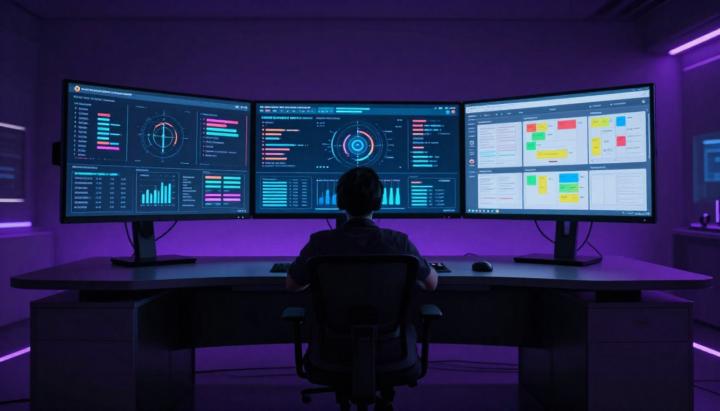
🎛️ My Mission Control Setup: How I Actually Manage My AI Agents
Your AI agent is only as good as the system around it. I've been running OpenClaw for months now, and the single biggest upgrade wasn't a new model or fancy prompt — it was building a Mission Control dashboard to actually see what's happening. Here's my exact setup and the thinking behind it. The Problem I Was Solving Before Mission Control, I had no visibility. I'd ask my agent to do something, close Telegram, and hope for the best. Did it finish? Did it fail halfway? No idea. That's not how you run a system. That's how you run a prayer. My Mission Control Philosophy I wanted three things: 1. Visibility — See everything the agent is doing, in real-time 2. 2. Control — Approve, reject, or redirect work before it ships 3. 3. Memory — Track what was done, when, and why The 5 Screens I Actually Use 📋 Task Board Kanban-style view. Every task gets tracked here — what's in backlog, what's in progress, what's done. My agent updates this automatically as it works. The key insight: I assign tasks to the agent the same way I'd assign to a team member. Clear ownership, clear status. 📅 Calendar / Cron Jobs This shows every scheduled task. If I asked my agent to check something daily, I can confirm it's actually scheduled. No more "I thought you were doing that" moments. 🧠 Memory Browser Daily logs of every conversation and decision. Like a journal, but automatic. When I forget context from two weeks ago, I search here instead of re-explaining everything. 📄 Content Queue This is where I review anything before it goes public. Posts, emails, messages — nothing leaves without my approval. The agent drafts, I decide. 🤖 Agents Overview I run multiple agents for different purposes. This screen shows who's active, what they're working on, and their current status. Org chart for my AI team. The Setup That Made It Click Here's what most people miss: your agent needs to update the dashboard, not just you. I configured my agent to: - Log every significant action - - Update task status automatically - - Queue content for review instead of sending directly - - Write daily memory summaries
30
0
Mar 3 •
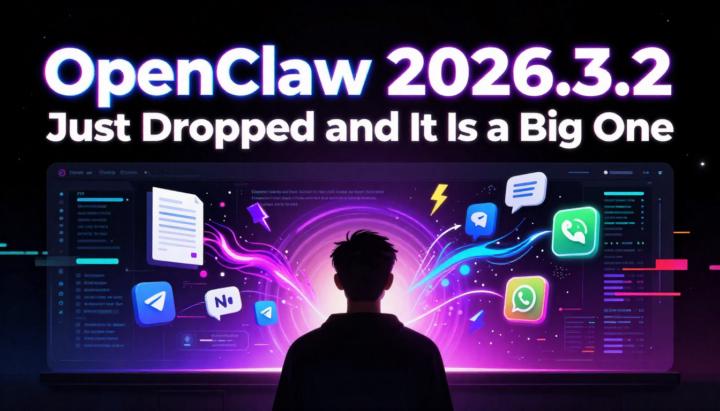
OpenClaw 2026.3.2 Just Dropped and It Is a Big One
OpenClaw just shipped version 2026.3.2 and honestly this might be one of the most feature-packed updates yet. Over 84 contributors worked on this release and it shows. Here is a breakdown of what actually matters for you. 📄 Native PDF Tool This is the headliner. You can now feed entire PDF documents directly into your AI workflows. It works out of the box with Anthropic and Google models. If the model does not natively support PDFs it automatically falls back to text extraction. You can configure page limits and file size caps too. For anyone who deals with contracts, reports, or research papers this is a game changer. 🔗 Multi-Platform Messaging Upgrade Discord, Slack, WhatsApp, and Zalo channels all now share a unified payload system. What this means in practice: • Your AI agent can send images, files, and long messages across any platform • Smart text chunking handles long responses automatically • No more worrying about format differences between platforms ⚡ Telegram Streaming by Default Streaming responses are now on by default for new Telegram setups. Instead of waiting for the AI to finish thinking you get live partial responses as they are generated. The DM experience also got better with a new draft-based preview system. 🧩 Plugin SDK Expansion For anyone building extensions or integrations: • External channel plugins can now access shared runtime helpers directly • New audio transcription API lets extensions process voice files • New lifecycle hooks with sessionKey in start/end events • New event types: message:transcribed and message:preprocessed 🛠️ CLI Config Validation You can now run openclaw config validate to check your entire config before starting the gateway. No more trial-and-error debugging broken configs at launch time. ⚠️ Breaking Changes to Watch • New installs default tools.profile to messaging mode only. Need coding tools? Enable them manually • ACP dispatch is now enabled by default • Plugin SDK removed registerHttpHandler in favor of registerHttpRoute with explicit auth
Mar 3 •
The 5-Minute AI Setup That Replaced My VA
I was paying $800/mo for a virtual assistant to manage my email. Now I have an AI that does it 3x a day, automatically, for ~$25/month in API costs. Here's exactly how I set it up: 1. Connected Gmail via OAuth (no passwords stored) 2. Defined rules: archive newsletters, keep financial, flag VIP 3. Set up cron jobs: 7 AM, 12 PM, 4:45 PM Result: I went from 47 daily emails to 3-5 that actually need my attention. Full guide in the pinned resources. Questions? Drop them below.
0 likes • Mar 3
This is exactly the kind of practical content I was looking for! 5 minutes to replace hours of work is amazing ROI. Thanks for sharing! 🚀
1-8 of 8
@lucas-zarochinski-2464
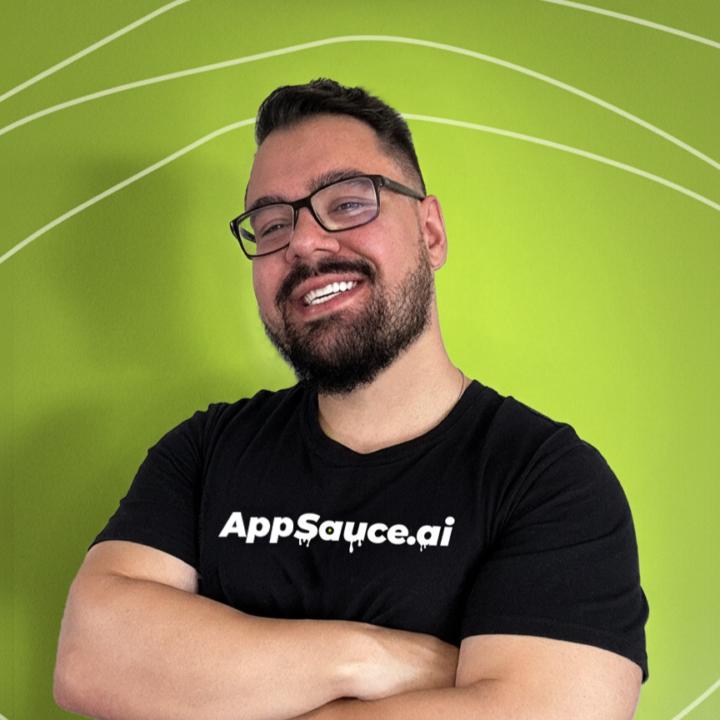
AI powered TikTok engine for mobile apps. 100 posts a day with CPMs up to 80 percent lower than paid ads.
Active 12d ago
Joined Mar 3, 2026
Powered by