Activity
Mon
Wed
Fri
Sun
Jul
Aug
Sep
Oct
Nov
Dec
Jan
Feb
Mar
Apr
May
Jun
What is this?
Less
More
Memberships
AI Investor Secrets
788 members • Free
AI Automation Agency Ninjas
21k members • Free
Rent Out Your Android (ROYA)
1.2k members • Free
AI for LinkedIn - evyAI.com
1.8k members • Free
AI SEO Mastery with Caleb Ulku
3.2k members • $27/m
Linkedin Launchpad
2.3k members • Free
19 contributions to AI for LinkedIn - evyAI.com

Nov '25 •
I agree with Barbie Joe!
Do you guys agree with Barbie Joe? https://www.linkedin.com/posts/dianacarolinamedinasiria_barbie-joe-apfelbaum-ugcPost-7392530198837223424-AhWi?utm_source=social_share_send&utm_medium=android_app&rcm=ACoAADa685EBRM-qunJq3LJuDwDAUyQ7CVGnP2w&utm_campaign=copy_link
0 likes • Nov '25
Good job.

Nov '25 •
How to switch from the OLD sora platform to the new Sora 2 platform
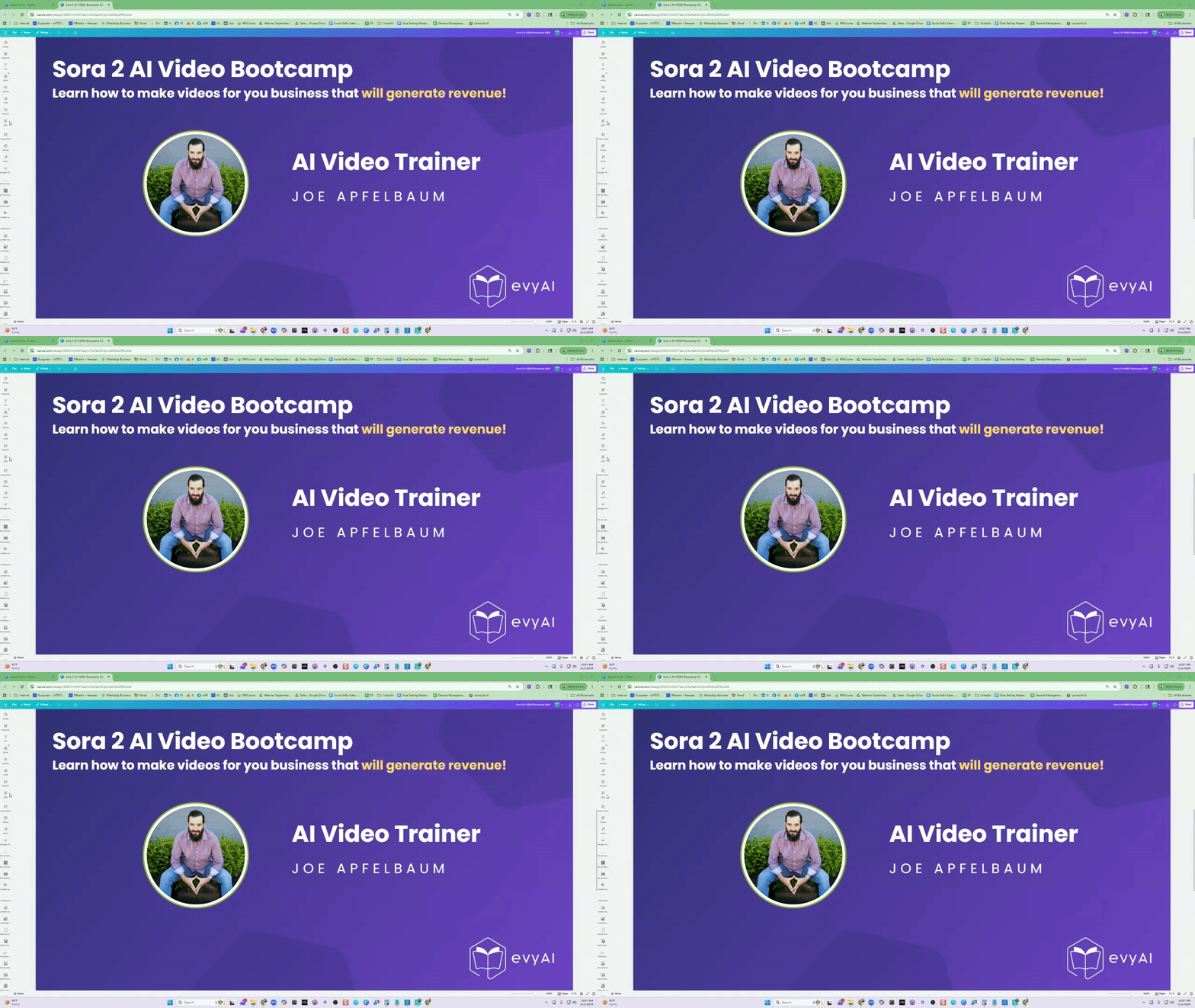
Confused about switching between Old Sora and the new Sora 2 Social Network? I just created a complete walkthrough that breaks down EVERYTHING you need to know. 📍 SWITCHING FROM NEW SORA → OLD SORA 1. Go to Sora.com 2. Click the three dots on the bottom left 3. Select "Switch to Old Sora" What you get with Old Sora: ✅ Full prompting capabilities ✅ Choose 1 or 2 videos at once ✅ Duration control (5, 10, 15, or 20 seconds) ✅ Multiple resolution options ✅ Aspect ratio customization ✅ Video OR image generation ✅ Built-in presets library ✅ Storyboard feature ✅ Advanced creation tools 📍 SWITCHING TO NEW SORA 2 (Social Network) 1. Look at the bottom right corner of Old Sora 2. Click "Open New Sora" What you get with Sora 2: - Clean social feed interface - Simple creation: Describe video + Duration + Orientation - Image upload option - Feed filters (Top creators, Latest, Most Popular) - Search function (find creators like @SamAltman or @JoeApplebaum) - Discover what others are creating Note: Sora 2 has fewer creation options but is designed for social discovery and sharing! 🎓 EXCLUSIVE: SORA 2 AI VIDEO BOOTCAMP You can learn more about the Sora 2 Bootcamp here. https://strategy.evyai.com/sora2bootcamp It starts Nov 3rd at 2pm EST. We are almost sold out. You can watch the replay of our webinar on that page as well as get a special deal on the bootcamp. 📅 Sunday, November 3rd⏰ 2-6 PM EST🎯 4-Hour LIVE Training What's Included: ✨ 9-module complete course ✨ Step-by-step Sora setup & Cameo configuration ✨ 100+ video ideas & prompts ✨ Chrome extensions & hacks ✨ Special resources library ✨ Previous 2-hour webinar replay 👉 Go to Classroom → "Sora 2 AI Video Bootcamp" to access everything now! The full bootcamp replay will be available right after our live session on Sunday. 🎥 [WATCH THE FULL WALKTHROUGH HERE]
3 likes • Nov '25
Any word of a release date (yet) for Android users? I still can't upload myself until Android get in the game.
Oct '25 •
Are you on Sora 2 yet? Here are some members you should follow right now
Please share your Sora 2 link in the comments so we can all follow you.. Here are a few of our amazing members from the evyAI community crushing Sora 2 right now. DM me if you need access. Inspiring people you should follow on Sora 2: https://sora.chatgpt.com/profile/joeapfelbaum https://sora.chatgpt.com/profile/psgphotosolutions https://sora.chatgpt.com/profile/queenalicia https://sora.chatgpt.com/profile/heatherboothboss https://sora.chatgpt.com/profile/rharr https://sora.chatgpt.com/profile/tinalarsson https://sora.chatgpt.com/profile/williamskevint https://sora.chatgpt.com/profile/mikeaiod https://sora.chatgpt.com/profile/evanproattitudes.com https://sora.chatgpt.com/profile/janelehman https://sora.chatgpt.com/profile/rickkloete https://sora.chatgpt.com/profile/darrenc278 https://sora.chatgpt.com/profile/brandallwillis https://sora.chatgpt.com/profile/coachbobby https://sora.chatgpt.com/profile/jwfear https://sora.chatgpt.com/profile/lmsky14 https://sora.chatgpt.com/profile/anshuma.mukkamala

1 like • Oct '25
Here is my sora 2 link. I am going to follow the ones listed above. Would love some follows. https://sora.chatgpt.com/profile/jameslawson72
1 like • Oct '25
Check out my LinkedIn post guys. https://www.linkedin.com/posts/elevate365ai_shopify-brandowners-abandonedcartrecovery-activity-7387238277533265920-93LO?utm_source=share&utm_medium=member_desktop&rcm=ACoAACHf8SQBbu_vlgnaPIG832o-22eitKYcDNY
Sep '25 •
Help me help you!
At evyAI, we’re always looking for ways to bring real value to this community. This is why I want to make sure that our next webinar is built around the biggest LinkedIn challenges you are facing, so Joe can address them... but I need your input first. 👉 Do me a favor and vote in this LinkedIn poll https://www.linkedin.com/posts/dianacarolinamedinasiria_guys-help-me-help-you-whats-the-biggest-activity-7374380505758109696-kEoi Poll options: • Ghost town engagement 😅 • Posting… then crickets 🦗 • Content ideas on empty 🤯 • Strategy? What strategy? 🤷♀️ If your challenge isn’t listed, please comment on the poll so I can capture it. Your feedback will help us create a session that truly tackles what matters most to you. Thank you for helping me help you! 💪
1 like • Sep '25
I cast my vote. Posting...then crickets.
Jul '25 •
How can we get everyone here more engaged?
I would love to know what type of value we need to add in the community to get more of the 1000 people here engaged. My vision is to have 1000 people who engage on LinkedIn together each day. I know we have many people here but not everyone is fully engaged. People are in different stages of their business and are here for different reasons. Tell me what you would personally need to see or experience for you to be more commited to engaging here in the community, ever for 5 mintues a day. BTW I know that many of you, do not even know how to use this community platform well. Maybe we need some training sessions for that. Maybe people dont know how valuable it is to be engaged here and to network with everyone willing to support your business. What are your thoughts? PS: We are meeting at the posting party at 10am on Monday, will bring this up!

2 likes • Jul '25
@Joe Apfelbaum I'm an agency Co-owner. Our agency is focused on helping businesses find hidden revenue in their old leads. Plus, I am also focusing heavily on helping ecom store owners recover their abandoned carts using AI and SMS. We can recover up to 4 to 8% of abandoned carts.
0 likes • Jul '25
@Joe Apfelbaum Personally my main niche is service based businesses like Roofer's, Kitchen/ Bathroom remodelers, HVAC, etc. And because I have my own shopfiy store for my online coffee business, I am also focusing on ecom store owners. It's on my LinkedIn profile here: https://www.linkedin.com/in/james-lawson-5183b713a/ However, the program that we are in continues to grow and adapt the AI technology....and now we have an "Any Niche Android". We can create posts or even ads and have a QR code that any business owner in any niche can scan and fill out there information and then test drive how the bot works for DBR on their old leads. It's really cool. We are almost done getting all the prompts and the set up complete for that.
1-10 of 19
@james-lawson-6327
Co-founder of Elevate 365. We have many AI solutions to help any business in any niche grow. Plus we are also into the M&A space looking to buy & sell
Active 1h ago
Joined Apr 13, 2025
ESTP
Columbus, Ohio
Powered by