Activity
Mon
Wed
Fri
Sun
Aug
Sep
Oct
Nov
Dec
Jan
Feb
Mar
Apr
May
Jun
Jul
What is this?
Less
More
Owned by Catherine
Helping overwhelmed parents create calmer homes with simple routines, practical tools & stronger family connections. 🌿
A gentle space where women rediscover their beauty, confidence and worth, through gentle care, real connection and feel seen, supported and strong.
Memberships
Skooligans
139 members • Free
The Implementation Room
74 members • Free
Grow With Evelyn
3.6k members • $7/month
The Marketing Collective
1.3k members • Free
The AI Collective
410 members • Free
Natura Materna Academy
62 members • Free
Digital Seller's Den
1k members • Free
AI-MADE
336 members • Free
She Stacks Wealth™
1k members • Free
27 contributions to Skill & Soul Studio

🔥
14d •
A Personal Update ❤️
This has been one of the hardest weeks my family has faced. My 21-year-old brother has just today been diagnosed with cancer. We also found out my uncle has cancer, and another one of my brothers is waiting on answers after medical testing. I'm going to keep showing up here, but if I'm a little quieter than usual, this is why. I'm incredibly grateful for this community. You've created a place that's supportive, kind, and full of good people, and I'm thankful to have you all in my corner right now. ❤️

7 likes • 13d
[attachment]
🔥
15d •
Welcome
🎉 Welcome, @Mary Newton 🎉 We're so excited to have you here! Your passion for helping single moms use AI systems to create more freedom and your mission through She Builds Anyway are truly inspiring. 👉 When you're ready, head over to the Start Here section in the Classroom to get oriented and make the most of everything inside. Welcome aboard, we're glad you're here!

6 likes • 15d
[attachment]
🔥
25d •
Honest opinion on the discovery image
I have a new discovery image i am thinking about changing to, which one do you think i should go with? The last one is the current one
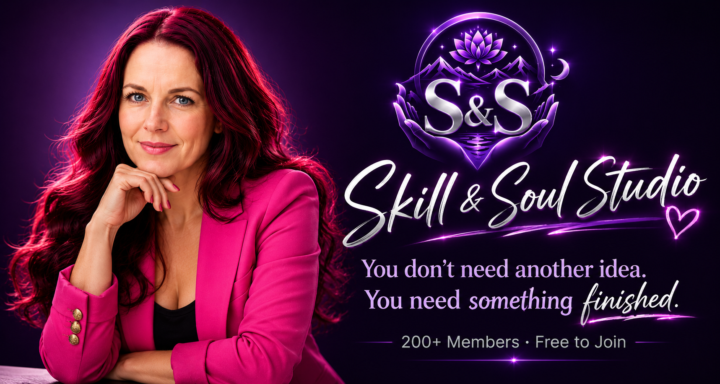
1 like • 24d
@Manda Jackson thank you for sending me your prompt. This is what I came up with! I don't recognise its me!!!!! What do we think?
2 likes • 24d
@Manda Jackson brill thank you. I will do it when I get up!!!
🔥
25d •
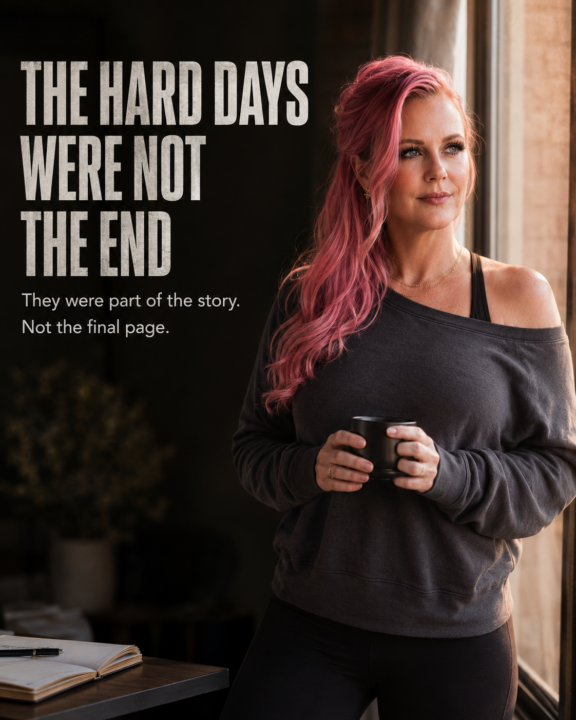
The hard days were not the end
Use the uploaded image as the exact subject reference. Preserve identity, facial features, age range, recognisability, skin tone, and natural proportions. Create a cinematic portrait showing the subject after coming through a difficult season and stepping into a stronger chapter. The image should feel emotional, real, resilient, and quietly powerful. Large clear readable headline: THE HARD DAYS WERE NOT THE END Small supporting text: They were part of the story. Not the final page. Visual storytelling: Show the subject standing in a realistic environment that suggests recovery, rebuilding, and forward movement. The scene could be an early morning street after rain, a quiet home office after a long night, a coastal path at sunrise, a doorway opening into warm light, or a room filled with half-finished work now being completed. The subject should not look overly glamorous or untouched by life. She should look calm, strong, grounded, and proud in a subtle way, like someone who made it through something difficult and is still here. Completely change: • Outfit • Hairstyle • Expression • Pose • Environment Style direction: Realistic cinematic photography.Emotional editorial portrait.Natural lighting.Warm light breaking through shadows.Soft but powerful atmosphere.Visible contrast between past struggle and new possibility. Outfit: Simple, modern, comfortable but polished.No ballgown.No luxury suit.No fantasy styling.No exaggerated wealth signals Pose: Standing near a window, doorway, road, desk, or shoreline. Looking slightly toward the light or directly at the camera with quiet strength. No dramatic superhero pose. Mood:Hope after hardship.Strength without pretending everything was easy.Peace after pressure.A new chapter beginning. Avoid: Fantasy powers. Angels.Wings.Crying close-ups.Hospital clichés.Luxury mansion styling.Overly perfect influencer posing. 4:5 vertical. Magazine-quality. High emotional impact. Readable text. No AI artifacts. No watermark.
5 likes • 25d
@Manda Jackson
5 likes • 25d
@Jessica Ajibolade
🔥
25d •
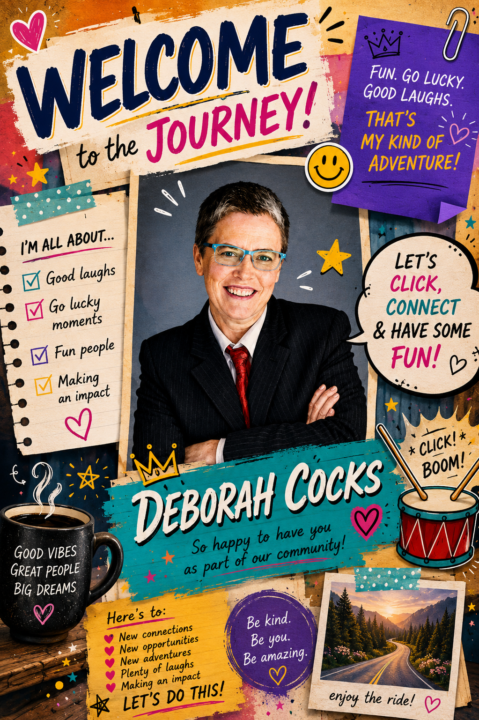
Welcome
Welcome, @Deborah Cocks 🎉 We're delighted to have you in Later Starters! Your fun-loving spirit, positive energy, and love of a good laugh are already making this community brighter. Here's to new connections, fresh opportunities, plenty of laughs, and an exciting journey ahead. We're so glad you're here! 😊
4 likes • 25d
@Deborah Cocks hello
1-10 of 27
@catherine-burns-3650
Working hard, being myself and doing what I want to do, for a change!
Active 2h ago
Joined May 25, 2026