Activity
Mon
Wed
Fri
Sun
Nov
Dec
Jan
Feb
Mar
Apr
May
Jun
Jul
Aug
Sep
Oct
What is this?
Less
More
23 contributions to KDP Publishers by PublishFlow

Aug 25 •
Account got terminated
I got my account suspended in June for review manipulation accusation and got it reinstated on 21st June, after that I removed all ebooks to avoid any future issue. I did not do anything since then I my account accept Amazon ads and they terminated my account on 14th aug with below mentioned email. Hello, We are terminating your account effective immediately because we have found activities in your account trying to manipulate our services. In addition to closing your account: • You'll no longer be eligible to receive outstanding royalties. • You no longer have access to your account. This includes editing titles, viewing reports, and accessing other account information. • Published titles will be removed from Amazon. As per our Terms and Conditions, you aren't allowed to open any new KDP accounts. See our Terms and Conditions: https://kdp.amazon.com/terms-and-conditions If you have questions, you can reply to this message. Regards, Amazon KDP

0 likes • Aug 27
May I ask you about the review manipulation accusation. Did you use any of the review websites, BookReverb for example? I have a book, just published and zero reviews, I'm in two minds whether or not to 'help' the review process. So far I've resisted the urge to try these things.

Jul 16 •
Introducing myself
Hey I’m Tynesha I’m a book author I just wrote my first book call unchained voices It is based on about my life and domestic violence where it help empire women to be strong and stay safe from their abuser.
1 like • Jul 16
Hi Tynesha, welcome to the Book Club 🙂
0 likes • Aug 7
@Tynesha Eason I think you have come to the right place. :-)
Jul 21 •
🚀 BIG update: Video Ads out now + live call on Saturday
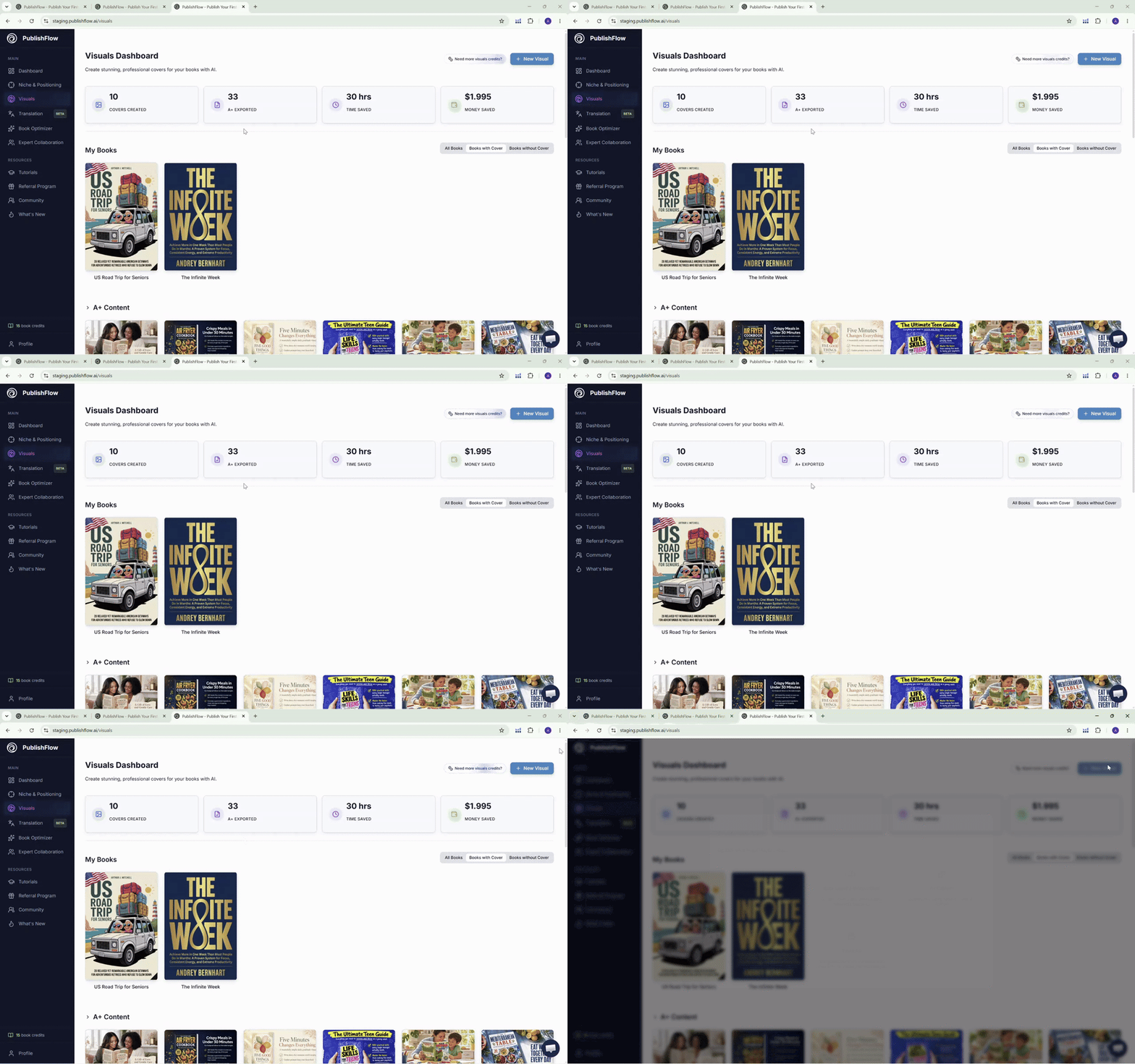
Over the last 3 weeks we worked on 3 big updates, new features and improvements for PublishFlow. You can see and use ALL of them today. I will showcase them in detail over the coming days with more posts here in Skool. Plus, I will show the new features in a live call this Saturday. The first big new feature I want to talk about today: 🎬 The Video Ads Tool. I already showed a beta version a month ago in a live call. And now it's out for all Pro subscribers! I have been using these exact video ads for my books for months now, with amazing results. Video ads are, at least for me, some of the most efficient ads I run in my account. (Of course, that are my books; ad results always vary.) 💵 Before our AI video ads workflow, I paid $50 for a cheap video ad and $80-100 if I asked a UGC influencer... ...now it's less than $10 per video ad. So feel free to try it out! The tool is now available in Visuals. If you have any questions, write them below or bring them to the call on Saturday. 💬 📅 The call is this Saturday, July 25th, at 5 PM CET | 11 AM EST | 8 AM PST. I will give some inputs on video ads, how to set them up and how to run them, plus I will talk about the other new features. At the end we will have an open Q&A for all of your questions regarding KDP in general. 👉 Go to the Calendar tab here in Skool to save the date. P.S. We updated our website too; feel free to check it out! publishflow.ai P.P. One of the big updates are the 51 new Visuals templates I briefly showed in a post last week. Feel free to test them already.
7 likes • Jul 21
You and your Team Andrey are constantly adding value and functionality to an already great tool. I just wanted to show my appreciation, Cheers.. Andy
2 likes • Jul 24
That's 16:00 GMT for the UK. I missed the last one due to inaccurate brain activity on my part.

Jul 17 •
Introducing Myself...
Hi Guys! I'm Cameran and I live in Arizona, U.S.A. I published my first book in April 2026 and I have 2 more books that are pretty close to being ready to be published. My first 2 books took 6 month each to write, edit, and all that. Right now, I'm having 2nd and 3rd thoughts about how much interest and demand there really is and whether I should put more time into finishing the 2 and 3rd books. I am not using PF yet, but I am interested; however, I want to earn some profit from the 1st book first. I have been using Claude and ChatGPT to assist me. My 12 month goal is to publish 1 book a quarter that earns well. My longer term goal is to provide valuable books that allow me to earn $27,777 a month. I am focusing now on understanding the niche/topic research and supply/demand and competition factors so that I can publish books in great areas that actually makes sales. For my first book I am needing to learn more about amazon Ads. It's been hard doing this all alone, so I am eager to lean and receive community support. Andrey thank you for all the great videos!
1 like • Jul 21
Hi Cameran and welcome. I admire your ambitions but personally I would not wait another minute before purchasing the Pro subscription. It will help you analyze your existing books, grab 5 ASINs of competitors and see what the best AI has to say about them! Go for it...
Jul 17 •
Introduce yourself
Hi everyone, my name is Tynesha I am a book author. I just wrote my first book called unchained voices It is based on my life what I’ve been through domestic violence is no joke. I am a woman environment for all women and advocates that are going through the science simulator that I’ve been through. You’re not alone. This was my book is about open up to women that’s been through domestic and family abuse and let them know they’re not alone.
1 like • Jul 18
Hello and welcome. 👋
1-10 of 23
@andy-salmon-3723
IQ is knowing a tomato is a fruit...
EQ is knowing never put one in the fruit salad..
Active 45d ago
Joined Jun 3, 2026
Warminster, Wiltshire, UK
Powered by