Activity
Mon
Wed
Fri
Sun
Feb
Mar
Apr
May
Jun
Jul
Aug
Sep
Oct
Nov
Dec
Jan
What is this?
Less
More
Memberships
Appointment Setting
5.8k members • Free
Remote Sales Secrets
221 members • Free
Halal Setters
434 members • Free
Lead Generation Insiders 🧲
1.7k members • $1,497
Chase AI Community
34.3k members • Free
AI AUTOMATION INSIDERS
2.8k members • Free
The AI Advantage
70k members • Free
Local Lead Labs
731 members • Free
Agency Flywheel Hub
4.5k members • Free
2 contributions to AI & Skool Hub ⭐️❤️🔥🚀

Aug '25 •
Job Title: Automation & AI Chatbot Workflow Specialist
Description: We are seeking an Automation Workflow & AI Chatbot Builder with at least 1 year of hands-on experience in creating and managing workflows using Zapier, Make (Integromat), or n8n.The ideal candidate will be skilled in designing automation solutions, building AI-powered chatbots and integrating them into client systems (CRM or custom platforms). Responsibilities: Design and implement automation workflows using Zapier/Make/n8n. Build and deploy AI chatbots tailored to client needs. Integrate automation solutions with client systems. Troubleshoot and optimize existing automations. Requirements: Minimum 1 year of experience with Zapier, Make, or n8n. Proven experience in building AI chatbots. Strong understanding of API integrations. Ability to work independently and deliver client-ready solutions
May '25 •
Automation workflow
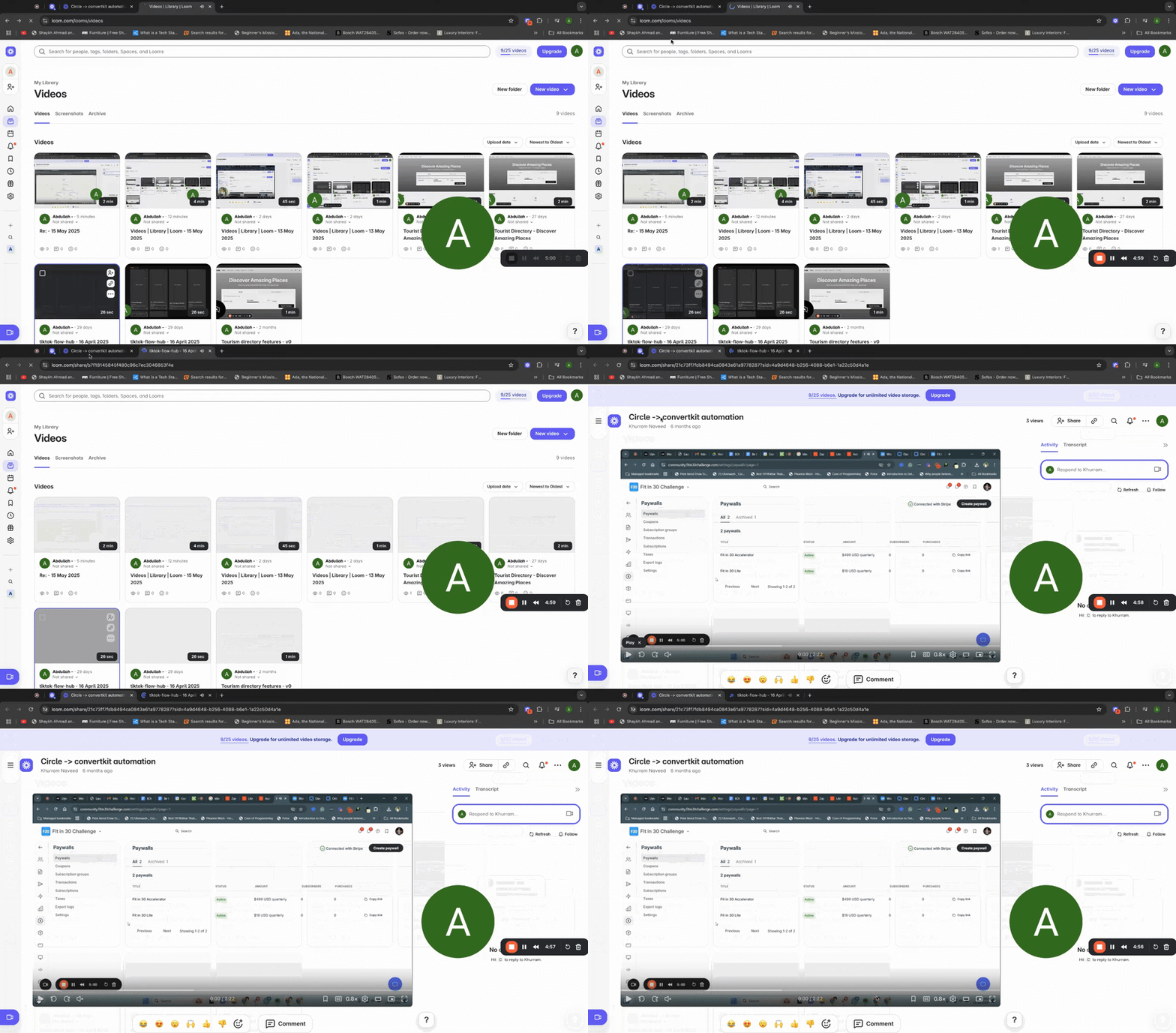
Anyone interested in a similar workflow or custom workflow, please DM below is an example purpose, features added and a Loom video demonstration Circle Product Purchase + Onboarding Emails Purpose; To automatically onboard users based on which product they purchase—either “Accelerator” or “Light”—using Circle, Zapier, and an email onboarding sequence. Features; Step 1: Define Products in Circle - Your Circle community has two products: Accelerator Light Step 2: Tag Members Upon Purchase - When a member purchases a product, Circle automatically tags them: Purchasers of Light get tagged as "Light" Purchasers of Accelerator get tagged as "Accelerator" Step 3: Zapier Monitors Tag Assignments - Zapier watches for new tag assignments in Circle. - A filter step in Zapier checks the tag: If the tag is "Light," it triggers the Light onboarding automation If the tag is "Accelerator," it triggers the Accelerator onboarding automation Step 4: Add User to Email Onboarding Sequence - Based on the tag, the user is added to the corresponding email sequence: Light buyers enter the Light onboarding email sequence Accelerator buyers enter the Accelerator onboarding email sequence Step 5: Implement Delay Before Onboarding - A 3-day delay is set in the workflow. - After 3 days, the user automatically starts receiving the onboarding emails. Step 6: Activate Workflow - Both Zaps are set up and active in Zapier. - Tagging in Circle is functioning correctly. - Email sequences are configured and ready. - Publish the workflows to make the automation live. https://www.loom.com/share/66585a4f5fd440faba37b1f6dd06ad61?sid=4511d417-6081-4101-b528-271e38b7250c
1-2 of 2

@anam-haq-7221
I help values-driven founders book more calls and scale. I’m also the founder of Forgeflow, which automates tasks to boost efficiency and sales.
Active 22m ago
Joined May 2, 2025
Powered by