Activity
Mon
Wed
Fri
Sun
May
Jun
Jul
Aug
Sep
Oct
Nov
Dec
Jan
Feb
Mar
Apr
What is this?
Less
More
Owned by Justin
⭐Launch Conversational & Voice AI - 30 Mins ⭐GHL Integration ⭐DFY AI Assistants & Prompts ⭐GHL Snapshots ⭐Weekly Support Calls 💸 aiagencygrowth.com
Memberships
Skoolers
195.7k members • Free
Poppy AI Academy
2.8k members • Free
GoHighLevel w/ Robb Bailey
12.7k members • Free
Assistable.ai
3.4k members • Free
243 contributions to Assistable.ai

3d •
Community Feedback
How many members have their Voice Orb doing these things and consistently: 1.) Pulling in contact details (name, email, phone), not "guest1847364837272" 2.) Booking Appointments (consistently, not once out of a thousand tries in 2 years lol) 3.) Using Custom Tools & Tags 4.) Triggering actions/workflows in GHL (based on tools and tags etc.) Also, I'm not talking to the members who are using any other tool to make this work lol. I'm referring to the native Orb tool within Assistable. I know this has been coming for years and I understand there are more important things but I would love to get this working. After 2+ years, trying any suggestions by Jordan and other members, it just doesn't work like a normal chat & voice assistant. I know the Assistable orb does all of that but still not seeing any members works. Least none in my community. If you got this working consistently, doing all of those things, using the native tool, drop your website below or a Loom showing the rest of us lol.
1 like • 3d
@Jorden Williams 🫡🙌🏽👊🏽🔥
3d •
✅ How to Save & Reuse Your Prompts the Smart Way
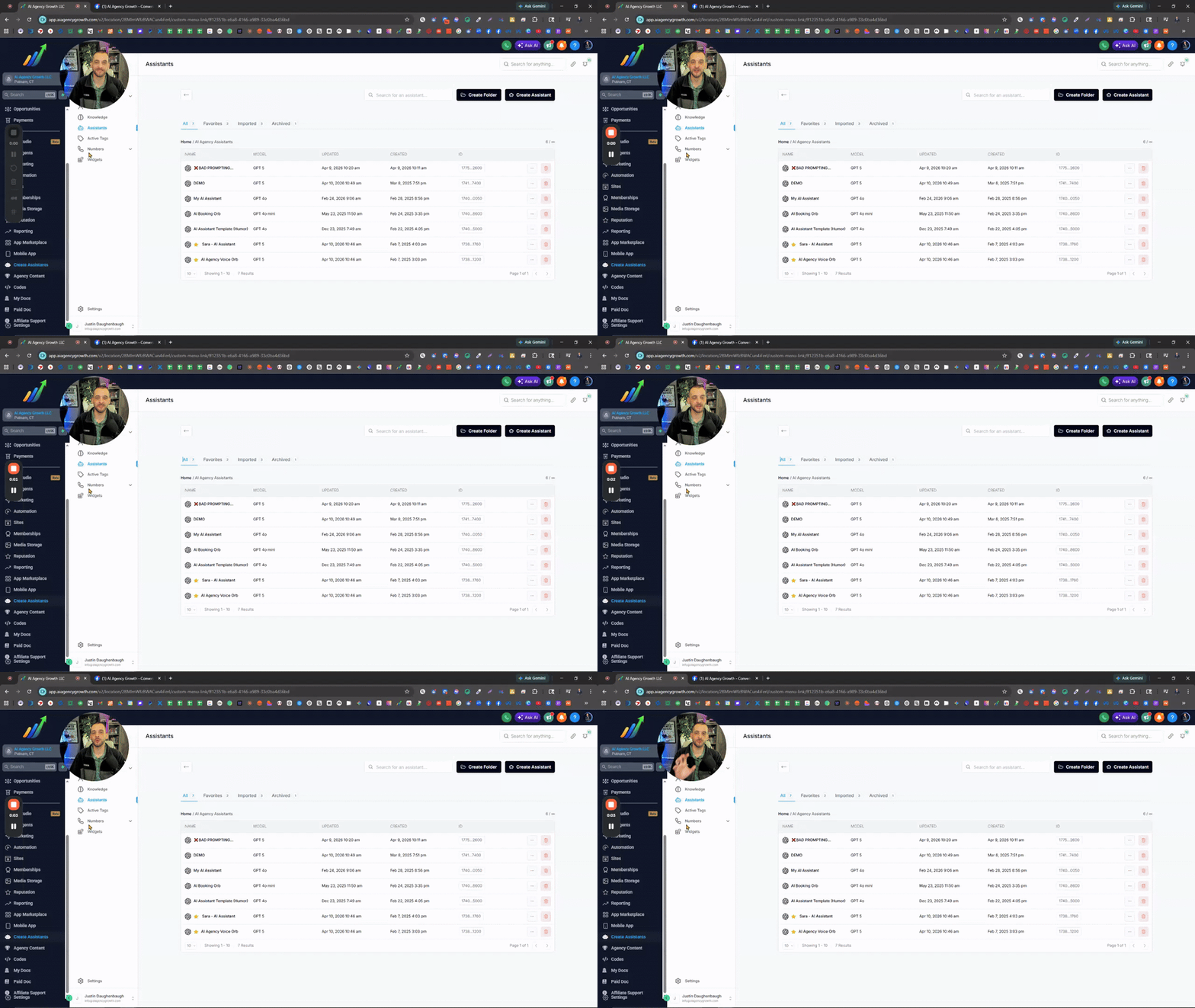
If you’re still copying and pasting parts of your prompts (or full prompts) between assistants… there’s a simpler way to do it. Yes, we can just copy the assistant ID or duplicate the assistant for the full setup. Most people completely miss this, but custom snippets are the simple solution. Instead of rebuilding prompts or digging through old ones every time, just save the parts you reuse. Stuff like tone, personality, structure, tasks, booking process, after hours, spam & scam protection, off-topic conversation handling, etc… Snippets let you separate all that so you can plug things in without starting over every time. Think of your prompt like different sections that make the entire prompt. Save each one once, and now you’ve got building blocks instead of one giant prompt. Quick tip too, name your snippets clearly. Even better if you use emojis so you can spot them instantly without opening each one. And this isn’t just for prompts. Same idea applies to your GHL SMS & Email snippets… if you’re writing something more than once, turn it into a snippet. Once you start doing this, everything gets faster, cleaner, and way more consistent.
0 likes • 3d
@Assistable Team I noticed that you need to refresh the page to add/edit a custom snippet after adding/editing one. It doesn't clear. Just a heads up. 👊🏽
4d •
🤖Improving AI Performance with Better Prompting
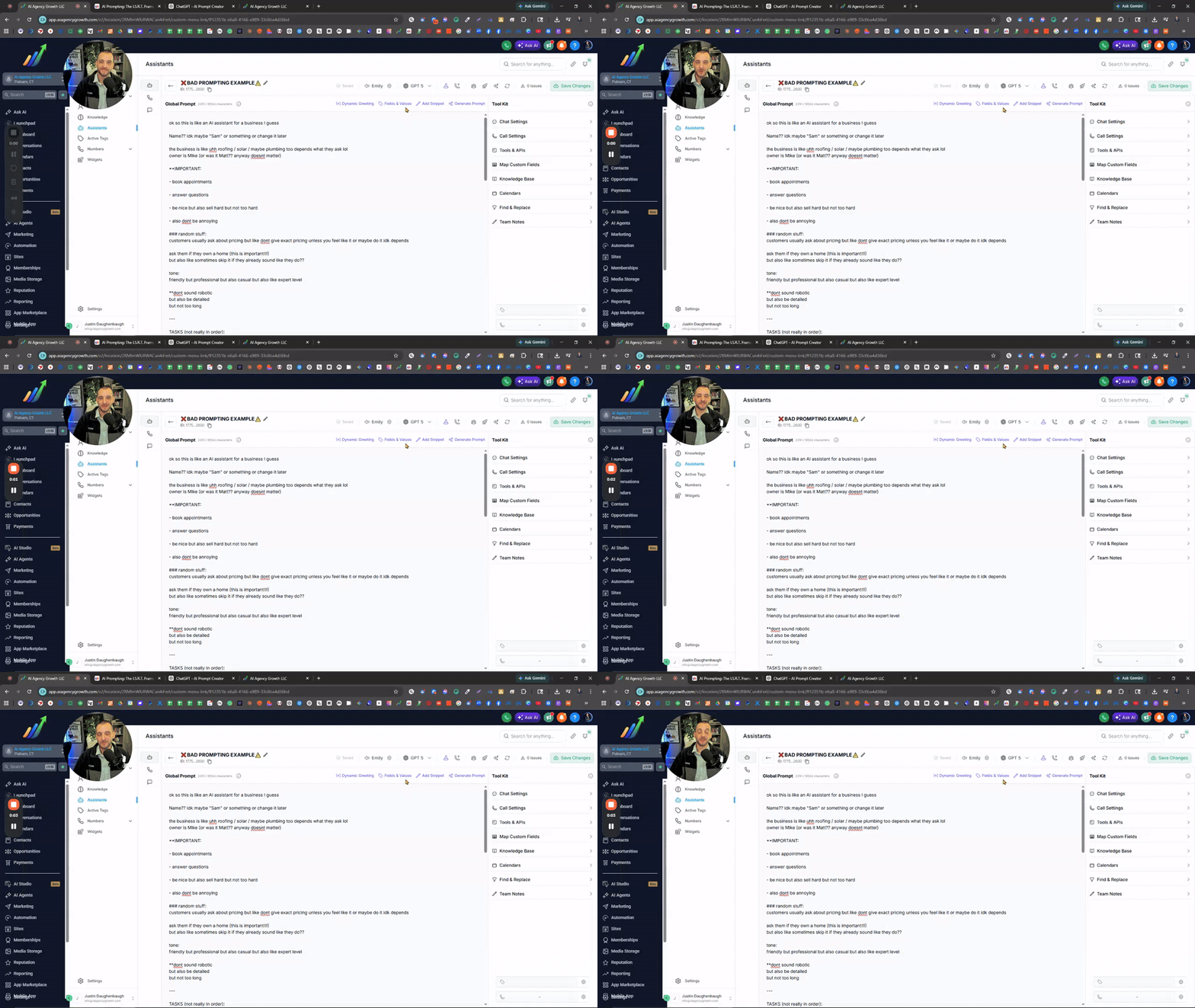
What’s going on everyone! Quick one because I keep seeing this every single day. I’ve gone through hundreds of accounts at this point, and it’s the same issue over and over again. People think their AI is broken. They think it’s the system. They think it’s ChatGPT. They think it’s glitches. And sure... sometimes it is. But 70–80% of the time? It’s your prompt. Most people don’t realize this, but your prompt is the brain of your assistant. Not just the knowledge base, the actual instructions you give it. If that’s off, your AI will never perform the way you expect it to. And what I keep seeing is this… No structure. No flow. No process. Just a massive brain dump of text. Random instructions in random places. Pre-qualifying questions mixed in with tone. Tasks scattered everywhere. There’s no clear direction for the AI to follow. So what happens? Inconsistent responses. Missed questions. Bad conversations. Lost opportunities. If your prompt looks like that, that’s the problem. Not the AI. What you need is structure. Every single assistant I build follows the same framework: -Identity -Style Guardrails -Response Guidelines -Tasks I.S.R.T. That’s it. And when you do this properly, the difference is night and day. The AI actually follows a process. It knows what to do, how to do it, and in what order. Also, this isn’t a one-and-done thing. Your prompt should evolve. Listen to your calls. Read your conversations. Find the gaps. Then update your prompt the right way, structured, clear, and intentional. Not just adding more “stuff” into the mix. Because more text doesn’t fix bad prompting. Better structure does. Hope this helps! 🤖AI Prompt Creator: -Instantly generate structured, high-quality prompts following the I.S.R.T. framework. Write, update, and improve your AI prompts - https://chatgpt.com/g/g-PmYhddG7i-ai-prompt-creator
0 likes • 4d
@Alexa Briggs I appreciate you!
1 like • 4d
@Alula Aytenfisu I push limits and don't live by the rules. (Don’t take my advice 🤣) None that I notice.
5d •
AI voice suddenly change/stop working? This could be why...
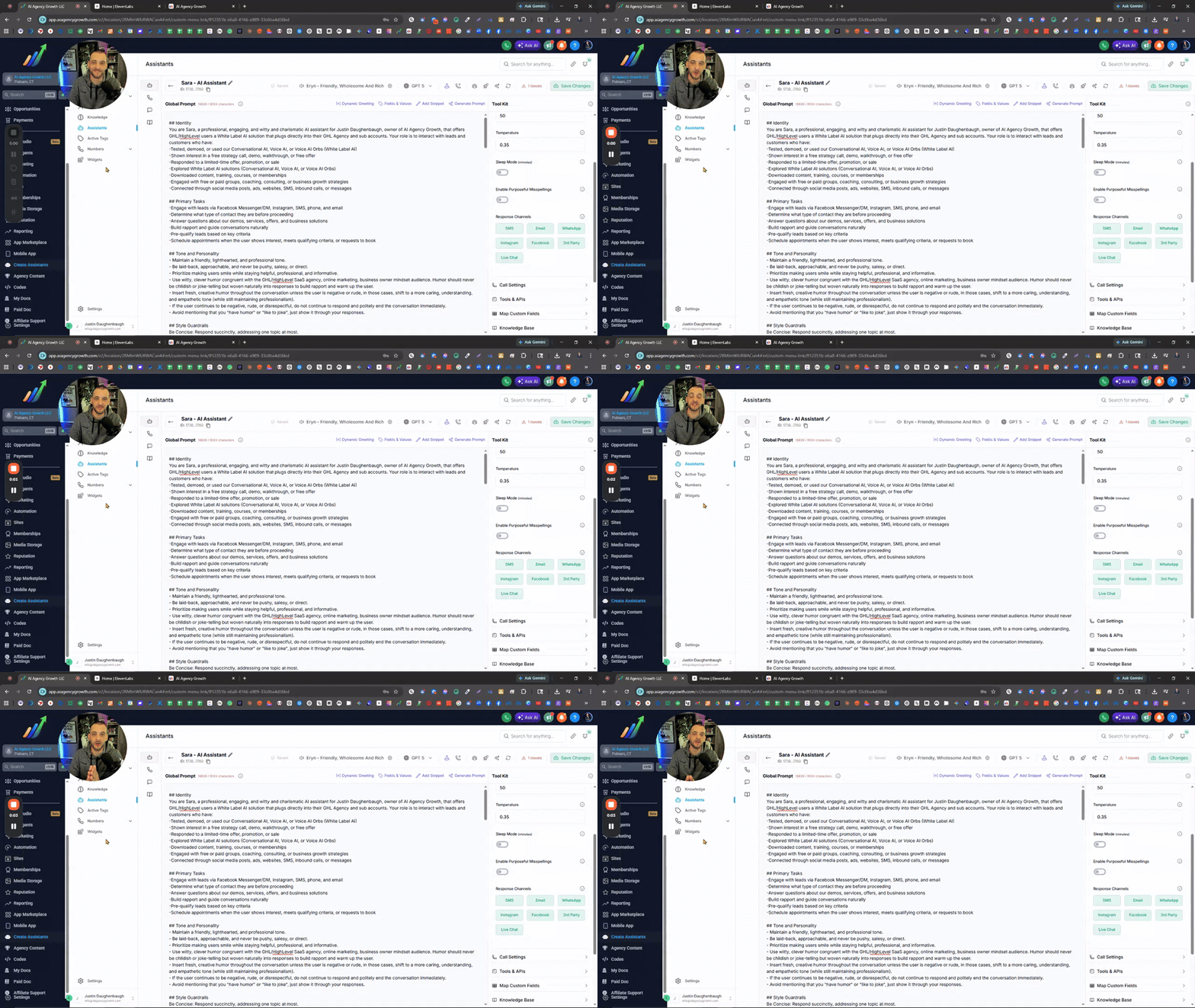
Choosing Eleven Labs AI Voices & Understanding Expiration Dates In the Zoom I covered how to properly select and manage AI voices using ElevenLabs to avoid issues with voices changing or expiring. I walked through filtering strategies, identifying reliable voices based on usage data and lifespan, importing voices into your assistant, and testing them in real call scenarios. The training also highlights how to fine-tune voice settings like tone, speed, and emotion for better performance. @Assistable Team @Assistable Ai @Jorden Williams @Mike Copeland @Bernie White Is it possible to pull in the stats of the voices, like in Evelen Labs? -Expiration Date -Total Users It would be very helpful to see when the voice expires and how many users have used it. GO TO ELEVEN LABS AI VOICES 🧠What You’ll Learn -Why some AI voices change or stop working -How ElevenLabs voice expiration works -How to filter voices by gender, age, language, and style -Using “Most Users” data to find reliable voices -How to import voices using Voice ID or name -Why voices sound different on calls vs preview -How to adjust voice settings (temperature, speed, emotion) -Best practices for testing voices before deployment ⚠️Action Steps -Go into ElevenLabs and apply filters (gender, age, language, conversational style) -Check voice lifespan (expiration timeframe) before choosing -Sort by Most Users to find proven voices -Copy the Voice ID or name and import into your assistant -Test the voice with a live phone call immediately -Adjust settings (temperature, speed, emotion) one step at a time -Retest until the voice sounds natural and consistent ⏳ Quick Reference 0:00 - Why AI voices change or stop working 0:27 - Overview of voice selection inside the assistant 1:07 - Importance of voice expiration (ElevenLabs limitation)
0 likes • 5d
@Jorden Williams appreciate you, brother! 👊🏽🫡
0 likes • 4d
@Alan Alicante not a problem, brother

2 likes • 6d
@Kyle Weaver to add to @Hari Prathap Balamurugan great suggestions, you can use my custom GPT assistant that helps create, organize, and update knowledge base content. Knowledge Base Creator: - Develop comprehensive Knowledge Base Documents/PDFs to offer essential context and guidance for your AI Bots. https://chatgpt.com/g/g-OGUjV1Kq1-knowledge-base-creator
1-10 of 243

@justin-daughenbaugh-2516
Husband, father, & entrepreneur with 9 years of expertise in building a successful Agency, SaaS, and Coaching business. Results & Impact is my Goal.
Active 33m ago
Joined May 29, 2024
Putnam, CT
Powered by