Commission Scaling
Private
48 members
$9/month
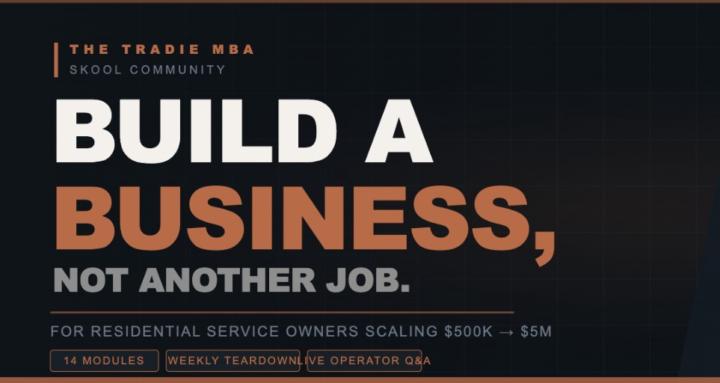
🛠️ THE TRADIE MBA
For HVAC, plumbing, electrical, and roofing owners ($500K–$5M+) done with mindset gurus and $30K masterminds.
INSIDE, FREE:
✅ Find 20-40% more profit hiding in the business you already own
✅ Build systems so the business runs without you
✅ Turn one-time jobs into recurring revenue that compounds
✅ Build enterprise value that pays you again at exit
📚 WHAT YOU GET:
🎓 Full 14-Module Curriculum — Foundation → Build → Run → Scale the Machine. Financials, hiring, sales, SOPs, marketing, recurring revenue, expansion, exit.
🔧 The Operator's Toolkit — Financial Dashboard, 5 Core SOPs, Hiring Scorecards, Price Book Framework, $0→$10M Roadmap, Tech Stack Inventory, 88-item SOP Checklist.
🔥 Friday Live Business Teardowns — Real P&Ls. Real problems. Real fixes. Coaches charge $30K. You watch free.
⚡ Monday Operator Rhythm Call — The cadence that separates executors from lurkers.
👥 A room of real operators. Not wantrepreneurs.
powered by
skool.com/tradeops-collective-1275
"Commission Scaling" — done-for-you booked appointments for licensed life insurance producers who are done paying for maybes.